
InVideo AI Review 2026: Is It Worth It for Beginners?
Full InVideo AI review: pricing, plans, Agent One, what's good, what's not, and whether it's the right AI video tool for beginners building content in 2026.
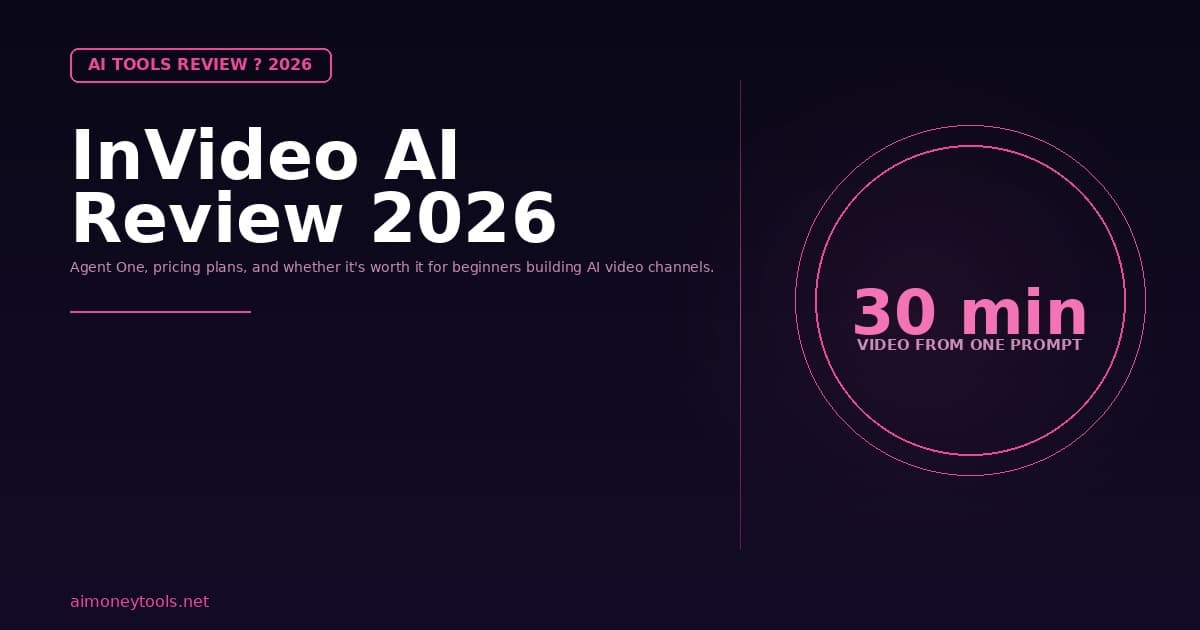
Quick verdict: InVideo AI is a capable browser-based AI video creator that works well for scripted social videos, YouTube content, and marketing clips — especially for beginners who want to go from prompt to polished video fast. Agent One (their new long-form AI agent) is genuinely impressive. Pricing gets steep on higher-tier plans. If you need photorealistic AI avatars, pair it with TryHolo.
AI video tools are having a 2026 moment. With YouTube's new AI labeling policy, rising demand for video content, and AI models that can now generate 30-minute videos from a single prompt, InVideo AI is getting a lot of attention from creators trying to build channels faster.
This review covers what InVideo AI actually does, who it is for, how the pricing works, and whether it is worth paying for in 2026.
What is InVideo AI?
InVideo AI is a browser-based AI video creation platform that lets you generate, edit, and export video content using text prompts and templates. You describe what you want — the topic, the style, the length — and the platform handles scripting, scene selection, voiceover, and editing.
It has been popular with creators making faceless YouTube channels, marketing videos, and social media clips. In 2026, InVideo introduced Agent One, a major update that takes the AI automation significantly further.
What is Agent One?
Agent One is InVideo's AI video agent. You give it a single prompt — a topic, a style brief, or a description of what you want to make — and it handles everything: scripting, scene selection, stock footage, music, voiceover, captions, and final export.
The key spec that got attention: Agent One can create up to 30 minutes of video from a single prompt. For a faceless YouTube channel doing explainer content, long-form tutorials, or recap videos, that is a significant capability. Previously, creating 20-minute content required heavy manual work even with AI tools.
Agent One also has access to the top AI generation models integrated into InVideo, including:
- Seedance 2.0 — AI-generated video scenes
- Veo 3.1 — Google DeepMind's video generation model
- Kling 3.0 — motion and cinematic video generation
- ElevenLabs music — AI-generated background music
This is one of the broadest model libraries available in any one video platform.
InVideo AI Plans and Pricing (2026)
InVideo AI uses a credit-based system. Credits are used when generating AI video, accessing premium models, and using generative features. Unused credits do not roll over to the next month.
| Plan | Monthly Price (billed annually) | Best For |
|---|---|---|
| Plus | ~$17/month | Getting started, exploring AI video |
| Max | ~$85/month | Regular video creators |
| Generative | ~$96-170/month | Daily use, heavy AI generation |
Important note on credits: Credits work like in-app currency across all AI generation features. On the Plus plan you get around 80 credits per month. On the Generative plan, around 900 credits. Since generative AI video (Veo 3.1, Seedance 2.0) costs more credits per generation, heavy use of premium models will burn through credits faster than you expect.
On-demand credit top-ups are available if you run out. This effectively means the real cost of InVideo can be higher than the advertised plan price if you generate a lot of high-quality AI footage.
What the Plus Plan Gets You
If you are starting out, the Plus plan is the entry point. Here is what it includes:
- 80 AI credits per month
- 4 AI avatars and voice clones
- Access to all AI workflows
- Access to AI video trends
- 100 iStock premium assets per month
- 20 GB storage
- Unlimited video exports
For a beginner testing AI video creation or building their first faceless channel, the Plus plan is usable. The 80 credits per month is the real constraint — if you are generating multiple long-form videos per week, you will hit the ceiling fast.
What InVideo AI Does Well
Speed from prompt to draft. For social media videos, YouTube shorts, and product explainers, InVideo can go from idea to a rough-cut video in minutes. The Agent One workflow removes most of the tedious scene-by-scene work.
Model variety. Having Veo 3.1, Seedance 2.0, and Kling 3.0 in one platform means you can match the right video generation style to your content — cinematic, documentary, animated — without switching tools.
Beginner-friendly UI. You do not need video editing skills to use InVideo. The editor is clean and designed for people who know what they want but not how to manually cut and assemble it.
Trusted at scale. Apple, Google, Microsoft, Walmart, and Disney all use InVideo, which gives confidence in the platform's reliability and output quality for professional use.
Where InVideo AI Falls Short
Credits run out fast. The credit-based model is a genuine frustration for daily creators. Premium AI video generation — particularly with Veo 3.1 and Kling — uses a lot of credits. On the Plus plan, heavy users will find 80 credits per month is not enough.
No photorealistic AI avatars on lower plans. InVideo has 4 AI avatars on Plus, but they are not at the same quality level as dedicated avatar tools. If your content format relies on a consistent talking-head AI presenter, you are better off with a specialized avatar tool.
Credit rollover absent. Unused credits expire at the end of the month. If you have a light production month, you lose what you paid for.
Price jumps sharply at Max and Generative. Going from Plus ($17/month) to Max ($85/month) is a 5x jump. The jump is hard to justify unless you are generating video daily and need significantly more credits.
InVideo AI vs. TryHolo for Beginners
If you are building a faceless YouTube channel with a talking-head AI presenter, the tools have different strengths:
InVideo AI is better for:
- Scripted explainer and informational videos
- Long-form content creation (30 minutes via Agent One)
- Social media clips and shorts
- Content with high visual variety (stock footage, scenes, transitions)
TryHolo (affiliate) is better for:
- Consistent AI avatar presenter across all videos
- Brand channel with a recognizable face
- Talking-head format content (reviews, tutorials, news)
- Simpler setup for avatar-only content
Many creators use both: InVideo AI for volume and variety, TryHolo for avatar-based branded content. They solve different problems.
Should Beginners Pay for InVideo AI?
If you want to build a faceless YouTube channel and you are comfortable with a credit-based system, the Plus plan at ~$17/month is a reasonable entry point. You get enough to test the platform, produce some content, and evaluate whether the workflow fits how you create.
The main warning is about credit burn. Plan out how many videos you realistically want to produce per month and estimate credit usage before committing to a plan. The Generative plan at $96-170/month is expensive for someone just getting started.
If you are primarily interested in AI voiceovers rather than full AI video generation, a tool like Murf (affiliate) for narration combined with simple screen recording or InVideo's lower-tier plan is often more cost-effective.
InVideo AI Images and Examples
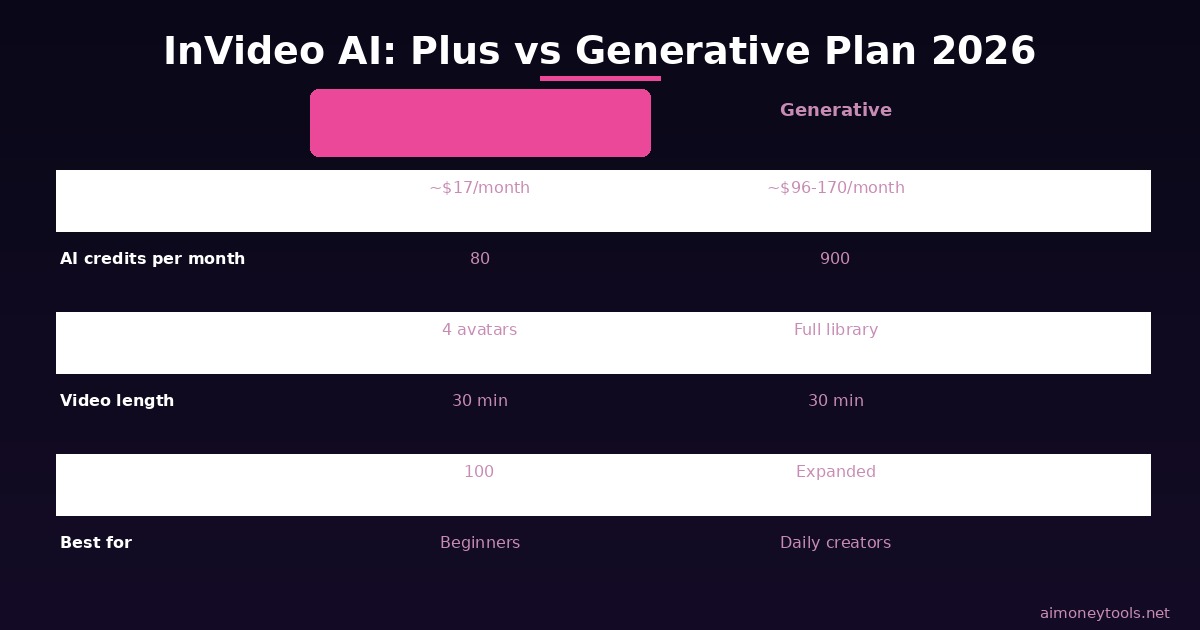
The comparison above shows how InVideo's plans stack against each other and which use case each tier supports. Use it as a quick reference when deciding whether to start with Plus or jump to Max.
Related Reading
- TryHolo Review 2026: Best AI Avatar Video Tool?
- How to Make Money with AI Video in 2026
- YouTube Now Auto-Labels AI Videos: What Creators Need to Know
- Best AI Tools for Content Creators in 2026
Frequently Asked Questions
Is InVideo AI free in 2026?
InVideo AI no longer offers a meaningful free tier. The paid plans start at around $17/month (billed annually). There is a free trial that lets you test the interface, but serious content creation requires a paid plan.
What is Agent One in InVideo AI?
Agent One is InVideo's newest AI video creation mode. You give it a single text prompt and it handles everything — script, scenes, voiceover, music, captions — producing up to 30 minutes of video automatically.
What AI models does InVideo AI use?
InVideo integrates Seedance 2.0, Veo 3.1, Kling 3.0, and Nano banana pro for video generation, plus ElevenLabs music for AI-generated background audio.
Do credits roll over in InVideo AI?
No. Unused credits expire at the end of your billing month and do not roll over. This is the main pain point cited by creators who produce content inconsistently.
Is InVideo AI good for YouTube automation?
Yes, especially with Agent One for long-form content. InVideo is one of the best tools for creating scripted, voice-narrated YouTube videos quickly. If your channel relies on a consistent AI avatar rather than varied footage, pair it with a dedicated avatar tool.
What is the best InVideo AI plan for a beginner?
The Plus plan (~$17/month billed annually) is the right starting point. Test the platform, measure your credit usage over a month, and then decide whether to upgrade.
Does InVideo AI make money for creators?
InVideo AI is a tool, not a revenue source. Channels built using InVideo can make money through YouTube AdSense, affiliate marketing, and sponsorships — the same as any other channel. The tool speeds up production; your strategy determines revenue.

Alex the Engineer
•Founder & AI ArchitectSenior software engineer turned AI Agency owner. I build massive, scalable AI workflows and share the exact blueprints, financial models, and code I use to generate automated revenue in 2026.
Related Articles
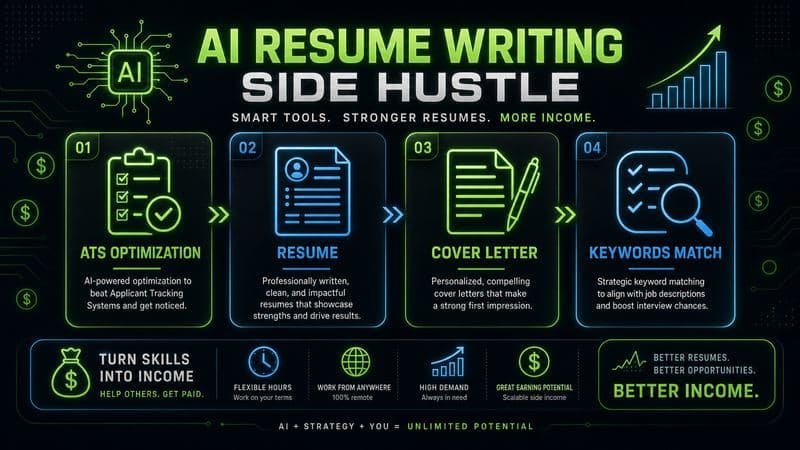
How to Start an AI-Assisted Resume Writing Side Hustle in 2026 (Beginner's Guide)
A step-by-step guide to using AI resume tools to offer a paid resume and cover letter writing service — what to charge, which tools to use, and how to find your first clients.
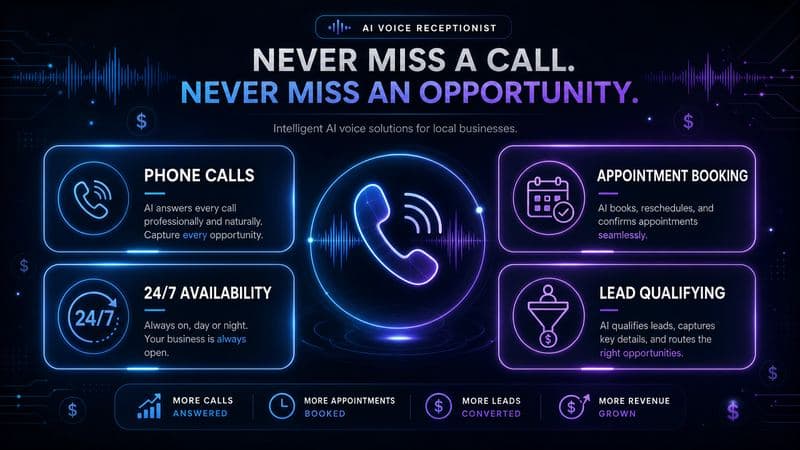
How to Build and Sell AI Voice Receptionists to Local Businesses in 2026
A beginner's guide to building AI voice agents that answer business phone calls — the tools to use, what to charge, and how to find your first client.
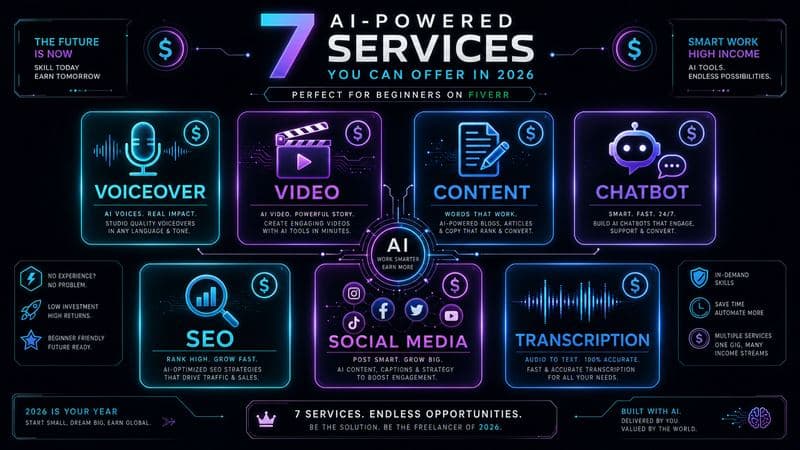
How to Make Money on Fiverr with AI Tools in 2026: 7 Gigs You Can Start This Week
Discover 7 real Fiverr gigs you can launch using free and low-cost AI tools in 2026 — no experience required. Real pricing data, step-by-step setup, and tools that actually work.