
YouTube Now Auto-Labels AI Videos: What Every Creator Needs to Know (2026)
YouTube is automatically detecting and labeling AI-generated videos starting May 2026. Here's exactly what changed, what it means for creators using AI tools, and what you need to do right now.
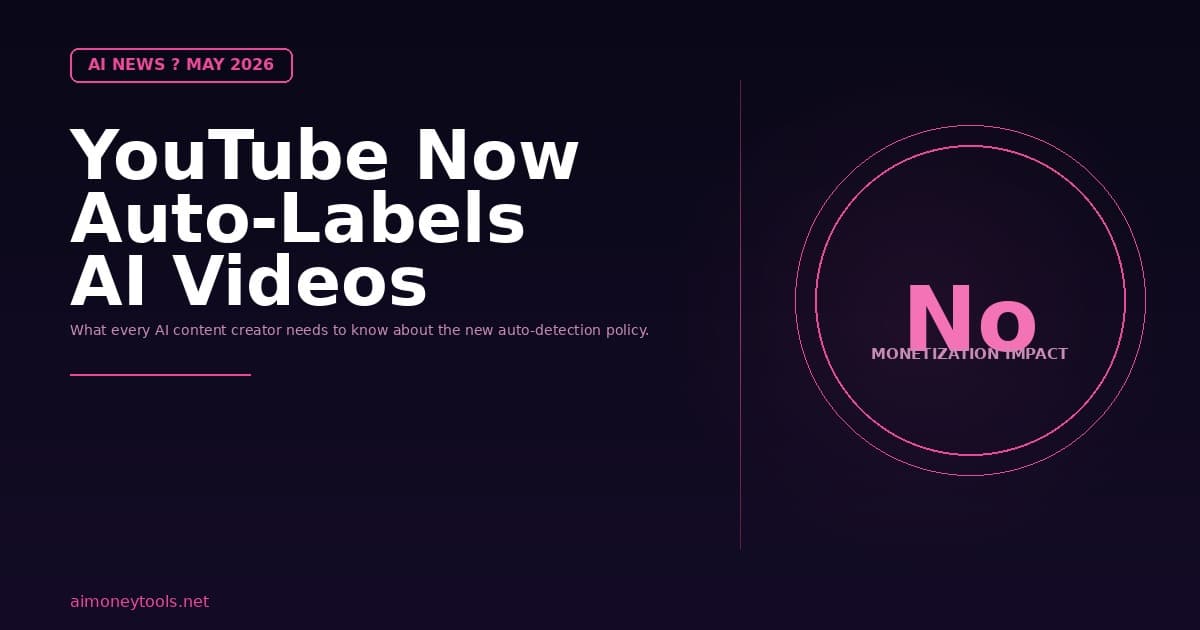
Note: This article is based on the official YouTube blog post published May 27, 2026 by the YouTube Team.
On May 27, 2026, YouTube quietly published one of the most important policy updates for AI content creators in years. The platform announced two major changes to how AI-generated videos are labeled — and one of them happens automatically, whether you disclose it or not.
If you use AI video tools like TryHolo, HeyGen, or AI voice generators to create YouTube content, this affects you directly. Here is what changed, what it means, and what you need to do.
The Two Changes YouTube Made
1. Labels Are Now More Prominent
Since 2024, YouTube has required creators to manually disclose when they use AI in realistic content. That label existed — but it was buried. Most viewers missed it.
Starting now, YouTube moved the label to a much more visible spot:
- Long-form videos: The AI disclosure label now appears directly below the video player, above the description. It is one of the first things a viewer sees when landing on your video.
- Shorts: The label now appears as an overlay on the video itself — visible while the video plays.
For content that is clearly animated, unrealistic, or only slightly altered, the disclosure stays in the expanded description. This two-tier approach is designed to put prominent labels only where it matters most: on photorealistic AI-generated content where viewers might be misled.
2. YouTube Now Automatically Detects AI Content
This is the bigger change, and the one that will affect the most creators.
Previously, AI labeling only happened if you told YouTube you used AI during upload. Now, YouTube has rolled out internal detection technology. If their systems detect that your video contains significant photorealistic AI content — and you did not disclose it — YouTube will automatically apply the label for you.
Here is how it works:
- You upload a video without ticking the AI disclosure box
- YouTube's detection systems flag significant AI-generated photorealistic content
- The label is applied automatically on your behalf
You can contest an incorrect label through YouTube Studio. If YouTube incorrectly flagged your video as AI-generated, you can update the disclosure status there and dispute it.
However, two categories of content will receive a permanent AI label that cannot be removed:
- Content created with YouTube's own AI tools — like Veo or Dream Screen
- Content containing C2PA metadata that indicates it was fully AI-generated
Does This Affect Monetization or Recommendations?
No. YouTube was very direct about this:
"It's important to note that a disclosure label alone does not change how a video is recommended or whether it's eligible to earn money."
If you are currently monetized and running an AI-assisted YouTube channel, this change does not affect your revenue or your ability to reach new viewers through recommendations. A label is a label — not a penalty.
What This Means for AI Video Creators

If you use AI tools to produce your YouTube content, here is the practical impact:
Channels using AI avatars (TryHolo, HeyGen): Your videos will almost certainly be flagged by YouTube's detection system. A photorealistic talking-head avatar is exactly the kind of content this policy targets. Expect the AI label to appear on your videos starting in May 2026.
Channels using AI voiceovers with real footage: Depends on how significantly the audio is AI-generated versus your own voice. If you use AI voice tools like Murf to narrate, you may or may not be flagged — YouTube's current language targets photorealistic content, not audio alone.
Channels using AI for minor edits (background removal, color grading): Unlikely to be flagged. The policy specifies "significant photorealistic AI use," which suggests minor editing assistance is not the target.
Channels using YouTube's own AI tools (Veo, Dream Screen): Always labeled, permanently. There is no way to remove that label. This is baked into the platform.
What You Should Do Right Now
Step 1: Disclose manually, every time. If you are already using AI tools, go into YouTube Studio and manually tick the AI disclosure box on all existing videos that contain photorealistic AI content. YouTube's official guidance since 2024 has been that creators should disclose this — and now that they have automated enforcement, being proactive protects you from unexpected labels on content where you want to control the messaging.
Step 2: Build disclosure into your upload workflow. Make it a habit: every upload, check the AI disclosure checkbox if you used any photorealistic AI generation tool. This is especially relevant if you use TryHolo (affiliate) or HeyGen for avatar videos.
Step 3: Do not panic about the label. The label does not reduce your reach or strip your monetization. Viewers are increasingly familiar with AI-assisted content in 2026. Transparency is your best long-term positioning.
Step 4: If auto-labeled incorrectly, dispute it. YouTube Studio gives creators the ability to update disclosure status and contest incorrect automatic labels. Use it if your content is flagged and you believe the detection was wrong.
The Bigger Picture: Why YouTube Did This
YouTube has been dealing with the same tension every platform faces in the AI era: viewers increasingly cannot tell what is real and what is generated. A 2026 landscape where AI avatars can replicate real human likeness, voices, and presentation makes it easy to be misled.
The move to automatic detection is designed to close the gap between what creators declare and what is actually on the platform. Even creators who intend to comply sometimes forget to tick the disclosure box. Automation handles the cases where manual compliance fails.
This is also part of a broader YouTube push around likeness protection. In April 2026, YouTube expanded its likeness detection technology to cover celebrities and entertainers, allowing talent agencies and management companies to request removal of deepfakes. The automatic AI labeling policy announced May 27 is the creator-facing counterpart to that protection infrastructure.
AI Video Creators: Best Tools and How to Stay Compliant
If you are just starting with AI-generated videos, or want to build a faceless YouTube channel using AI avatars, two tools are worth knowing:
TryHolo (hololtuab.sjv.io/aOEQrM) (affiliate) — beginner-friendly AI avatar video creator. Creates photorealistic talking-head videos from your script. Videos created with TryHolo will fall under YouTube's photorealistic AI detection. Disclose on upload.
Murf (get.murf.ai/ye742sk2cngp) (affiliate) — AI voice generator for YouTube narration. Used for adding professional voiceovers to videos. Audio-only AI use is lower-risk under the current labeling policy, but disclosing is best practice.
Both tools are legitimate, and the AI label does not make your channel less viable. It makes it more transparent — which is better long-term positioning anyway.
Read our full reviews: TryHolo Review 2026 | How to Make Money With AI Video in 2026
Timeline: What Changed and When
| Change | When |
|---|---|
| Manual AI disclosure requirement introduced | 2024 |
| Labels move to prominent position (below player / Shorts overlay) | May 2026 |
| Automatic AI detection enabled | May 2026 |
| Permanent labels for YouTube AI tools (Veo, Dream Screen) | May 2026 |
| Likeness detection expanded to celebrities and entertainers | April 2026 |
Frequently Asked Questions
Will the AI label hurt my YouTube channel?
No. YouTube was explicit that AI disclosure labels do not affect video recommendations or monetization eligibility. The label is for viewer transparency only. It will not reduce your channel's reach or ability to earn AdSense revenue.
What counts as "significant photorealistic AI use" on YouTube?
YouTube has not published a precise definition, but the clear targets are photorealistic AI avatars (like those from TryHolo or HeyGen), deepfakes, and AI-generated footage that is designed to look like real human footage. Minor editing tools, background removal, and color grading are unlikely to trigger the label.
Can I remove the AI label from my video?
If YouTube auto-labeled a video you believe does not contain significant photorealistic AI content, you can contest the label through YouTube Studio → edit video → update AI disclosure status. Except for videos created with YouTube's own AI tools (Veo, Dream Screen) and C2PA-tagged content — those labels are permanent.
Do I need to disclose AI voiceovers?
YouTube's current policy targets photorealistic and meaningfully altered content. AI audio generation alone is not explicitly targeted in this update, but YouTube advises creators to use their best judgment. If your voiceover is AI-generated and sounds identical to a real person, disclosure is the right call.
What is C2PA metadata and why does it make labels permanent?
C2PA (Coalition for Content Provenance and Authenticity) is a technical standard that embeds information about how content was created directly into the file. If an AI tool signs the content with C2PA metadata indicating it is fully AI-generated, YouTube treats that metadata as definitive evidence — so the label is permanent.
I upload daily AI avatar videos — should I go back and disclose all of them?
Yes. YouTube has been requiring manual disclosure since 2024, so existing photorealistic AI-generated videos should already have the disclosure. If they do not, update them through YouTube Studio to get ahead of the automated detection.
Does this affect faceless YouTube channels?
Yes, if the "faceless" format uses photorealistic AI avatars. Channels using only text overlays, screen recordings, or clearly animated characters are lower risk. If you are building a faceless channel with AI avatars, read our AI YouTube automation guide for the full workflow including compliant upload practices.

Alex the Engineer
•Founder & AI ArchitectSenior software engineer turned AI Agency owner. I build massive, scalable AI workflows and share the exact blueprints, financial models, and code I use to generate automated revenue in 2026.
Related Articles
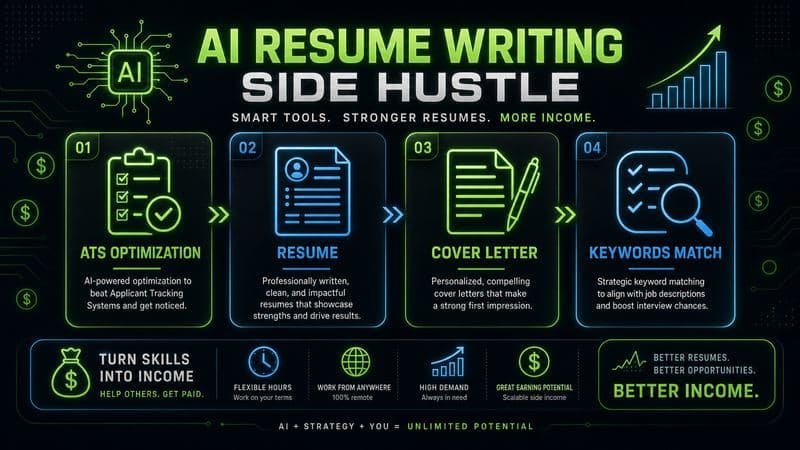
How to Start an AI-Assisted Resume Writing Side Hustle in 2026 (Beginner's Guide)
A step-by-step guide to using AI resume tools to offer a paid resume and cover letter writing service — what to charge, which tools to use, and how to find your first clients.
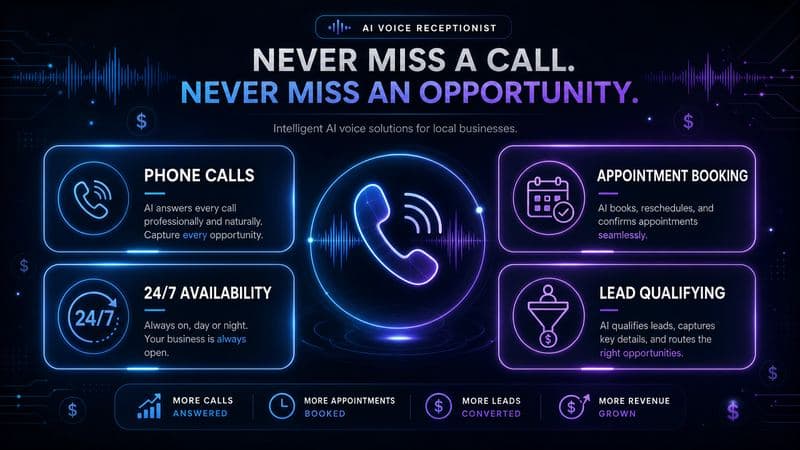
How to Build and Sell AI Voice Receptionists to Local Businesses in 2026
A beginner's guide to building AI voice agents that answer business phone calls — the tools to use, what to charge, and how to find your first client.
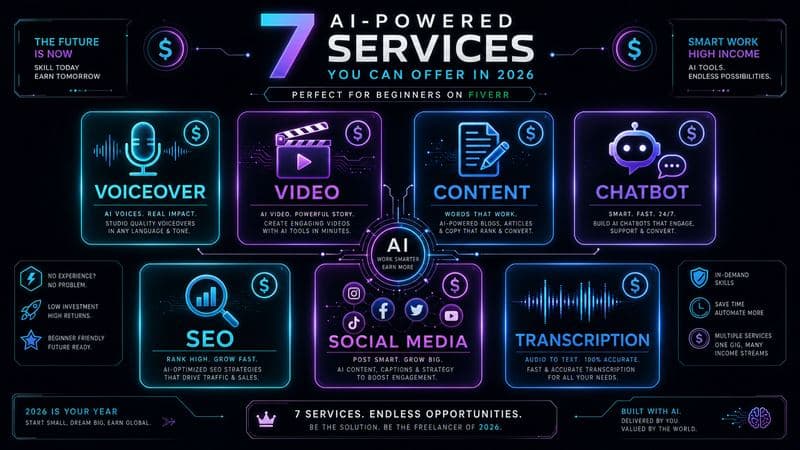
How to Make Money on Fiverr with AI Tools in 2026: 7 Gigs You Can Start This Week
Discover 7 real Fiverr gigs you can launch using free and low-cost AI tools in 2026 — no experience required. Real pricing data, step-by-step setup, and tools that actually work.