
What Is Googlebook? Google's New AI Laptop Explained (Chromebook Successor)
Googlebook is Google's new AI-powered laptop platform built on Android and Gemini Intelligence. Here's what it is, what it does, and how it's different from Chromebook.
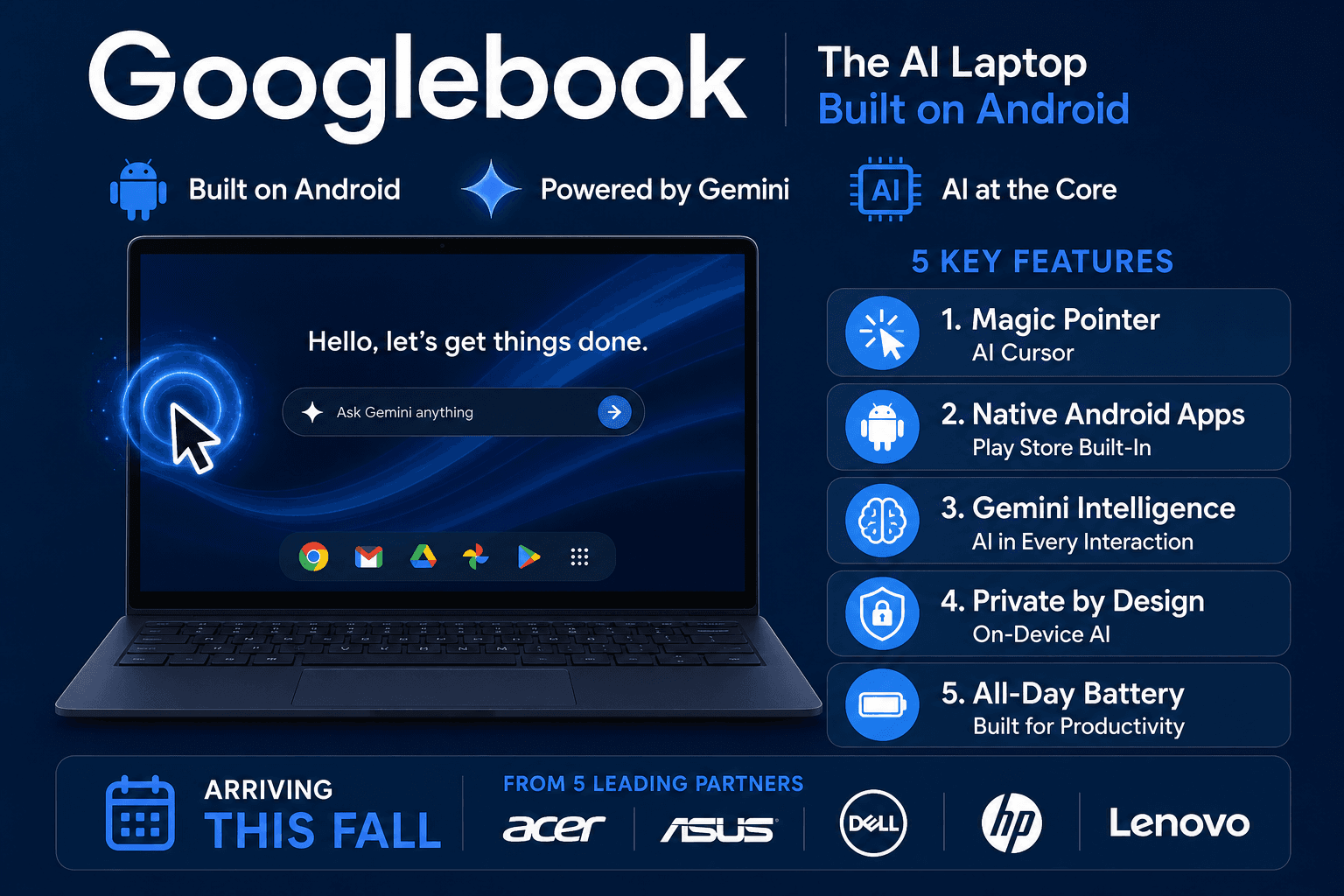
Google just announced a brand-new laptop category called Googlebook — and if you've heard the buzz but aren't quite sure what it means, this guide is for you.
Googlebook was revealed on May 12, 2026 during The Android Show: I/O Edition. It's arguably the biggest hardware announcement Google has made in over a decade — a completely rethought laptop built from the ground up around Android and AI.
Here's everything you need to know.
What Is Googlebook?
Googlebook is Google's new laptop platform. It's built on Android (the same OS that powers your Android phone) and runs Gemini Intelligence — Google's most advanced AI features — natively at the hardware level.
Think of it this way: if your Android phone is smart, a Googlebook is your phone's brain scaled up to a laptop screen, with a full keyboard and a cursor that uses AI.
Google announced the platform as the next evolution of computing — not just an "operating system" laptop, but what they call an "intelligence system." The idea is that AI isn't bolted on as a feature. It's baked into every interaction, from the cursor to the apps to the home screen widgets.
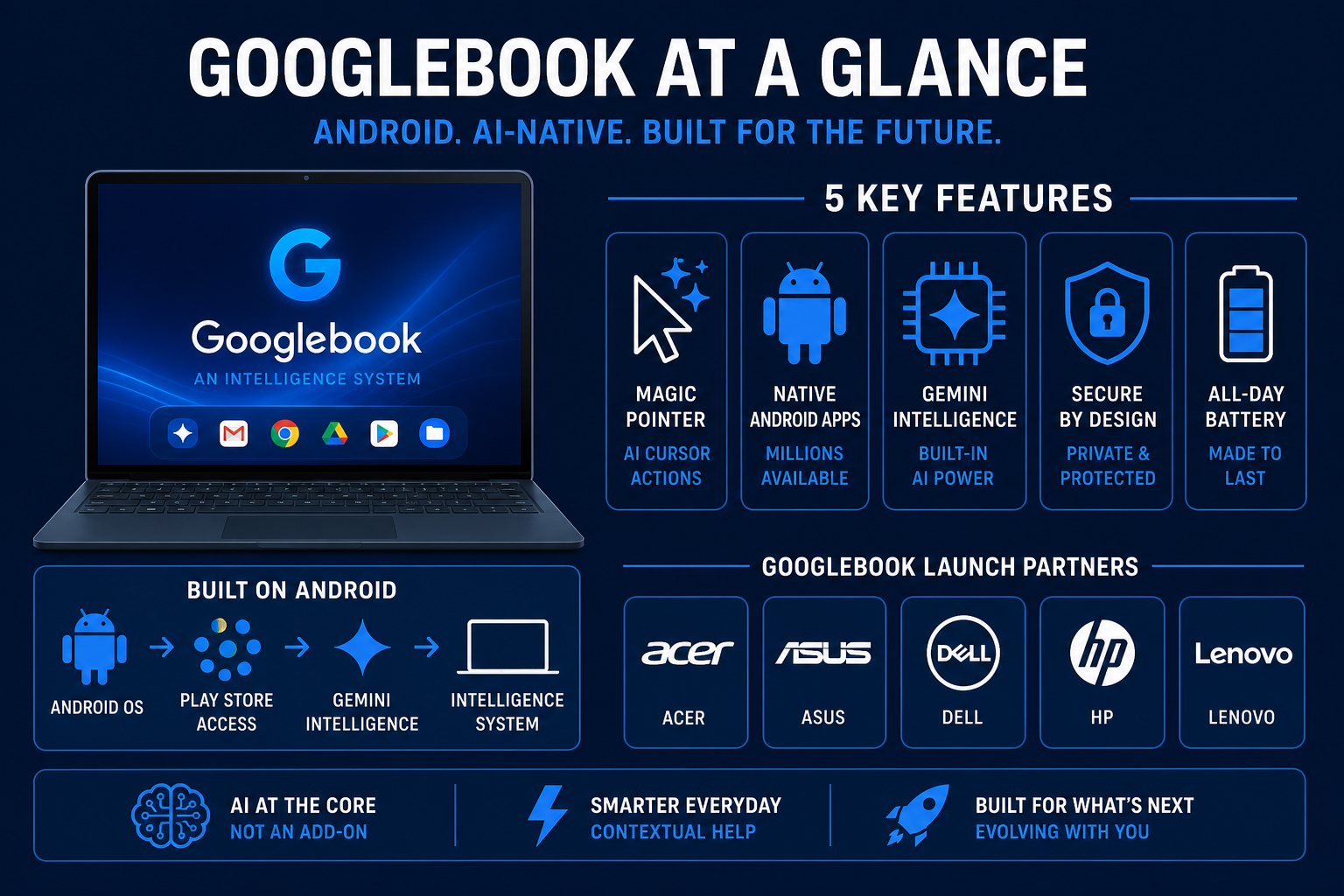
The first Googlebooks arrive this fall from five major manufacturers: Acer, ASUS, Dell, HP, and Lenovo. Pricing hasn't been announced yet.
The 5 Key Features of Googlebook
1. Magic Pointer — The AI Cursor
This is the signature Googlebook feature, and it's genuinely new.
On a regular laptop, your cursor is just a pointer. On a Googlebook, wiggling your cursor while hovering over anything on screen activates Gemini Intelligence, which reads the context and suggests actions.
Examples Google showed:
- Hover over a date in an email → Gemini suggests creating a calendar event
- Select two photos in your files → Gemini asks if you want to merge or compare them
- Hover over a product on a website → Gemini can pull price history or start a shopping cart
Magic Pointer was built in collaboration with Google DeepMind. It's the first time a major laptop has integrated AI directly into the cursor behavior — not as a sidebar or a button, but as a first-class interaction layer.
2. Native Android Apps
One of the biggest frustrations with Chromebooks was the app limitation. You could use web apps and Android apps from the Play Store, but not desktop-grade apps built for Windows or macOS. That limitation still technically applies to Googlebook (it's Android-based, not Windows), but Google has been pushing developers to build adaptive apps — apps that respond intelligently to screen size and input method.
On a Googlebook, you'll run Android apps from Google Play. The difference versus Chromebook is that developers are now building specifically for larger screens with keyboard/trackpad input, not just scaling up phone apps.
The Play Store is the app distribution channel. Full desktop Chrome browser is also included.
3. Create My Widget — AI-Generated Home Screen Widgets
Googlebooks support Create My Widget, a Gemini feature that lets you describe a widget in plain language and have Gemini build it for you.
Want a home screen widget that shows today's exchange rate for a trip you're planning? Say it, and Gemini pulls live data from the web and your Google apps to build it. Want a custom weather widget that also shows your commute time based on your calendar? Done.
This feature is also coming to Android 17 phones, but Googlebook will get it on day one.
4. Phone-Laptop Continuity
Googlebooks are designed to work as a natural extension of your Android phone:
- Cast apps from your Android phone directly to the Googlebook screen
- Pull files directly from a connected Android device — no AirDrop equivalent needed, no cloud syncing required
- Because both the phone and laptop run Android, the same apps, accounts, and features exist on both
This is a direct answer to the Apple ecosystem advantage. iPhone users have AirDrop, Handoff, Universal Clipboard, and Sidecar. Googlebook gives Android users a comparable level of device continuity.
5. Glowbar Badge
Every Googlebook will have a signature glowbar — a subtle light strip built into the hardware that distinguishes certified Googlebooks from generic laptops. It's a visual identifier, similar to how Intel Inside stickers worked, but built into the physical design.
Googlebook vs Chromebook: What's the Difference?
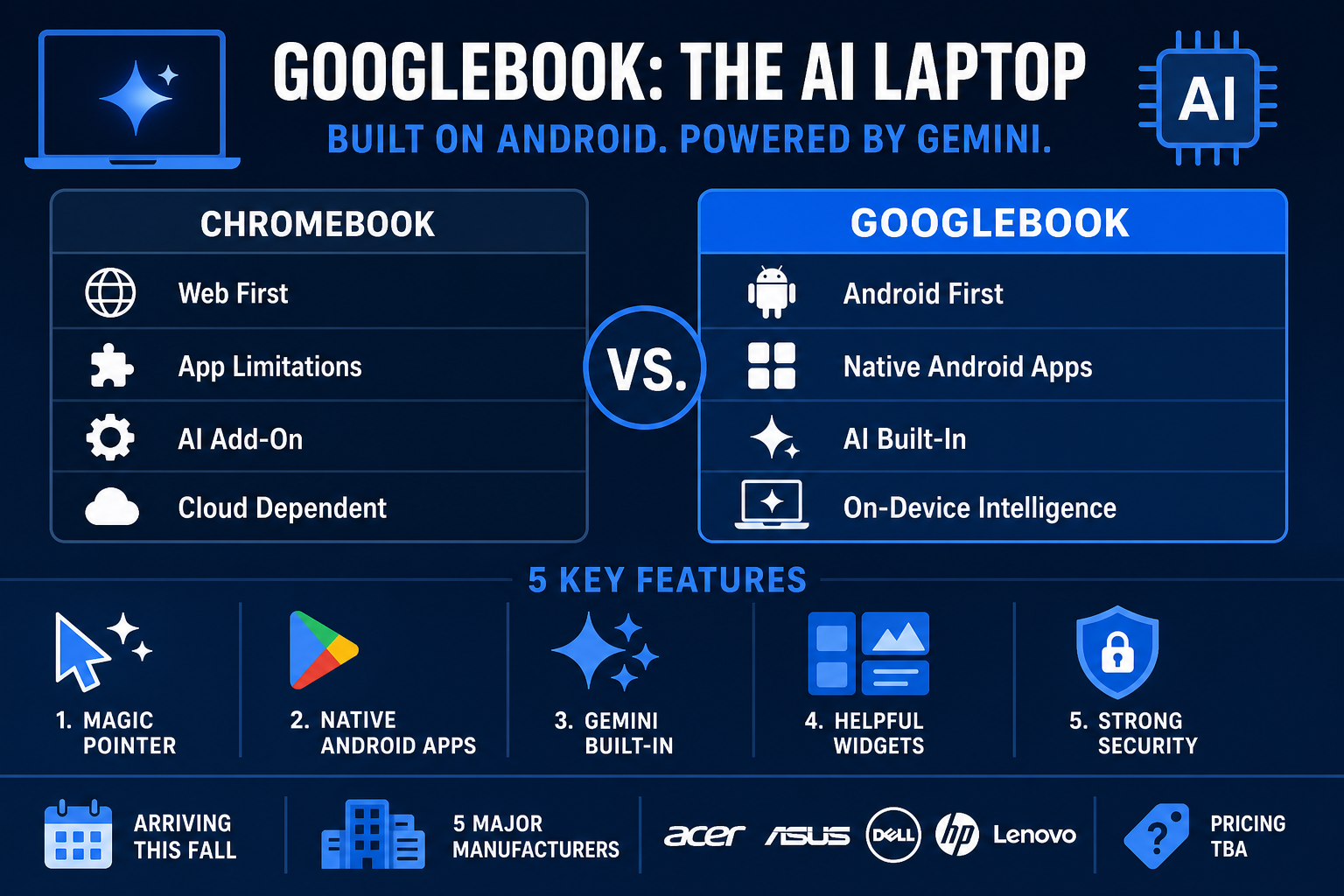
This is the question most people are asking, and the answer is: they're two different products that will coexist — at least for now.
| Chromebook | Googlebook | |
|---|---|---|
| OS | Chrome OS | Android (new AI-first OS, name TBD) |
| Focus | Web apps, Google Docs, email | Native Android apps + Gemini AI |
| AI Integration | Gemini in sidebar | Gemini in cursor, OS, widgets |
| Price range | Budget to mid-range ($200–$600) | Mid-range to premium (price TBD) |
| Target user | Students, casual users | Android power users, AI enthusiasts |
| App store | Chrome Web Store + Play Store | Google Play Store |
| Phone integration | Basic Google account sync | Deep Android continuity |
| Glowbar | No | Yes |
Wired's review of the announcement put it plainly: Googlebook is Google's attempt at a more meaningful foothold in the premium computer market, where Chromebooks have largely failed. Chromebooks dominate K-12 education because of price. Googlebooks aim to compete with MacBook Air and mid-range Windows laptops on AI capability.
Who Should Consider Googlebook?
Googlebook is designed for a specific type of user. You're probably a good fit if:
- You use an Android phone and want seamless laptop continuity
- You live in Google's ecosystem — Gmail, Google Drive, Google Calendar, Google Photos
- You want AI built into your daily laptop use without installing plugins or switching between tools
- You're frustrated that Chromebook couldn't run the specific apps you need
- You don't need Windows-specific software (e.g., Adobe Premiere Windows version, legacy enterprise tools)
You might want to wait or skip if:
- You need specific Windows-only software for work or school
- You already own a Mac and use Apple continuity features
- You don't use Android or Google services heavily
- You need a laptop immediately — Googlebooks don't ship until fall 2026
What OS Does Googlebook Run?
This is where it gets a little murky. Google hasn't officially named the Googlebook operating system yet. Internally it was codenamed "Aluminium OS" (which is why tech blogs were talking about "Aluminium OS" earlier in 2026), but that's not what it'll be called publicly.
What we know:
- It's built on Android
- It supports native Android apps from Google Play
- It includes the full desktop version of Chrome
- It's designed to receive Android 17 features simultaneously with phones
Google says they'll share more before the first devices ship this fall. The full Google I/O keynote on May 19 may include more OS details.
When Can You Buy a Googlebook?
Google announced "coming this fall" with no specific date. The five confirmed launch manufacturers are Acer, ASUS, Dell, HP, and Lenovo.
Expect the official pricing and release timeline at or around Google I/O 2026 (May 19) or during fall hardware events. If you want to keep an eye on announcements, bookmark the Android Show 2026 recap for context on how this fits into Google's broader AI strategy.
What About Google I/O on May 19?
The Android Show (May 12) covered Android hardware and OS updates. The main Google I/O keynote on May 19 is expected to cover:
- Gemini 4.0 model
- Google Search AI updates
- Workspace AI features
- More developer-focused announcements
Googlebook may get additional details there. There's also the question of pricing, specific hardware specs from the five manufacturers, and the official OS name.
Should Beginners Care About Googlebook?
If you're just getting started exploring AI tools, Googlebook isn't something you need to buy right now. But it's worth understanding because it signals where AI on everyday devices is going.
The Magic Pointer alone shows that the cursor — the most basic computer interaction tool — is being redesigned around AI context. That's not a gimmick. That's a fundamental rethink of how you interact with a computer.
If you want to start using AI tools today without waiting for new hardware, check out:
- Best AI Tools to Start Using in 2026 — free and freemium options for beginners
- How to Use Claude API (Beginner Guide) — start working with AI APIs before Googlebook ships
FAQ
Q: What is Googlebook?
A: Googlebook is Google's new AI-powered laptop platform, announced May 12, 2026. It runs Android and Gemini Intelligence, with a Magic Pointer cursor that uses AI for contextual suggestions. First devices arrive fall 2026 from Acer, ASUS, Dell, HP, and Lenovo.
Q: Is Googlebook replacing Chromebook?
A: Not immediately. Google confirmed both will coexist. Chromebooks remain for education and budget users. Googlebooks target the premium market with deeper AI integration.
Q: What operating system does Googlebook use?
A: Googlebook runs an Android-based OS (internally codenamed Aluminium OS). Google hasn't announced the public name yet. It supports native Android apps from Google Play and the full desktop Chrome browser.
Q: When does Googlebook come out?
A: Google says "this fall" (2026). No exact date or pricing has been announced yet.
Q: Which brands make Googlebooks?
A: Acer, ASUS, Dell, HP, and Lenovo. All five announced at the Android Show.
Q: What is the Magic Pointer on Googlebook?
A: Magic Pointer is the Googlebook cursor with built-in Gemini AI. Wiggle your cursor over anything on screen and Gemini reads the context to suggest actions — scheduling a meeting from an email date, merging photos, pulling product info from a website.
Q: Does Googlebook work with Android phones?
A: Yes — deeply. You can cast apps from your Android phone to Googlebook, pull files directly without cloud sync, and access the same Google account features seamlessly across both devices.
Q: What is the glowbar on Googlebook?
A: A physical LED light strip built into certified Googlebook hardware. It distinguishes Googlebooks from generic Android laptops and serves as Google's visual brand identifier on partner devices.

Alex the Engineer
•Founder & AI ArchitectSenior software engineer turned AI Agency owner. I build massive, scalable AI workflows and share the exact blueprints, financial models, and code I use to generate automated revenue in 2026.
Related Articles

How to Start an AI-Assisted Resume Writing Side Hustle in 2026 (Beginner's Guide)
A step-by-step guide to using AI resume tools to offer a paid resume and cover letter writing service — what to charge, which tools to use, and how to find your first clients.

How to Build and Sell AI Voice Receptionists to Local Businesses in 2026
A beginner's guide to building AI voice agents that answer business phone calls — the tools to use, what to charge, and how to find your first client.

How to Make Money on Fiverr with AI Tools in 2026: 7 Gigs You Can Start This Week
Discover 7 real Fiverr gigs you can launch using free and low-cost AI tools in 2026 — no experience required. Real pricing data, step-by-step setup, and tools that actually work.