
AI Chatbot Success Guide: Build and Profit in 2026
Discover how to build and monetize a custom AI chatbot in 2026. Learn the top no-code tools, pricing strategies, and setup steps for beginners.
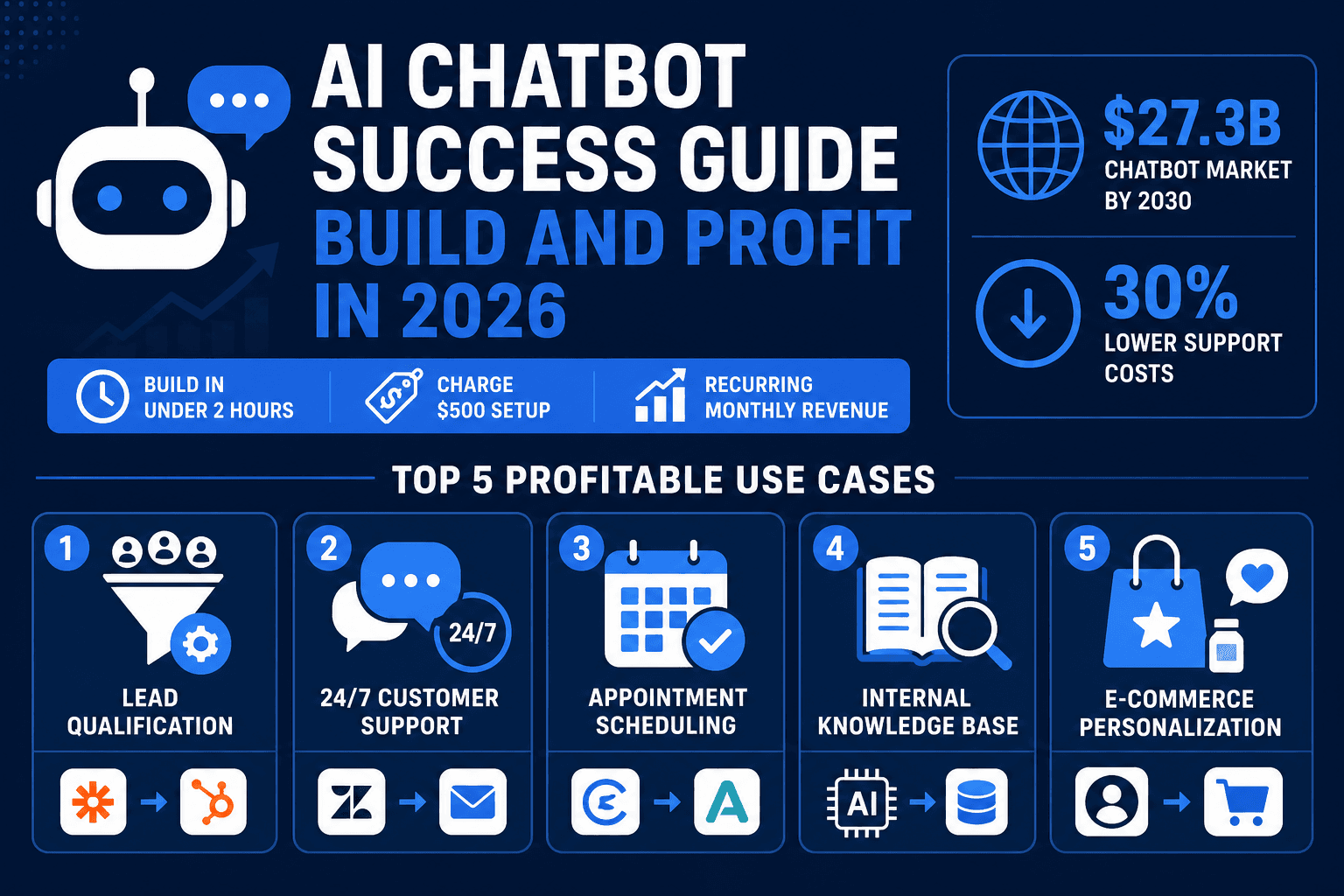
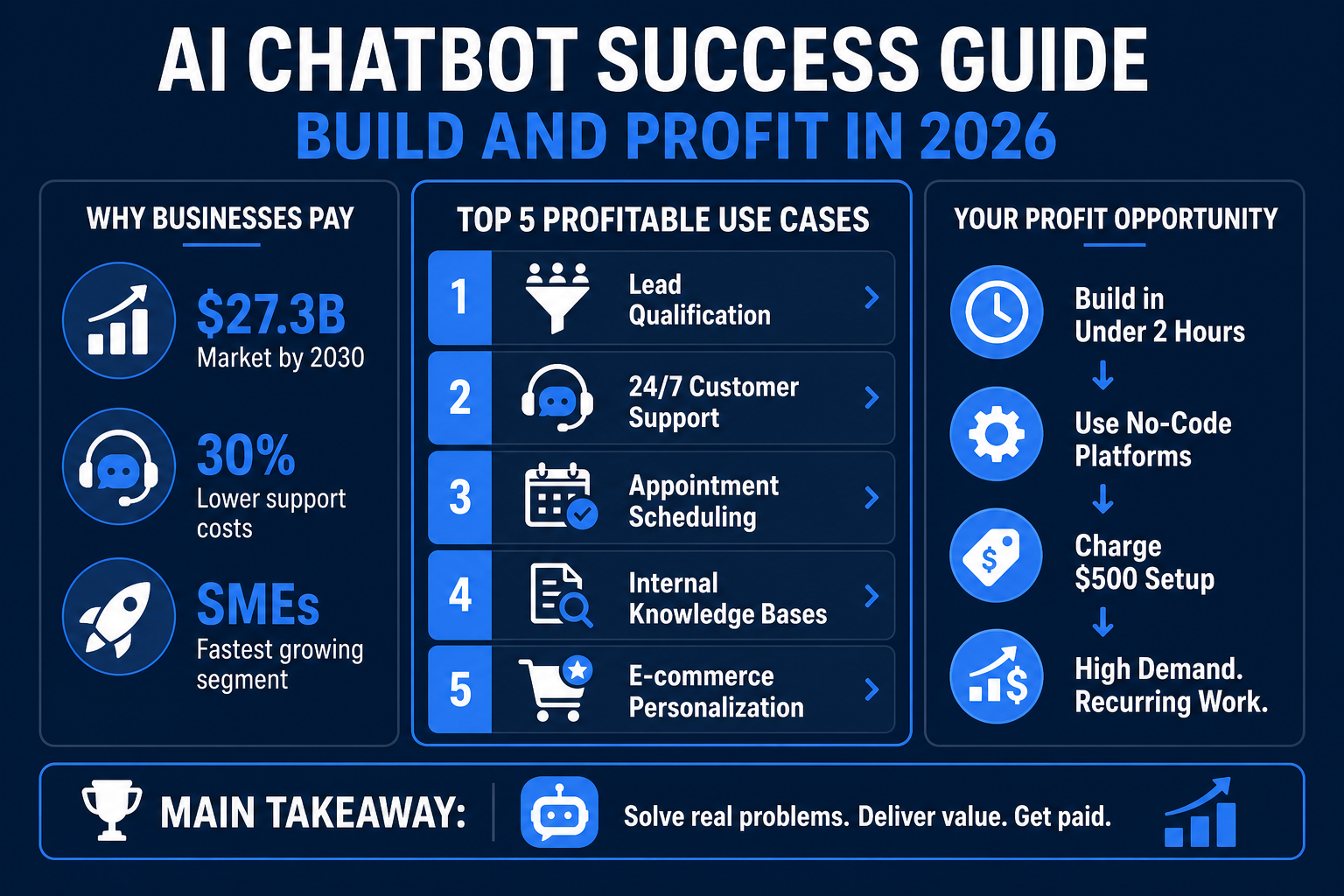
You can build a functional AI assistant for a local business in under two hours and charge $500 for the setup. Companies are moving away from basic scripts toward intelligent agents that handle sales and support autonomously. This guide, last updated in April 2026 to reflect the latest LLM capabilities, explains how to launch an AI chatbot side hustle using simple no-code platforms.
Why Businesses are Paying for AI Chatbot Setup
Small to medium enterprises (SMEs) are currently facing a massive gap between needing automation and having the technical skill to implement it. While large corporations have internal dev teams, local plumbers, lawyers, and e-commerce brands need someone to plug in the tech for them.
By 2026, the barrier to entry has vanished because of "Large Language Model" (LLM) wrappers. You no longer need to write Python code; you simply need to organize a business’s data and upload it to a builder. Industry data shows that the global chatbot market is projected to reach approximately $27.3 billion by 2030, with SMEs representing the fastest-growing segment. Statistics from the tech sector show that companies utilizing automated chat see a 30% reduction in customer support costs because the bot handles the "What are your hours?" and "Where is my order?" queries that usually clog up human inboxes.
Top 5 Profitable Use Cases for AI Assistants
To make money in this niche, you must solve a specific problem rather than offering a generic "chat" feature. Here are the most high-demand implementations:
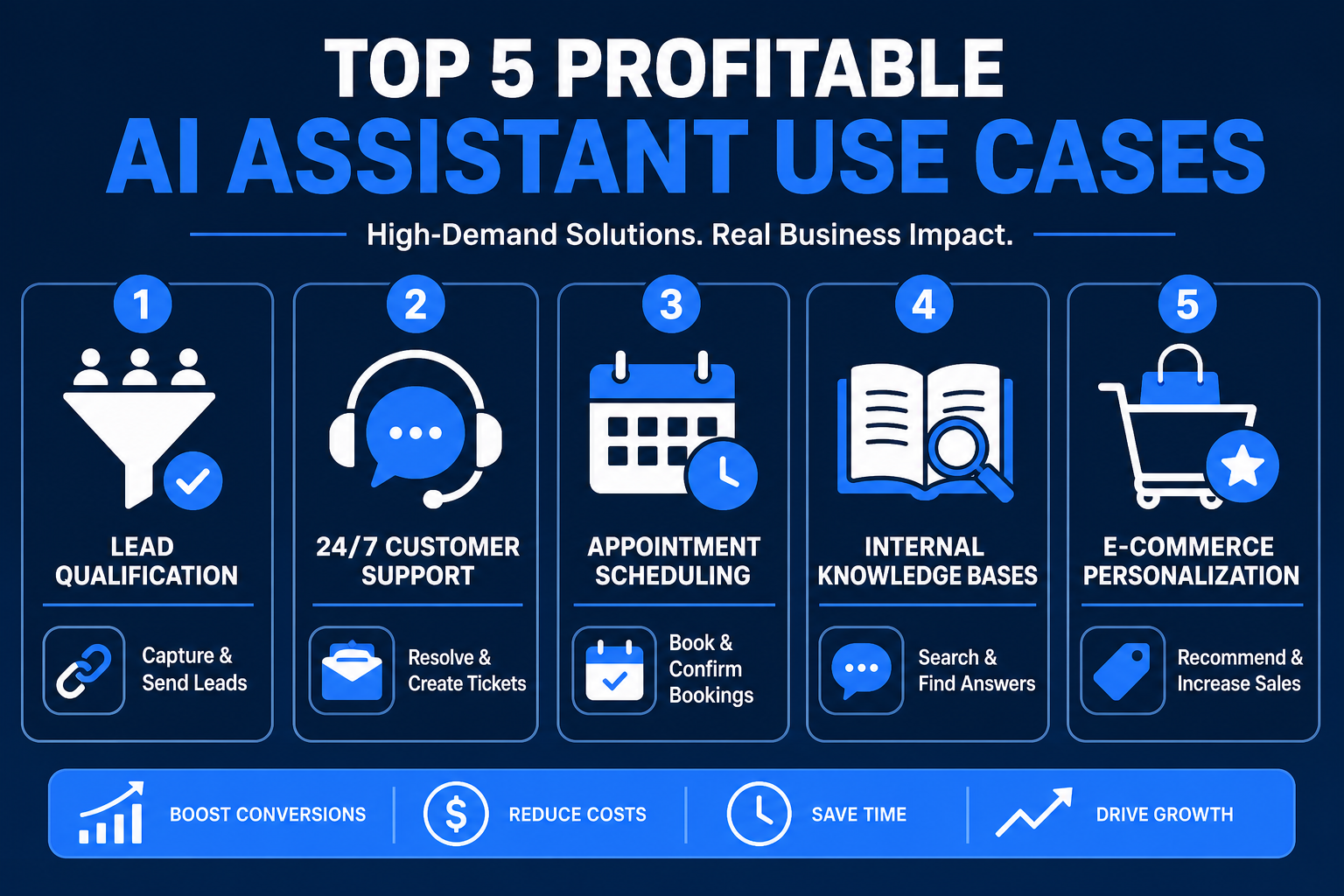
- Lead Qualification: The bot asks website visitors qualifying questions (budget, timeline, location). Using tools like Zapier, you can automatically push these leads into a CRM like HubSpot or Salesforce.
- 24/7 Customer Support: Handling FAQs instantly at 3 AM. If a query is too complex, the bot creates a support ticket via Zendesk or email.
- Appointment Scheduling: Integrating with Calendly or Acuitas to book consultations or service calls directly within the chat window, reducing "drop-off" rates by up to 40%.
- Internal Knowledge Bases: Building a private bot for a company’s employees to search through dense HR manuals or technical documentation using RAG (Retrieval-Augmented Generation).
- E-commerce Personalization: Recommending products based on a user’s specific preferences. For instance, a bot on a skincare site can recommend products based on a user's reported "dry skin" or "sun sensitivity."
For those interested in scaling these services, learning about AI side hustle ideas provides a broader look at the software stack required for digital agencies.
The Best No-Code Platforms for Beginners
You do not need to be a developer to build high-performing tools. Several platforms allow you to create a "brain" for a business by simply uploading PDFs or website URLs.
- CustomGPT.ai: This is the gold standard for business bots. CustomGPT.ai indexes your documents and website content in under 60 seconds, creating a bot that only answers questions based on your specific data (preventing "hallucinations"). Their standard plans typically start around $49/month, making it an affordable overhead for a small agency.
- Chatbase: A popular alternative for simple website embeds that prioritize speed and aesthetic customization.
- ManyChat: Best for social media automation on Instagram and WhatsApp, specifically for influencers and creators.
- Tidio: Ideal for Shopify store owners who want to combine live human chat with automated AI responses.
If your focus is more on creative content or marketing automation, you might also want to explore how to make money with AI to supplement your chatbot builds.
How to Build Your First Bot in 4 Steps
The workflow for creating an AI assistant is now standardized. Follow these actionable steps:
Step 1: Data Audit and Collection Don't just scrape a website. Manually curate a "Knowledge Base" folder. Include the company's current FAQ, pricing PDFs, and—crucially—an "Exception Doc" that tells the bot what it cannot do (e.g., "Do not give discounts without manager approval").
Step 2: Training and System Prompting Upload these files to CustomGPT.ai. Then, configure the System Prompt. Use a specific persona: "You are an expert concierge for [Business Name]. Use a friendly, professional tone. If you don't know an answer, provide the office phone number (555-0199) instead of guessing."
Step 3: Interface Customization White-label the bot. Remove the platform branding, upload the client's hex code colors, and set a "proactive message" like: "Hi! Need help booking your plumbing repair? I can check our schedule right now."
Step 4: The 'One-Line' Deployment
Most builders provide a <script> tag. To deploy, access the client's WordPress or Shopify dashboard, go to the "Header/Footer" settings, and paste the code. Test it live on a mobile device to ensure the chat bubble doesn't block the "Checkout" or "Call" buttons.
Monetization: How Much Should You Charge?
Pricing is the most common hurdle for beginners. In the current market, here are the real-world benchmarks:
The Setup Fee (One-time): $500 - $2,500 A basic FAQ bot for a local cafe is a $500 job. However, if you are building an AI automation agency and integrating the bot with a client's inventory database, your setup fee should start at $2,000.
The Management Retainer: $100 - $300/mo This is passive income with AI tools at its best. You charge this to monitor the "unanswered questions" log and update the bot's knowledge base as the company evolves.
The Performance Model Common in high-ticket niches like real estate. Charge a lower setup fee but take $20–$50 per "Qualified Lead" (a user who provides a phone number and verified budget).
Essential Tips for Success
To stay competitive, you must ensure the bot is actually helpful. A common mistake is letting the bot answer questions about topics outside the business. Always enable "Source Grounding," which forces the assistant to only use the uploaded files for its answers.
Furthermore, always provide a way for the user to reach a human. If the AI cannot solve a complex problem, it should automatically trigger an email or Slack notification to the business owner. This "human-in-the-loop" approach is why clients will stay with your service long-term.
Frequently Asked Questions
Do I need to learn prompt engineering to build chatbots?
While you don't need to code, a basic understanding of prompt engineering is vital. Knowing how to structure "System Instructions" ensures the bot maintains a professional persona and doesn't leak sensitive internal data to users.
Which platform is best for avoiding AI hallucinations?
CustomGPT.ai is the industry leader for reliability. It uses a "Retrieval Augmented Generation" (RAG) approach that restricts the AI's answers strictly to the documents you provide, which is essential for legal or medical clients where accuracy is non-negotiable.
How do I prove the ROI of a chatbot to a skeptical business owner?
Install the bot in "test mode" for one week. Show the owner the chat logs of queries that happened at 11 PM or 2 AM when their office was closed. Demonstrating that the bot captured a lead or answered a customer when the owner was sleeping is the most powerful sales tool.
Is it legal to use AI for customer data under GDPR?
Yes, but you must ensure your chosen platform is GDPR or SOC2 compliant. Always include a "Privacy Policy" link in the chat window and ensure the bot discloses that it is an AI assistant at the start of the conversation.
Where can I find my first three clients?
Search Google Maps for businesses in high-value niches (Lawyers, HVAC, Medical Spas) that have high ratings but no "Live Chat" feature on their site. Send a personalized Loom video showing a mockup of a bot built specifically with their logo and company data.
Get the Blueprint: Want to launch a profitable AI business from scratch? Grab The Ultimate AI Toolkit ($19) — a 200+ page framework featuring exact implementation steps for content automation, consulting, and AI agency building.

Alex the Engineer
•Founder & AI ArchitectSenior software engineer turned AI Agency owner. I build massive, scalable AI workflows and share the exact blueprints, financial models, and code I use to generate automated revenue in 2026.
Related Articles

How to Start an AI-Assisted Resume Writing Side Hustle in 2026 (Beginner's Guide)
A step-by-step guide to using AI resume tools to offer a paid resume and cover letter writing service — what to charge, which tools to use, and how to find your first clients.

How to Build and Sell AI Voice Receptionists to Local Businesses in 2026
A beginner's guide to building AI voice agents that answer business phone calls — the tools to use, what to charge, and how to find your first client.

How to Make Money on Fiverr with AI Tools in 2026: 7 Gigs You Can Start This Week
Discover 7 real Fiverr gigs you can launch using free and low-cost AI tools in 2026 — no experience required. Real pricing data, step-by-step setup, and tools that actually work.