
OpenAI Codex Gets a Huge Update: Computer Use, Memory, and 90+ Plugins
OpenAI just expanded Codex with background computer use, an in-app browser, image generation, memory, and 90+ new app integrations. Here's what's new — explained for beginners.
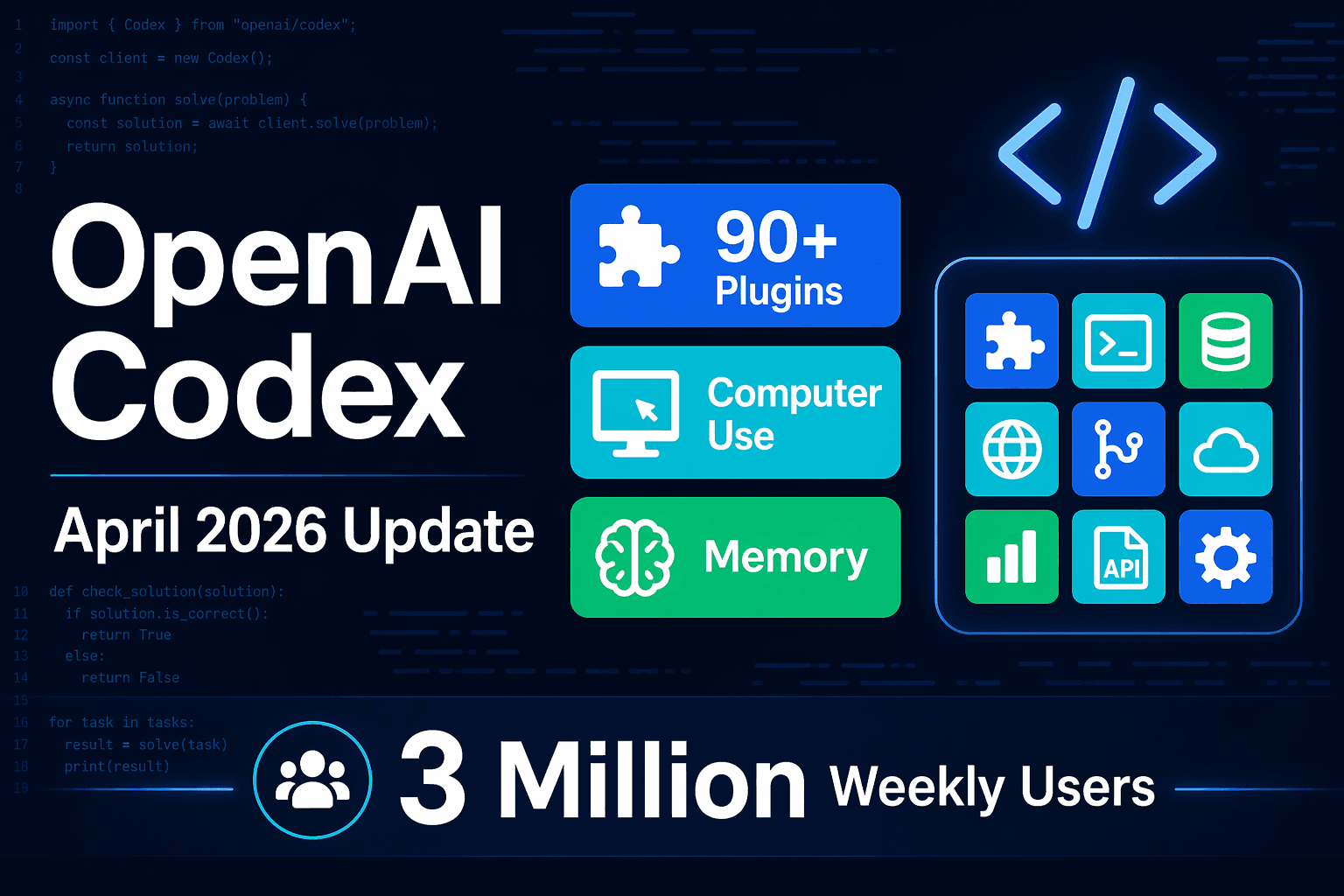
OpenAI just released a major overhaul of Codex, its AI coding tool, and the headline feature is something that wasn't possible before: Codex can now silently control your computer while you work — opening apps, clicking buttons, and typing — all without interrupting what you're doing.
The update dropped April 16, 2026. If you're a developer or someone curious about AI tools that do real work, here's what changed and why it matters.
What Is OpenAI Codex?
Codex is OpenAI's AI-powered coding assistant — a desktop app that helps you write, debug, review, and ship code faster. It's already used by more than 3 million developers every week.
Think of it as a background colleague who can handle the tedious parts of software development: reviewing pull requests, testing changes, managing integrations, and keeping tasks moving — while you focus on the harder work.
This week's update is the biggest single expansion Codex has had since it launched.
What's Actually New
Background Computer Use
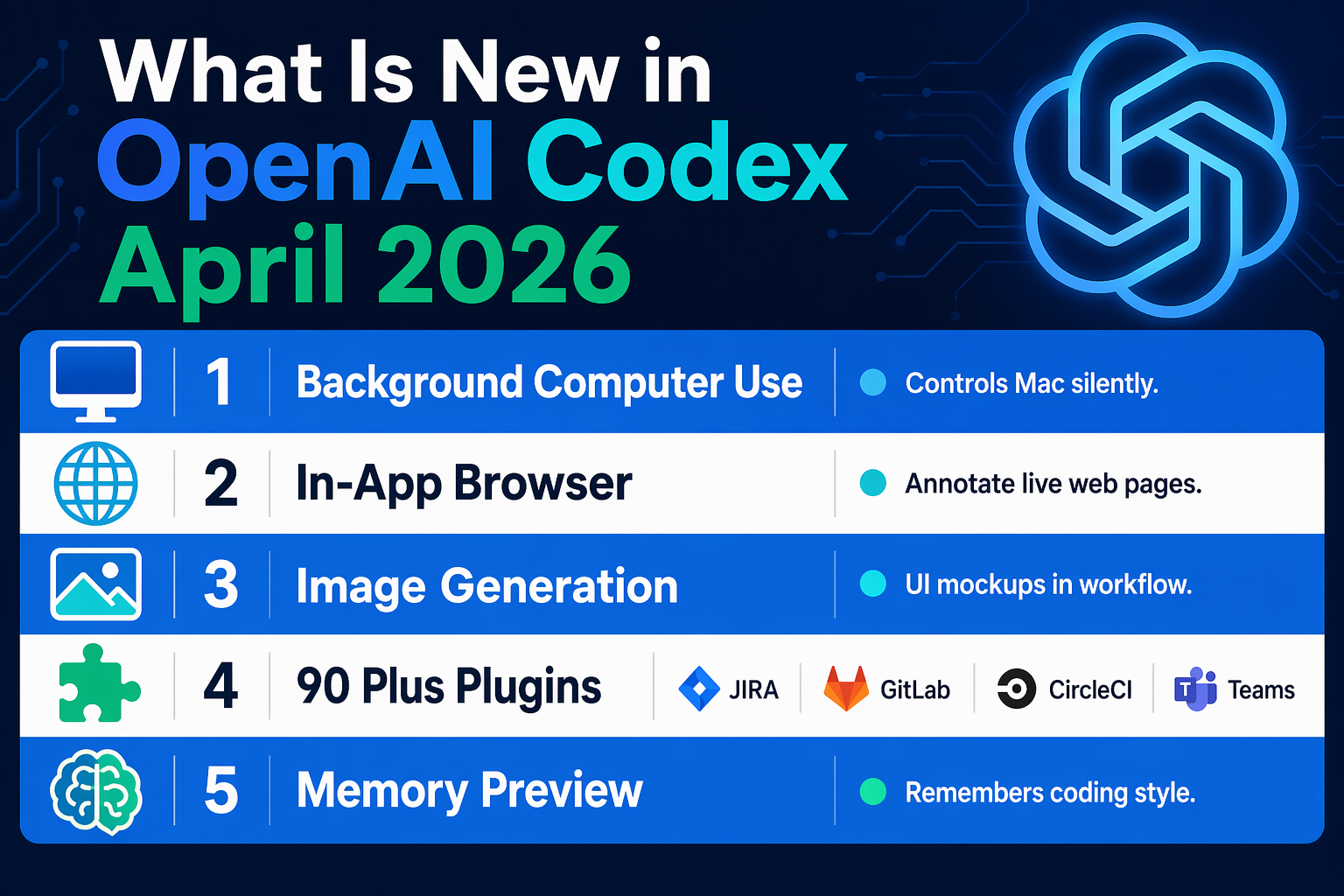
This is the headline feature. Codex can now see your screen, move a cursor, click, and type in any app on your Mac — all running silently in the background while you continue working.
Multiple Codex agents can run simultaneously on your machine without interfering with each other or with your own work. OpenAI lists testing apps, iterating on frontend designs, and working with tools that don't have an API as the clearest use cases.
For non-developers: imagine giving someone a list of tasks that require clicking through five different apps. They handle it in a separate window while you do something else. That's what this feature does — except the "person" is an AI agent.
Computer use is available on macOS today. EU and UK users will get access soon.
In-App Browser
Codex now has a built-in browser. You can open any web page inside the Codex app and write comments directly on the page to give the agent specific instructions about what to change or test.
This is mainly useful for frontend and game development right now — seeing what a page looks like and tweaking code against live output. OpenAI says the plan is to expand it so Codex can fully control any browser-based workflow over time.
Image Generation
Codex can now generate images using OpenAI's gpt-image-1.5 model, directly inside your coding workflow. You can ask it to create product mockups, UI placeholders, slide visuals, icons, or concept images — without switching to a separate image tool.
90+ New Plugin Integrations
This might be the most practically useful update for teams. Codex now has 90+ new plugins, giving it direct connections into the apps developers already use. New integrations include:
- Atlassian Rovo — manage JIRA tickets
- GitLab Issues — create and update issues
- Microsoft Suite — Word, Excel, Teams workflows
- CircleCI — CI/CD pipeline actions
- CodeRabbit — AI code review
- Neon by Databricks — database operations
- Remotion — video rendering
- Render — deployment and hosting
The idea is that Codex doesn't just write code in isolation — it connects to the full stack of tools used to plan, build, test, and ship software.
Memory (Preview)
Codex can now remember things across sessions. Things like your preferred coding style, common corrections you make, context about specific projects, or recurring facts that would normally take time to establish each conversation.
Memory means future tasks complete faster and produce better results, without requiring you to re-explain preferences or context from scratch every time. This feature is in preview and will roll out to Enterprise, Edu, and EU/UK users soon.
Automations: Schedule Work Across Days
Codex automations have been upgraded. You can now reuse existing conversation threads (preserving context from previous sessions), and Codex can schedule future work for itself — waking up automatically to continue a long-running task, potentially across days or weeks.
Teams use this for things like following up on open pull requests, staying on top of fast-moving Slack threads, and keeping ongoing tasks moving without constant prompting.
Proactive Daily Suggestions
New: Codex now proactively suggests how to start your work day. Using context from your connected plugins, projects, and memory, it can scan your open Google Docs comments, relevant Slack threads, your codebase, and your calendar — then present you with a prioritized action list.
For developers juggling multiple projects, this is essentially an AI standup assistant that already knows your work context.
Developer Workflow Improvements
Alongside the bigger features, several developer-focused improvements landed:
- GitHub review comments — address PR review comments directly in Codex
- Multiple terminal tabs — manage several terminal sessions in one workspace
- Remote devboxes via SSH (alpha) — connect to and work on remote environments
- File previews — PDFs, spreadsheets, slides, and docs open in the sidebar with rich previews
- Summary pane — track agent plans, sources, and artifacts in one place
- Pay-as-you-go pricing — new flexible billing option for Enterprise and Business customers, instead of seat-based pricing
How to Get Codex
Codex is a standalone desktop app. Download it at openai.com/codex. You need a ChatGPT account to sign in (free or paid).
These updates are rolling out now to all Codex desktop users. Memory and personalization features are rolling out to Enterprise, Edu, and EU/UK users on a slightly delayed schedule.
OpenAI vs. Anthropic: The AI Coding War
This update doesn't exist in a vacuum. As TechCrunch noted, there's currently a "low-grade war" between OpenAI and Anthropic over AI coding tools — and Claude Code has been winning that war.
Businesses and developers have been gravitating toward Claude Code for complex software engineering. Anthropic's Claude Opus 4.7 (released yesterday) also showed a 12-point improvement on coding benchmarks over the previous version.
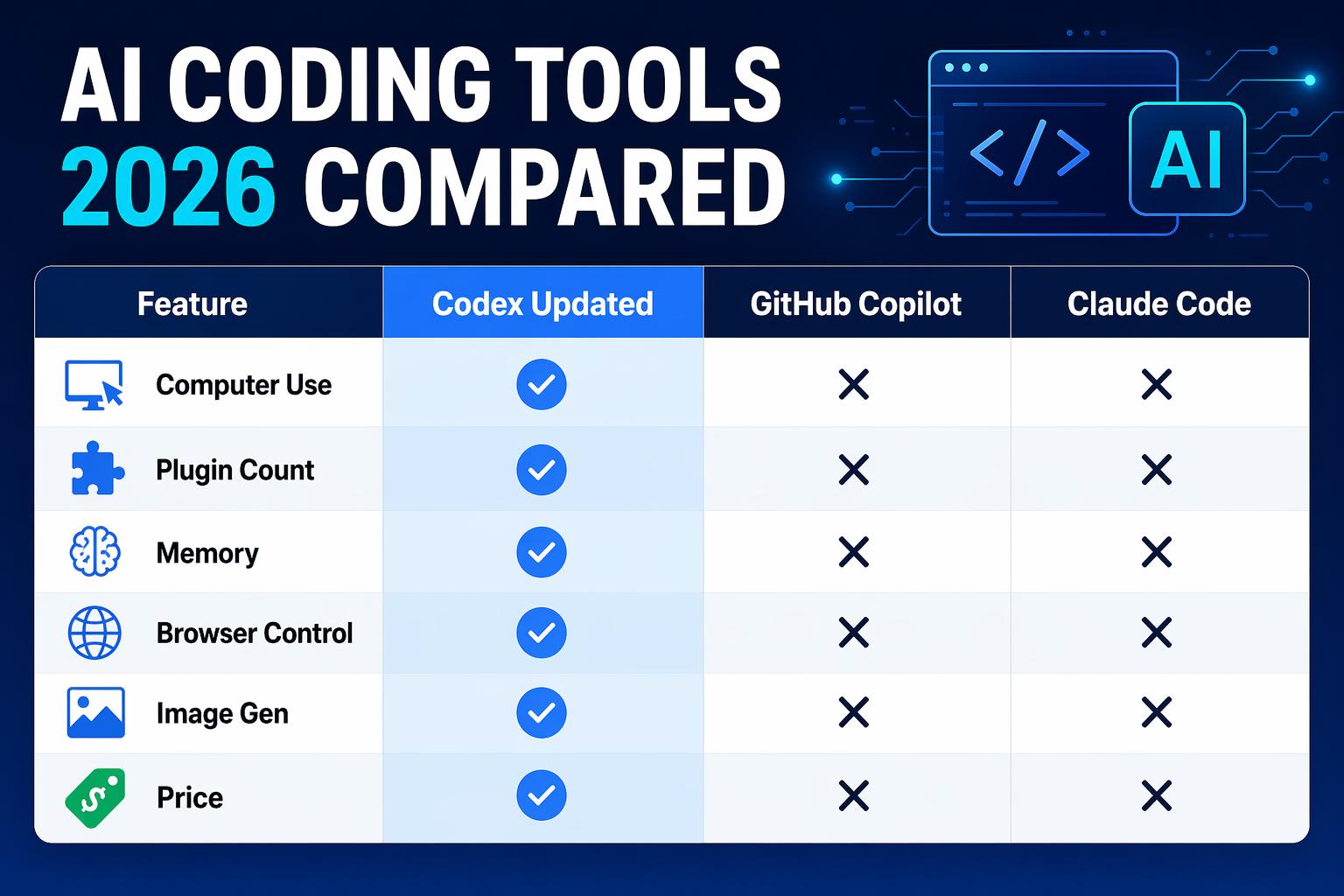
With this Codex update, OpenAI is matching several things that made Claude Code popular: persistent background operation, deep tool integrations, and memory across sessions. The race is genuinely competitive now.
Who Should Pay Attention?
Developers: This is directly relevant. Background computer use and the new plugin integrations expand what Codex can automate without API wrappers.
Teams: The memory + automations combo is built for ongoing workflows. If you have tasks that repeat across days (PR reviews, issue management, deployment checks), this is worth testing.
Beginners exploring AI tools: Codex is accessible — you don't need to write a single line of code to benefit from some features like the daily work suggestions or document summaries.
If you're building anything that uses AI APIs (including OpenAI's), Ampere is worth looking at for managing costs and infrastructure as usage scales up.
FAQ
What is OpenAI Codex?
Codex is OpenAI's AI coding assistant, available as a desktop app. It helps developers write, review, debug, and ship code faster. Over 3 million developers use it weekly.
What's new in the April 2026 Codex update?
The major additions: background computer use on Mac (Codex can control your desktop independently), an in-app browser, image generation via gpt-image-1.5, 90+ new plugin integrations (Jira, GitLab, Microsoft Suite, etc.), memory across sessions, and scheduled long-running automations.
Is OpenAI Codex free?
Codex requires a ChatGPT account (free or paid). Some advanced features like Enterprise integrations and certain plugin actions may require paid plans. A new pay-as-you-go option for Enterprise/Business customers was also announced in this update.
How does Codex compare to Claude Code?
Both are AI coding tools that run natively on your desktop. Claude Code is currently favored by many teams for complex engineering. Codex now matches several Claude Code features (background operation, memory, tool integrations). The meaningful differences are in model quality and the specific integrations each supports.
What apps does Codex integrate with?
With this update: Jira (via Atlassian Rovo), GitLab Issues, Microsoft Suite, CircleCI, CodeRabbit, Neon by Databricks, Remotion, Render, Slack, Gmail, Notion, Google Docs, and 80+ more via plugins.
What platforms is Codex available on?
macOS today. EU and UK availability for computer use and some personalization features is coming soon.
Where can I download Codex?
openai.com/codex — requires a ChatGPT account to sign in.

Alex the Engineer
•Founder & AI ArchitectSenior software engineer turned AI Agency owner. I build massive, scalable AI workflows and share the exact blueprints, financial models, and code I use to generate automated revenue in 2026.
Related Articles

How to Start an AI-Assisted Resume Writing Side Hustle in 2026 (Beginner's Guide)
A step-by-step guide to using AI resume tools to offer a paid resume and cover letter writing service — what to charge, which tools to use, and how to find your first clients.

How to Build and Sell AI Voice Receptionists to Local Businesses in 2026
A beginner's guide to building AI voice agents that answer business phone calls — the tools to use, what to charge, and how to find your first client.

How to Make Money on Fiverr with AI Tools in 2026: 7 Gigs You Can Start This Week
Discover 7 real Fiverr gigs you can launch using free and low-cost AI tools in 2026 — no experience required. Real pricing data, step-by-step setup, and tools that actually work.