
What Is an AI DevOps Agent? AWS's New Tool Explained for Beginners (2026)
AWS DevOps Agent went live in March 2026 — but what does it actually do, in plain English? This beginner's guide explains AI DevOps agents, why they matter, and how to get started even if you've never heard of DevOps before.
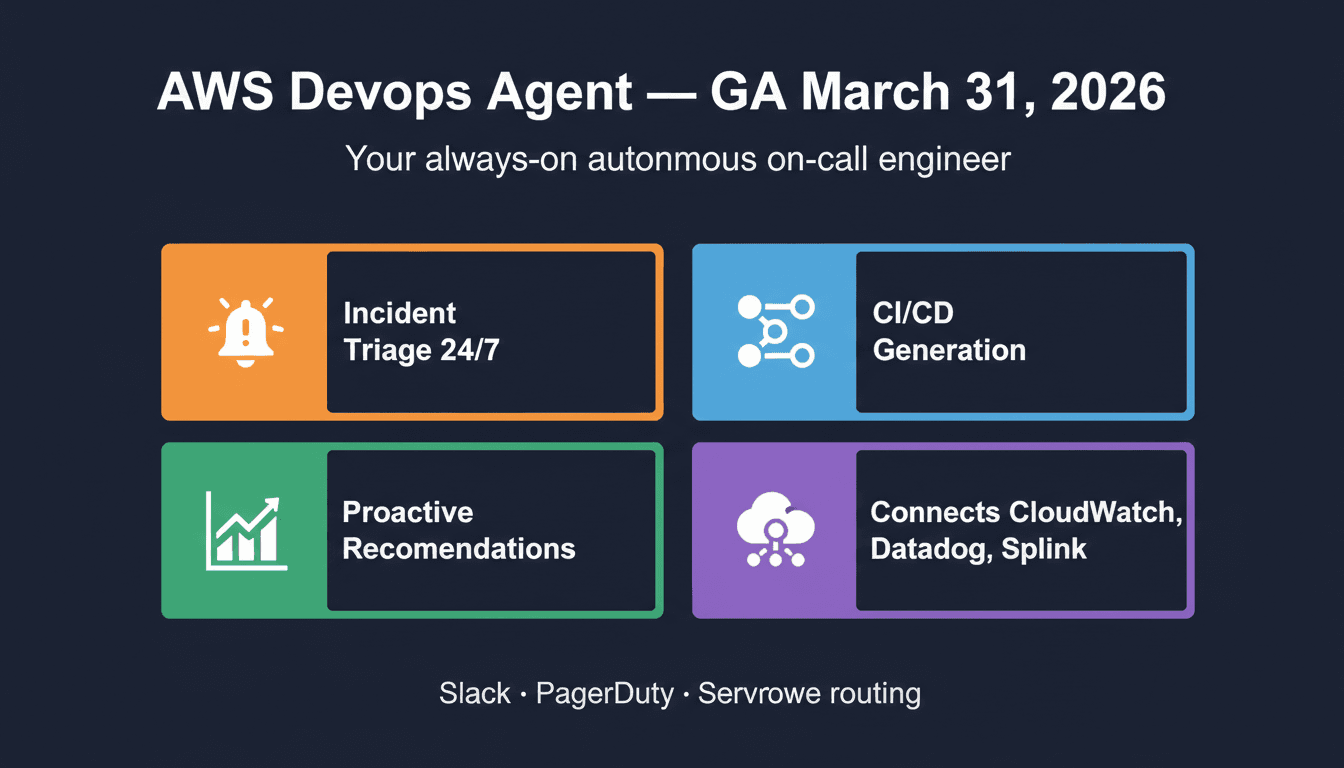
Imagine hiring a 24/7 IT expert who automatically detects when something goes wrong on your website, figures out what caused it, and tells your team exactly how to fix it — all before a single person gets out of bed. That's essentially what AWS DevOps Agent does.
On March 31, 2026, Amazon launched this tool to the public. It's getting a lot of attention in tech circles, but most articles explaining it are written for engineers. This guide is different: it explains what an AI DevOps agent is, why it exists, and what AWS's version actually does — in plain language anyone can understand.
First: What Is "DevOps"?
Before we explain an AI DevOps agent, you need to understand what DevOps is.
DevOps stands for "Development + Operations." It's the part of a tech company responsible for:
- Making sure websites and apps stay online
- Releasing software updates without breaking things
- Responding when something crashes or slows down
- Managing the servers and cloud infrastructure that everything runs on
In most companies, this is stressful, human-intensive work. When your website goes down at 2 AM, someone's phone rings. A DevOps engineer wakes up, logs into 5–6 different tools to find out what went wrong, and spends 45+ minutes figuring out the root cause before they can even start fixing it.
That's the problem AWS DevOps Agent is built to solve.
What Is an AI DevOps Agent?
An AI DevOps agent is a software program powered by AI that handles DevOps tasks automatically — monitoring systems, detecting problems, diagnosing root causes, and recommending (or taking) fixes without needing a human to do it step by step.
Think of it like an autopilot for your technical infrastructure. Instead of a human engineer monitoring dashboards all day, an AI agent watches everything simultaneously, connects the dots between different signals, and responds faster than any human team could.
The "agent" part is key. Unlike a simple alert system that just sends you a notification, an AI agent can:
- Reason about what it sees (not just "alert fired" but "here's probably why")
- Take action (send findings to Slack, generate a fix plan, kick off a diagnostic)
- Learn from historical patterns to get better over time
- Work autonomously without being given step-by-step instructions
AWS DevOps Agent is the first AI agent of this kind built directly into Amazon Web Services.
What AWS DevOps Agent Does
AWS DevOps Agent launched on March 31, 2026 and is available through the AWS Management Console. Here's what it actually does, broken down into plain English.
1. Automatic Incident Investigation
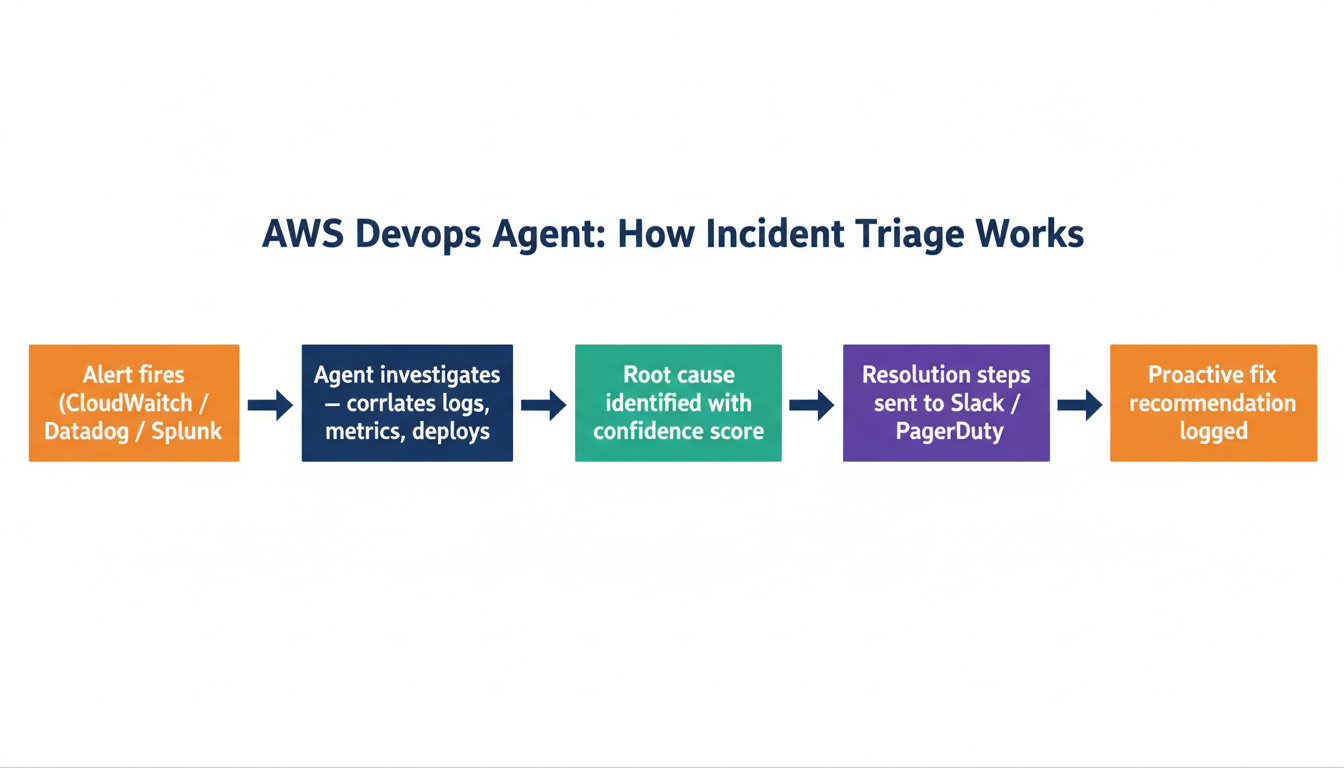
When something goes wrong — your app slows down, a server throws errors, a deployment fails — AWS DevOps Agent immediately starts investigating on its own.
It pulls in data from all your monitoring tools at once (CloudWatch, Datadog, Splunk, Grafana, etc.) and correlates them to find the most likely cause. Instead of a human engineer manually switching between tools for 45 minutes, the agent produces a root cause summary in minutes.
Real example: United Airlines tested AWS DevOps Agent and said: "Instead of initiating an incident call at 3 AM and switching between tools, we now have the answers ready."
2. Proactive Recommendations (Before Problems Happen)
The agent doesn't just react to problems — it proactively analyzes your systems and makes recommendations to prevent future incidents.
These fall into four categories:
- Observability gaps — "You don't have monitoring on this part of your system; you should"
- Infrastructure optimization — "This configuration is inefficient and increasing costs"
- Deployment improvements — "Your release process has these risk factors"
- Application resilience — "Your system will struggle to recover if X fails; here's how to fix it"
Each recommendation comes with enough detail that an engineer can act on it directly, or hand it to another AI tool to implement.
3. Pipeline Generation
"Pipeline" in DevOps refers to the automated process that takes new code written by developers and safely deploys it to your live product.
AWS DevOps Agent can generate these pipelines for you from a plain-language description. You describe what you want to happen — "when we merge code to main, run tests and deploy to AWS if they pass" — and the agent produces the configuration code for your existing tools (GitHub Actions, AWS CodePipeline, GitLab CI, etc.).
For someone without a DevOps engineer on staff, this is significant. Configuring CI/CD pipelines manually is one of the most common technical bottlenecks for small teams.
4. Infrastructure Q&A
The agent can answer questions about your AWS setup in plain language.
- "Why is our AWS bill so high this month?"
- "What would break if we shut down this server?"
- "Which deployments happened in the last 6 hours?"
It understands the relationships between your infrastructure components — it knows that Service A depends on Database B, which depends on a networking configuration in Region C. When you ask a question, it reasons across that full graph instead of just looking at one piece in isolation.
5. Custom Dashboards and Reports
You can build custom views of your operational data through natural language queries — "show me all incidents from the past 30 days grouped by root cause" — without writing a single line of code. These dashboards can be shared with your team.
How It Connects to Your Existing Tools
A common concern: "Do I have to replace all my current tools?"
No. AWS DevOps Agent plugs into what you already use. It acts as a reasoning layer on top of your existing stack, not a replacement for it.
Monitoring and observability tools:
- Amazon CloudWatch (auto-connected if you use AWS)
- Datadog
- Dynatrace
- Grafana
- New Relic
- Splunk
Code and deployment tools:
- GitHub
- GitLab
- Azure DevOps
Communication and alerting:
- Slack (incident findings are posted directly to your team channels)
- PagerDuty (auto-creates incidents with the AI's root cause analysis attached)
- ServiceNow
Custom tools: You can also connect internal tools or platforms not on this list using MCP servers — a technical method for extending the agent's reach to almost any system.
Who Should Use AWS DevOps Agent?
Small startup teams who don't have a dedicated DevOps engineer. The agent provides an SRE-level (Site Reliability Engineering) monitoring layer that would otherwise require hiring one or two specialists.
Growing companies where the current on-call rotation is burning out team members. Letting the AI handle initial investigation means humans only get involved when judgment is truly needed.
Non-technical founders who run software products. You won't use the agent directly, but understanding that it exists helps you evaluate whether your technical team is using modern tools — and it lowers the cost of maintaining your infrastructure reliably.
What it is NOT for:
- Total beginners with no AWS account or technical product
- Replacing your senior engineers for major decisions
- Automatically fixing production issues without human review (it recommends, but your team approves changes)
How to Get Started (Step-by-Step)
You'll need an AWS account to use AWS DevOps Agent. If you have one, here's the setup process:
Step 1: Open AWS DevOps Agent
Go to aws.amazon.com/devops-agent and click "Get started." This takes you to the setup wizard inside the AWS Console.
You'll need AWS admin-level access or specific permissions: CloudWatch read, CodePipeline read, and access to connect third-party tools.
Step 2: Connect your monitoring tools
Amazon CloudWatch connects automatically if you're using AWS. For Datadog, Grafana, New Relic, Splunk, or Dynatrace, you provide an API key (a password-style credential that lets the agent read your data).
Step 3: Connect your code repositories
Link your GitHub or GitLab account. The agent uses your deployment history — knowing that a new deploy happened 5 minutes before an alert is critical context for root cause analysis.
Step 4: Upload your runbooks
A runbook is a document that describes how to handle common problems. If your team has these (in Confluence, Notion, or plain text files), upload them. The agent uses them as reference material during incident investigations.
Don't have runbooks? The agent will still work — it just won't have your team-specific context.
Step 5: Set up alert routing
Tell the agent where to send its findings. Most teams route to Slack (a channel like #incidents) and PagerDuty. The agent will post investigation summaries, root cause analyses, and recommended next steps directly there.
Once this is done, the agent begins monitoring automatically. You don't need to configure what it watches — it reads your connected data and starts building its understanding of your system.
Pricing
AWS DevOps Agent uses a pay-per-use model based on the number of agent actions and connected resources. Specific pricing tiers are in the AWS Console under the DevOps Agent service page.
For context: a single overnight incident that would page an on-call engineer, require 45 minutes of investigation, and potentially involve multiple team members could cost $300–600+ in labor. If the agent handles that autonomously at a fraction of that cost, the math is straightforward for most teams.
That said, pricing varies significantly based on the size of your infrastructure and usage patterns. Model it against your own situation before committing to full rollout.
Is This Different From Other AI Agents?
Yes — in a meaningful way. Most AI agents (like ChatGPT, Claude, or general-purpose tools) need you to describe the problem to them. They're reactive: you ask, they answer.
AWS DevOps Agent is proactive and connected. It doesn't wait for you to notice a problem. It has live access to your infrastructure data, watches for issues continuously, and acts when something happens — without you typing a word.
It also has context that general AI tools don't have. It understands your specific system: your dependencies, your deployment history, your runbooks, your historical incident patterns. This is what makes root cause analysis possible in minutes rather than hours.
Key Takeaways
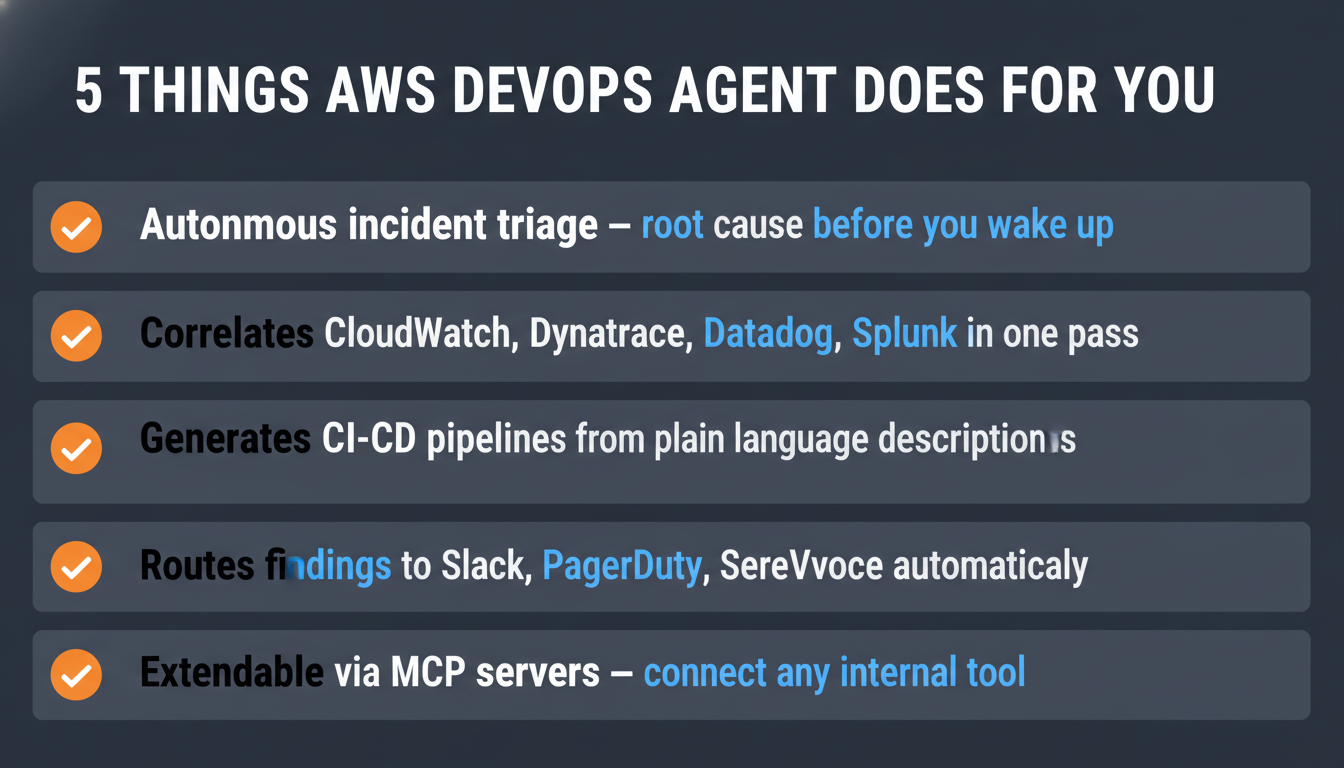
- AWS DevOps Agent launched March 31, 2026 — the first AWS-native autonomous DevOps agent
- It handles: incident investigation, root cause analysis, pipeline generation, infrastructure Q&A, and proactive recommendations
- Connects to: CloudWatch, Datadog, Dynatrace, Grafana, Splunk, GitHub, GitLab, Slack, PagerDuty, and more
- Best for: small-to-mid engineering teams managing live products on AWS
- Does NOT replace: senior engineers, architectural decisions, or human judgment on production changes
- Get started: aws.amazon.com/devops-agent
Frequently Asked Questions
Do I need to know coding to use AWS DevOps Agent? You need an AWS account and someone technical enough to connect your tools and manage IAM permissions. Once configured, the agent works through natural language — no coding required to run investigations or ask questions.
Does the agent automatically fix problems? No. It investigates and recommends. Your team reviews and approves changes before anything is modified in production. This is intentional — production systems are too consequential for fully autonomous changes.
How is this different from Amazon Q Developer? Amazon Q Developer helps individual developers write code. AWS DevOps Agent is for operations teams — it watches running systems, responds to incidents, and monitors infrastructure. Different tool, different job.
What if I'm not using AWS? AWS DevOps Agent is AWS-specific. If your infrastructure runs on Google Cloud (GCP) or Microsoft Azure, this particular tool isn't available. Those platforms have their own equivalent products in development.
Is my data safe? The agent connects to your tools read-only by default — it reads logs, metrics, and code but doesn't write to production systems without your configuration. Review AWS's data handling and IAM policies for your specific compliance requirements.

Alex the Engineer
•Founder & AI ArchitectSenior software engineer turned AI Agency owner. I build massive, scalable AI workflows and share the exact blueprints, financial models, and code I use to generate automated revenue in 2026.
Related Articles
Hermes Agent Setup Guide: The Self-Improving AI Agent by Nous Research (2026)
Install Hermes Agent in under 5 minutes — an open-source autonomous AI that builds its own skills, learns from your conversations, and connects to Telegram, Discord, Slack, and WhatsApp.
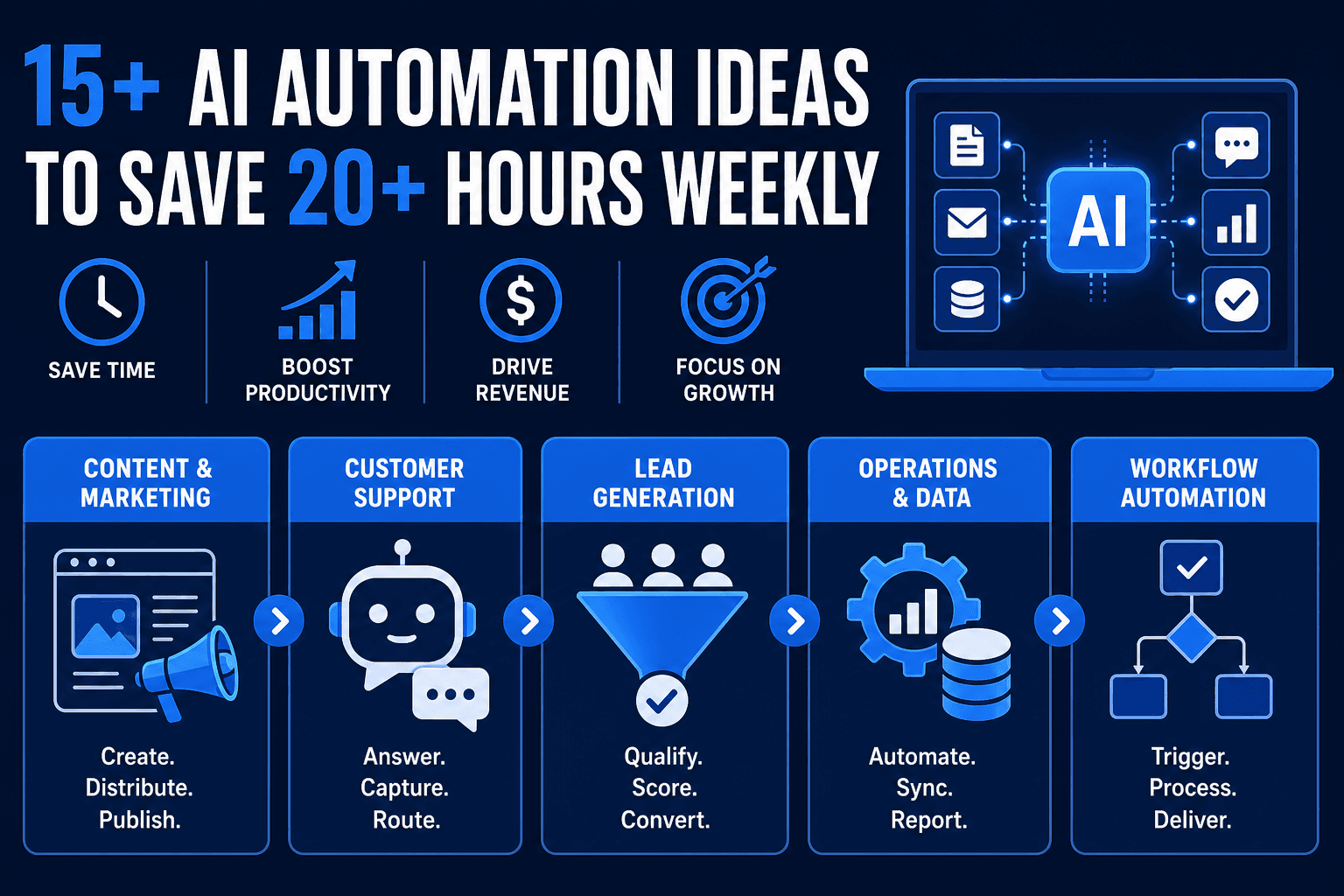
15+ AI Automation Ideas to Save 20+ Hours Weekly
15+ real AI automation ideas deployed right now with n8n, CustomGPT, and Make — content pipelines, support bots, lead gen. Includes setup tips and income potential.
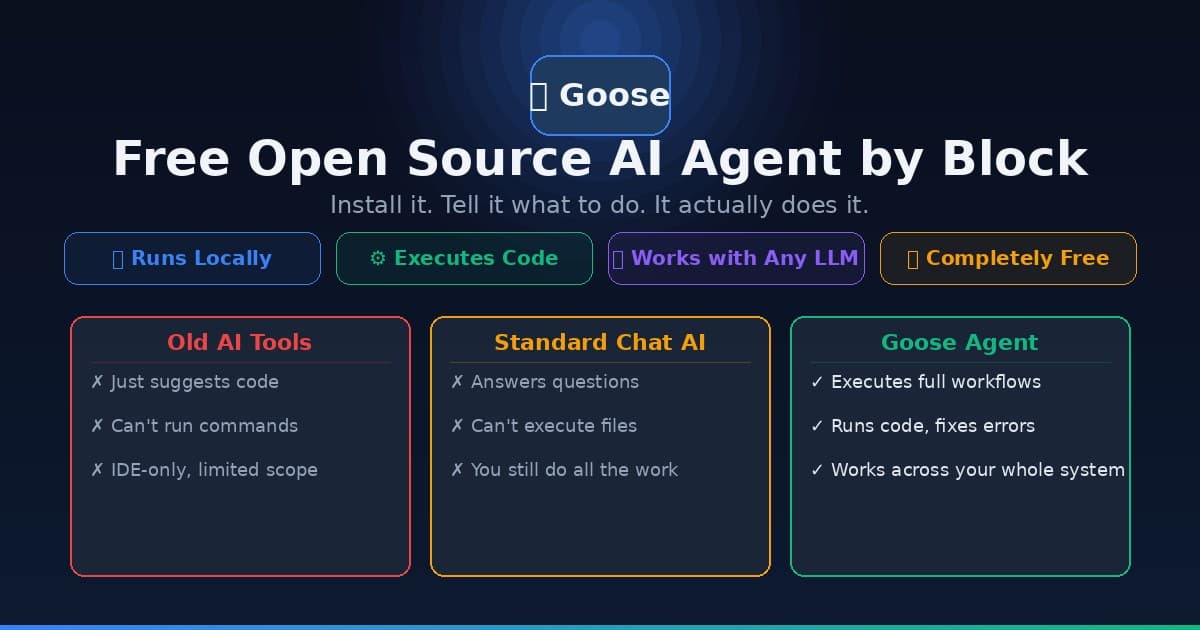
Goose AI Agent: How to Set Up the Free Open Source Agent by Block
Learn how to install and use Goose, the free open source AI agent from Block (Jack Dorsey's company) that automates coding, research, and workflow tasks — no cloud subscription required.