
Why You Need Your Own AI Agent in 2026 (And How to Set One Up in 60 Seconds)
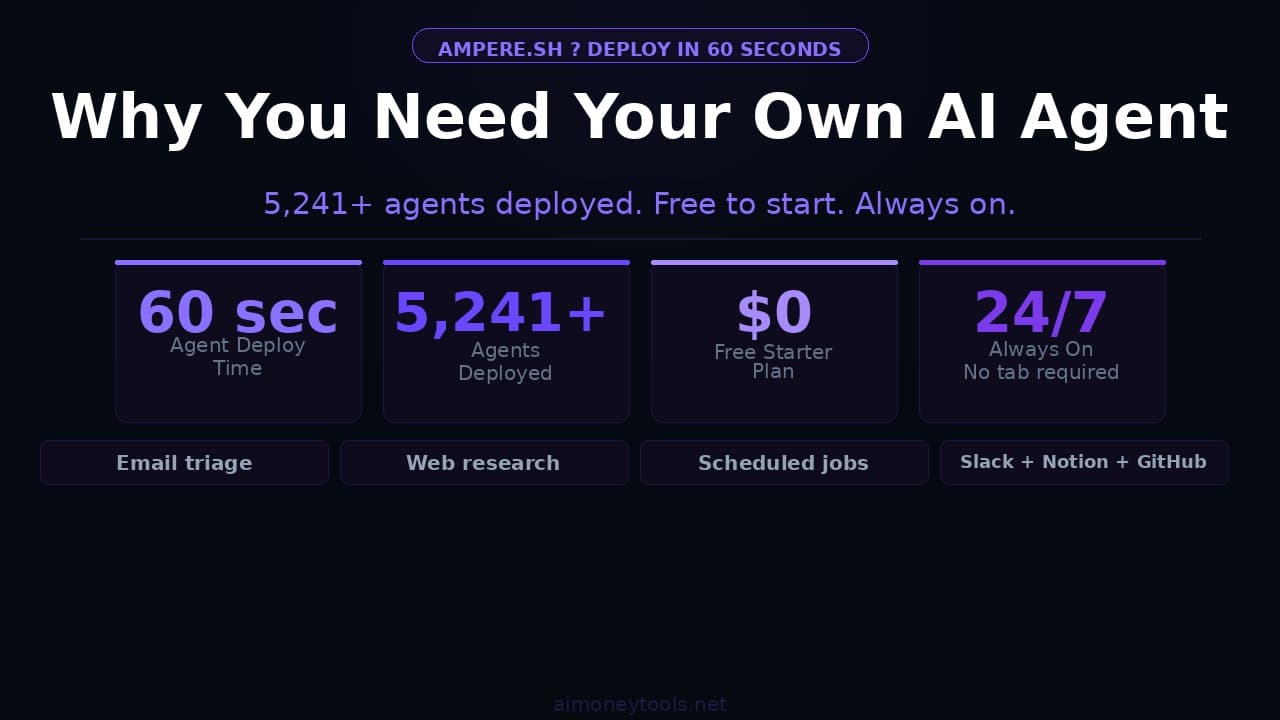
A personal AI agent handles emails, runs research, monitors your tools, and automates your workflow 24/7 — without you lifting a finger. Here's what it can save you, and how Ampere makes it effortless to deploy.
Most people use AI the same way: open a browser tab, type a question, copy the answer, close the tab. It's a tool you use, not a system that works for you.
The people actually saving hours every week have crossed a different line. They have an agent — something that runs in the background, monitors what matters, acts on their behalf, and gets better at it over time.
This article covers why that shift matters in 2026, what a real AI agent actually does, and how to have one running for free in about 60 seconds.
What's the Difference Between an AI Chatbot and an AI Agent?
The difference is not intelligence — it's persistence.
A chatbot waits for you to open a tab and type something. An agent is always on. It's running while you sleep, watching your inbox while you're in a meeting, checking your dashboards while you're on a call. It doesn't need you to start it.
The other difference is memory. Most chatbots start fresh every conversation. An agent builds context over time — it remembers your preferences, your recurring tasks, your common workflows, and improves with every interaction.
Think of the difference this way:
- Chatbot: a smart colleague you have to walk up to, explain the context to, get an answer, and do the rest yourself
- Agent: a colleague who already knows your context, notices things before you ask, and handles the routine work without being told
What a Personal AI Agent Can Actually Do
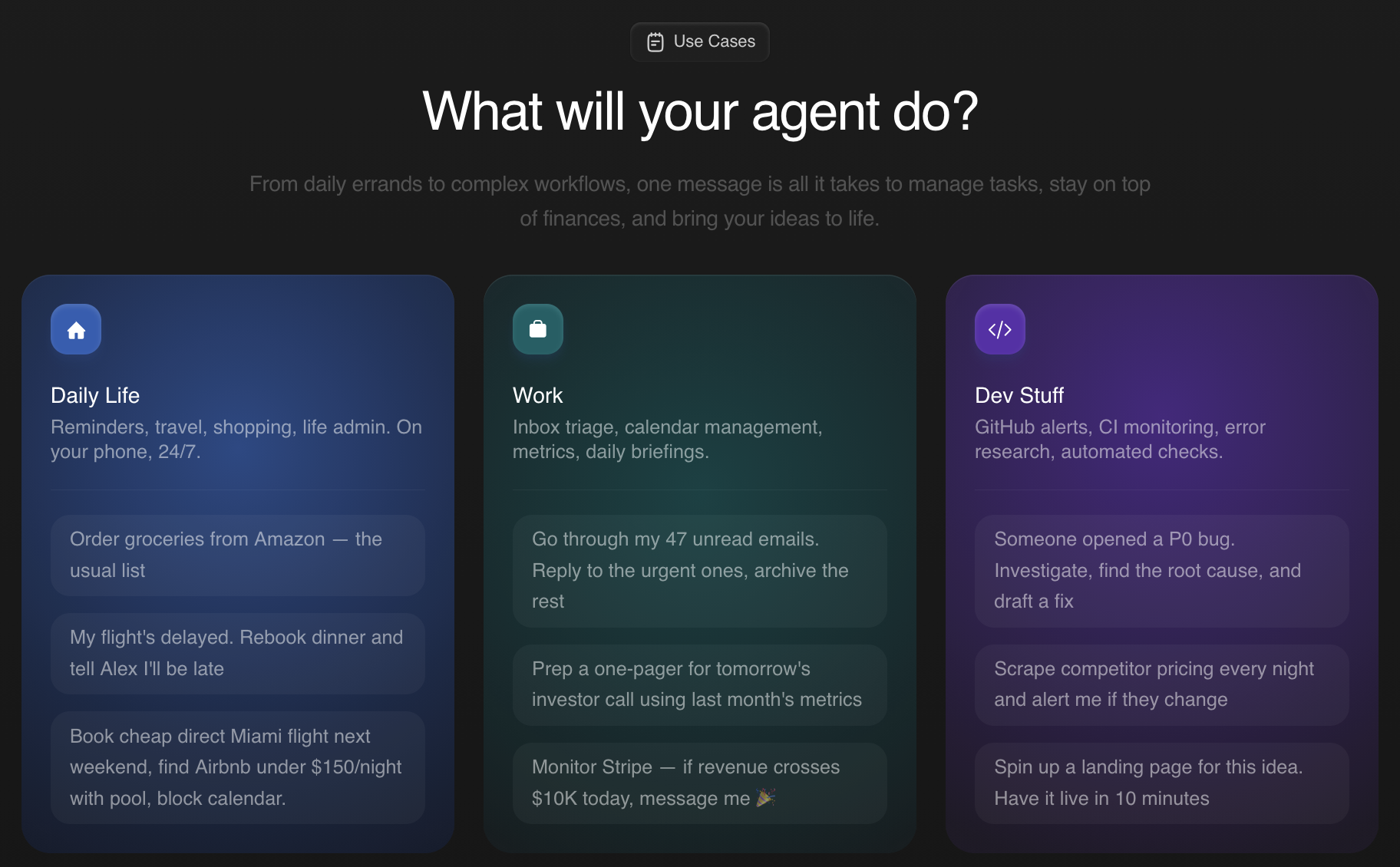
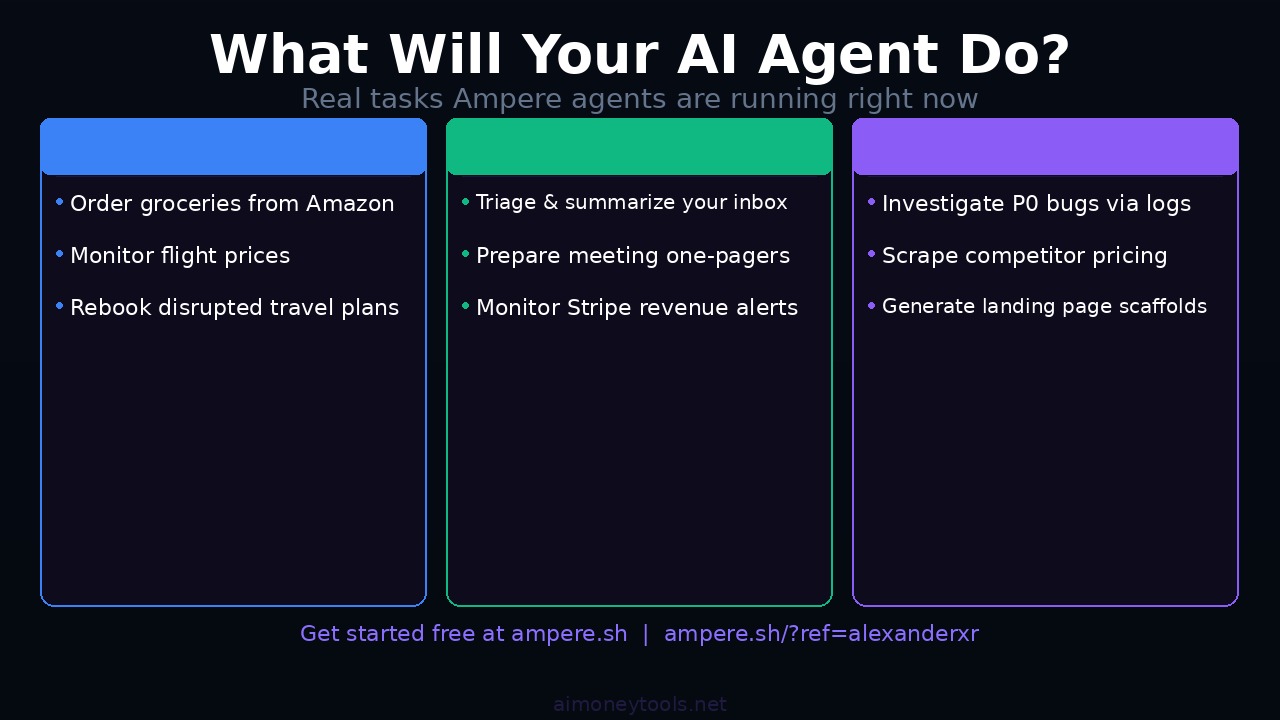
The use cases break down into three categories — personal life, professional work, and technical tasks.
For daily life:
- Order groceries from Amazon with dietary preferences already set
- Monitor flight prices and alert you when they drop to your threshold
- Rebook a disrupted trip while you're still in the airport
For work:
- Triage your inbox and summarize what actually needs your attention
- Research a company before a meeting and prepare a one-pager
- Monitor your Stripe dashboard and alert you to revenue changes or anomalies
For technical workflows:
- Investigate a production bug — pull logs, check commits, summarize the probable cause
- Scrape competitor pricing on a schedule and export it to a spreadsheet
- Spin up a landing page scaffold and push it to GitHub based on a brief
These aren't hypothetical. They're the actual use cases Ampere users are running right now.
Hours Saved, Not Minutes
The ROI isn't just about one task. It compounds.
An agent triaging your email inbox doesn't save you 10 minutes — it saves you 10 minutes every day, across every workday, indefinitely. An agent that monitors your analytics and alerts you to anomalies catches things you'd miss because you're not checking every hour.
A common benchmark across productivity tools: recurring task automation saves 5–15 hours per week for knowledge workers once the setup is in place. Most of those hours come from context-switching — the mental cost of switching from deep work to checking tools, responding to non-urgent messages, and hunting for information.
An always-on agent handles the checking so you don't have to.
Ampere: Your AI Agent, Running in 60 Seconds
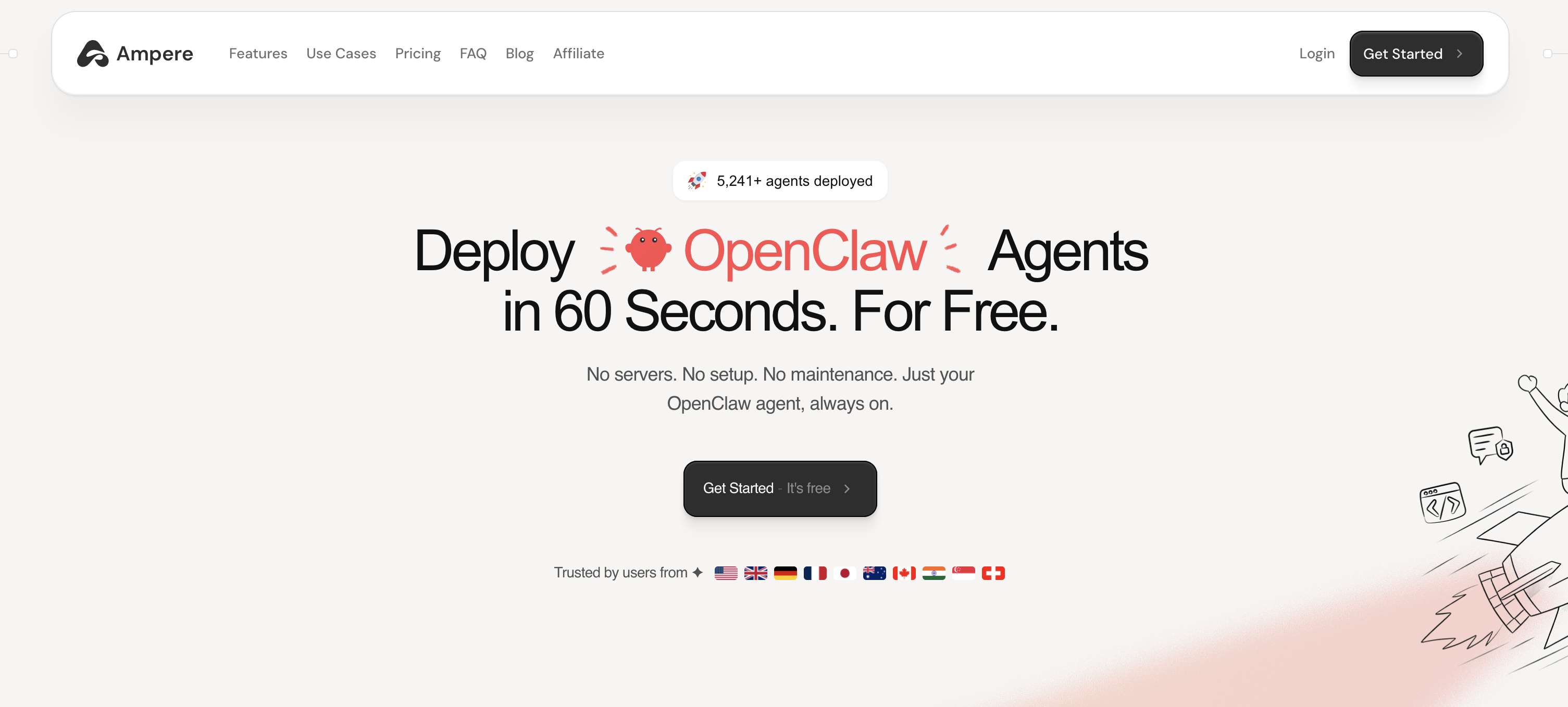
Ampere is a hosted platform for deploying personal AI agents (called OpenClaw) without any server setup, infrastructure, or maintenance.
The setup is three steps:
- Create an account — free tier available, no credit card required
- Configure your agent — name it, connect your tools, set your preferences (or just start with the defaults)
- Run it — your agent is live, accessible via chat, and already connected to the web
That's it. No SSH. No Docker. No cloud console. Ampere handles the infrastructure so the agent is always on, always responsive, and never needs you to manage a server.
As of April 2026, Ampere has 5,241+ agents deployed globally — with users from the US, UK, Germany, France, Japan, Australia, Canada, India, Singapore, and Switzerland.
Core Capabilities Built In
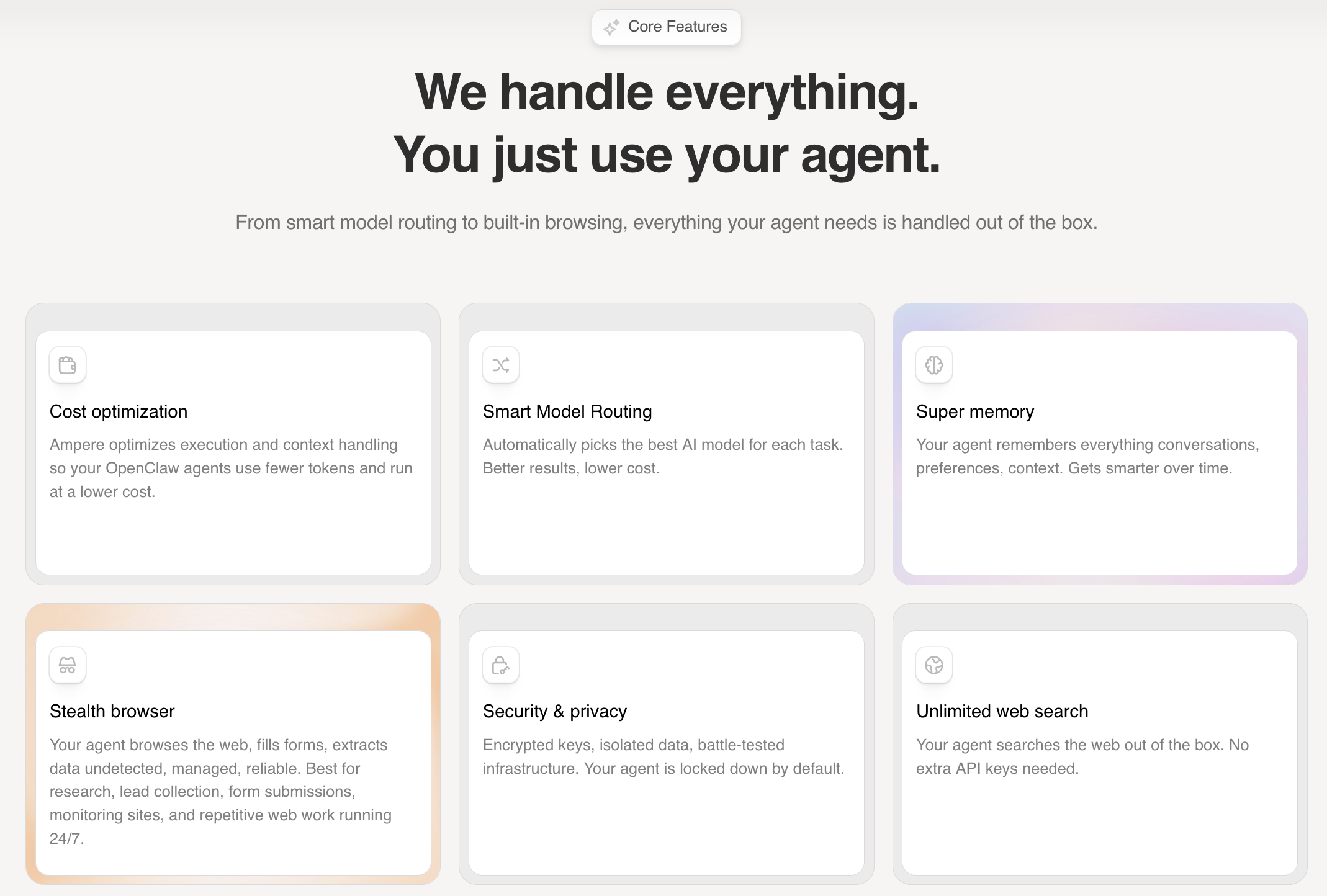
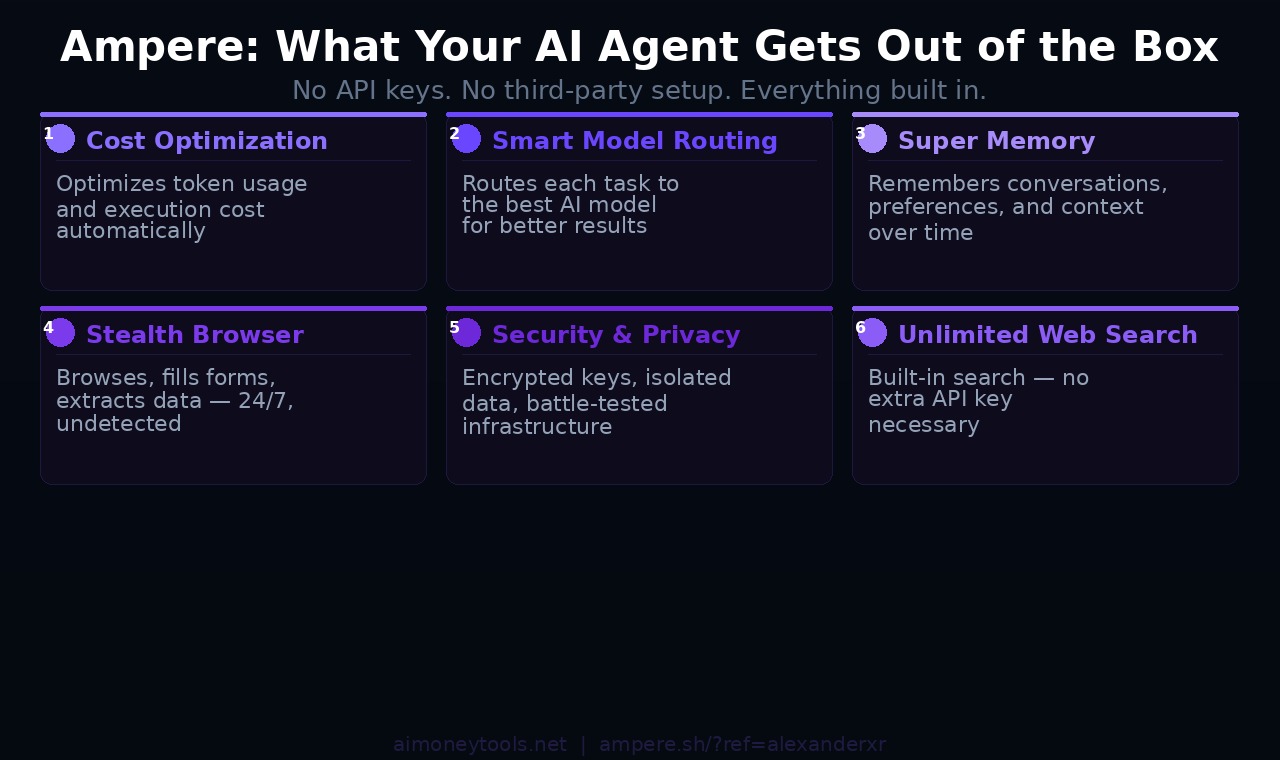
Ampere's agents come with six capabilities out of the box — no API keys, no third-party setups:
Cost optimization — Ampere automatically optimizes execution and context handling, so your agent uses fewer tokens and runs at lower cost than if you were calling models directly.
Smart model routing — Instead of locking to a single model, Ampere automatically routes each task to the best model for that job. A research task might use a different model than a coding task, and you don't need to configure any of it.
Super memory — Your agent remembers conversations, preferences, and context across sessions. It gets more useful the longer you use it, not less.
Stealth browser — Your agent can browse the web, fill forms, and extract data undetected. This handles research tasks, lead collection, price monitoring, and any web workflow that would otherwise require you to be at your keyboard.
Security and privacy — Encrypted keys, isolated data, battle-tested infrastructure. Your agent is locked down by default — not an afterthought.
Unlimited web search — Built in. No extra API keys needed for search.
The Skills Marketplace
One of Ampere's most useful features is its skills marketplace — a growing library of pre-built automations you can add to your agent with a single command.
Skills are integrations and automation templates: connect to Slack, configure email triage, set up scheduled reports, automate CRM updates, and more. The marketplace is organized by category, and new skills are added by both the Ampere team and community contributors (who can earn from their submissions).
To configure a skill, you just ask your agent: "Set up X." No form filling, no manual API setup — the agent handles the configuration itself.
This is the compounding value: each skill you add extends what your agent can handle without adding to your workload. An agent with email + calendar + Slack + Stripe connected handles a full day's worth of monitoring and triage on its own.
What Your Agent Dashboard Looks Like
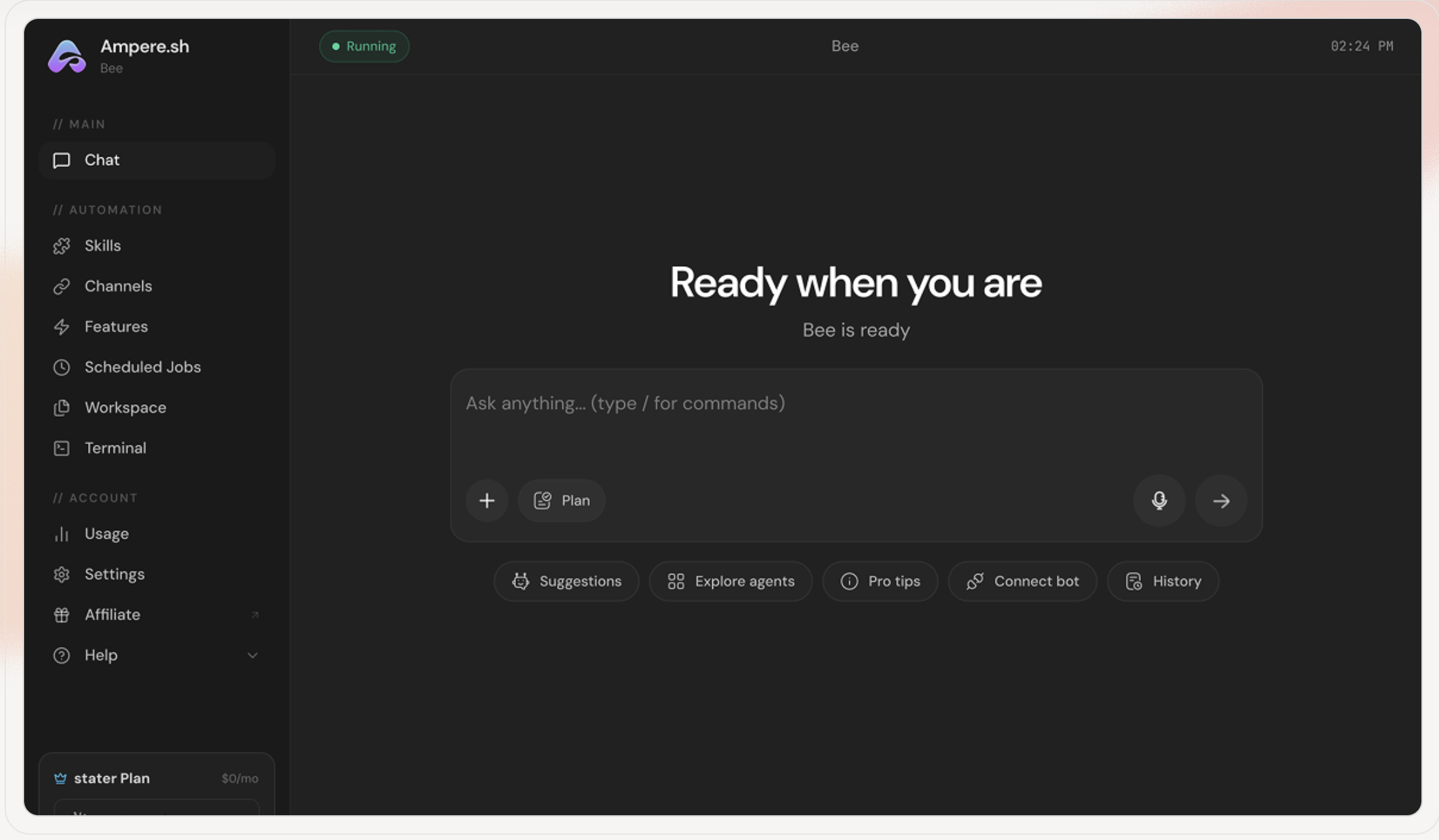
Once you're running, the Ampere dashboard gives you full control in one place:
- Chat — talk to your agent directly, give it tasks, check status
- Skills — manage which automations are active
- Channels — connect Telegram, Discord, WhatsApp, or other platforms your agent communicates through
- Scheduled Jobs — set recurring tasks (daily summaries, weekly reports, price checks)
- Workspace — your agent's working memory and files
- Terminal — direct access for more advanced configuration
The dashboard is clean and dark-themed, runs in the browser, and shows you a live "Running" status. Your agent is running whether or not you have the tab open.
What It Costs
Ampere has a free starter tier — $0/month, no credit card required. This is enough to deploy an agent, connect basic integrations, and run standard automations.
Paid plans unlock higher usage limits, more concurrent agents, and priority infrastructure. But for most users getting started, the free tier is enough to see the value before upgrading.
Who This Is For
Busy professionals who spend 30+ minutes a day on email, status updates, and tool-checking — and want that time back.
Founders and solo operators who need monitoring and triage across multiple tools (Stripe, GitHub, inbox, analytics) but can't afford to hire someone just for that.
Developers who automate code tasks but have never automated their own workflow — and want an agent that can do both.
Content creators and freelancers who run recurring research, scheduling, and client communication tasks that AI could handle with the right setup.
If you've ever thought "I wish I had someone to handle this" — that's what the agent is for.
How to Get Started
- Go to Ampere
- Create a free account
- Name your agent and connect your first tool (email, Slack, or just start with web search)
- Ask it something: "Summarize my emails from today" or "Search for [topic] and give me a 3-bullet summary"
That's the entry point. From there, you add skills as you find use for them, and the agent builds context about how you work.
The setup takes 60 seconds. The compounding value takes a few weeks to really show — but it starts immediately.
Frequently Asked Questions
Is Ampere actually free to start? Yes. The starter plan is $0/month with no credit card required. You can deploy an agent, connect integrations, and run automations before spending anything.
Does the agent keep running when I close the browser? Yes — that's the whole point. Ampere hosts the agent. It runs 24/7 on their infrastructure, not your machine. You can close the browser and it continues working.
What's OpenClaw? OpenClaw is the AI agent framework that Ampere deploys and manages. Ampere is the hosting and infrastructure layer — you don't need to understand the underlying stack to use it.
Can I connect it to my existing tools? Yes. Ampere connects to Slack, Notion, GitHub, Stripe, Gmail, and more. The skills marketplace adds additional integrations. For most common professional tools, there's already a connector.
Does the agent get smarter over time? Yes. The super memory feature means your agent retains context across sessions — your preferences, recurring tasks, and communication patterns. It improves with use.
What if I want to customize it more? The Ampere dashboard has a Terminal and Workspace section for more advanced configuration. You can also contribute skills to the marketplace.
Is it secure? Ampere uses encrypted keys and isolated data environments. Your agent data is not shared with other users or used to train models.
The tab-based AI workflow has a ceiling. You get answers, but the work still falls on you to act on them, monitor the right things, and repeat tasks manually.
An agent lifts that ceiling. It monitors, acts, and learns — while you focus on the work that actually requires your judgment.

Alex the Engineer
•Founder & AI ArchitectSenior software engineer turned AI Agency owner. I build massive, scalable AI workflows and share the exact blueprints, financial models, and code I use to generate automated revenue in 2026.
Related Articles

How to Start an AI-Assisted Resume Writing Side Hustle in 2026 (Beginner's Guide)
A step-by-step guide to using AI resume tools to offer a paid resume and cover letter writing service — what to charge, which tools to use, and how to find your first clients.

How to Build and Sell AI Voice Receptionists to Local Businesses in 2026
A beginner's guide to building AI voice agents that answer business phone calls — the tools to use, what to charge, and how to find your first client.

How to Make Money on Fiverr with AI Tools in 2026: 7 Gigs You Can Start This Week
Discover 7 real Fiverr gigs you can launch using free and low-cost AI tools in 2026 — no experience required. Real pricing data, step-by-step setup, and tools that actually work.