
Murf.ai vs ElevenLabs 2026: Which AI Voice Generator Makes You More Money?
Murf.ai vs ElevenLabs — a practical comparison for creators and side hustlers. Pricing, voice quality, YouTube workflow, and which one actually earns more.
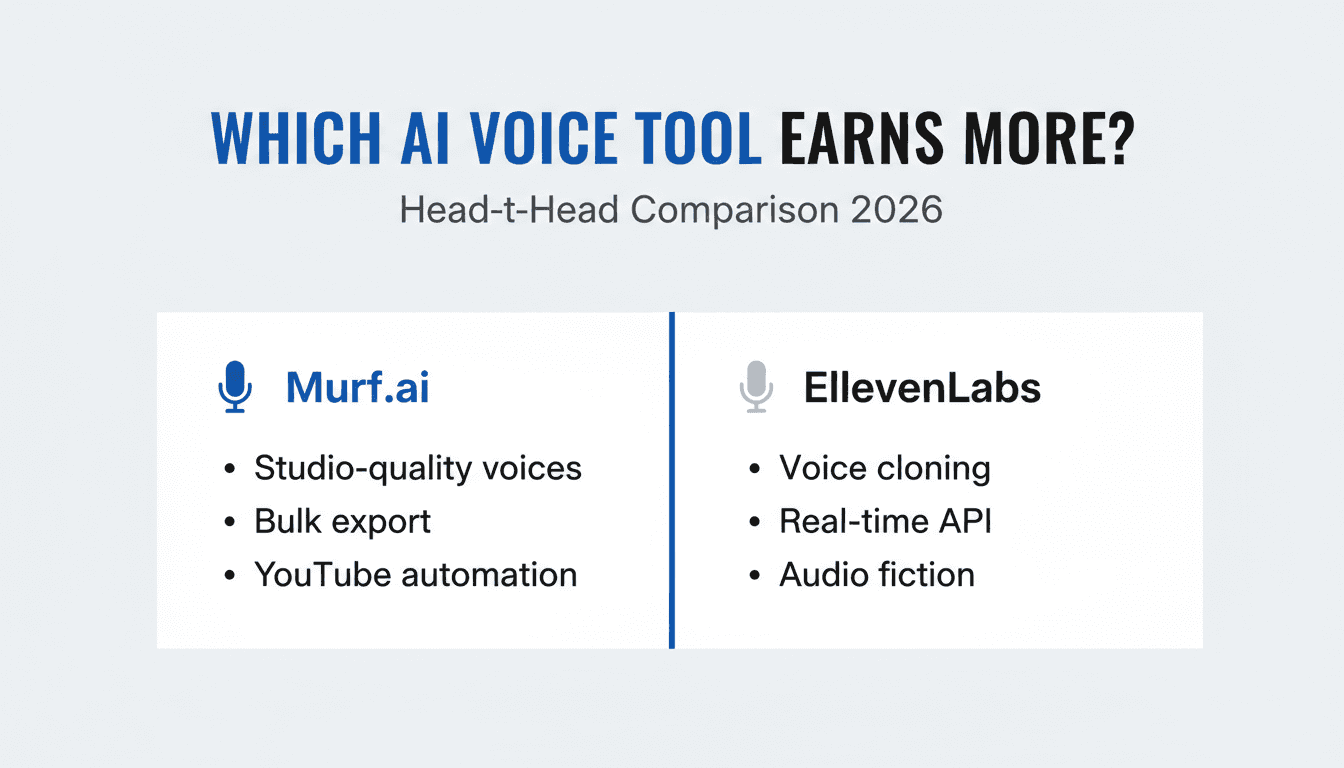
The question isn't which AI voice sounds better in a demo. The real question is: which one puts more money in your pocket by the end of the month?
Murf.ai and ElevenLabs are the two most-used AI voice generators right now. Both are genuinely good. But they're built for different workflows — and if you pick the wrong one, you'll either hit a cost ceiling fast or spend more time editing than creating.
Here's the breakdown based on real use cases, not marketing pages.
Quick Comparison: Murf.ai vs ElevenLabs
| Feature | Murf.ai | ElevenLabs |
|---|---|---|
| Best for | YouTube automation, narration | Voice cloning, real-time API |
| Voice styles | 200+ in 20+ languages | 120+ with cloning capability |
| Pricing model | Monthly minutes | Monthly characters |
| Starter plan | $29/month (60 min voice) | Free tier, Creator $22/month |
| Commercial license | All paid plans | All paid plans |
| API access | Basic (Business+) | All paid plans |
| Studio controls | Advanced (pitch, speed, pause) | Moderate |
| Affiliate program | Yes | No |
Murf.ai: Built for Volume Content Creators
Murf's core strength is its studio environment. You get precise control over every word — pause duration, emphasis, pitch — which matters when you're producing scripted content at scale.
Where Murf wins for income:
- YouTube automation channels: Script → voice → upload. The bulk export workflow is faster than anything ElevenLabs offers for planned content.
- Explainer videos and courses: Studio-quality narration with consistent tone across 20+ episodes.
- Client voiceover work: White-label audio for agencies and freelancers. Murf's output sounds "produced," not "generated."
The pricing model (monthly minutes) is more predictable for content calendars. If you know you're making 15 videos a month, you budget once and you're done.
Honest limitation: Murf's voices sound polished but slightly robotic on long-form personal storytelling. For a podcast that needs natural breathing and casual conversation, ElevenLabs will beat it.
Try Murf.ai free for 7 days → murf.ai
ElevenLabs: Built for Realism and Developer Workflows
ElevenLabs is the more technically capable tool. Voice cloning from 1 minute of audio, real-time streaming API, multi-speaker conversations — these features don't exist in Murf's roadmap yet.
Where ElevenLabs wins for income:
- AI-powered podcasts and audio fiction: Clone a voice, generate long-form audio that sounds like a real person spoke it.
- Developer products: Build apps with real-time voice generation. The API is mature and well-documented.
- Faceless video with natural commentary: If your content relies on conversational tone rather than scripted narration, the realism pays off in watch time.
The character-based pricing is the catch. At scale, characters add up fast. A 2,000-word script at 5 chars/word = 10,000 characters. The Creator plan gives you 100,000 characters/month — enough for about 10 scripts before you need to upgrade.
Honest limitation: For pure YouTube automation volume, ElevenLabs gets expensive faster than Murf. Its strength is quality per output, not throughput per dollar.
The Pricing Reality: Where It Actually Costs You
This is what most comparisons miss.
Murf.ai pricing:
- Basic: $29/month — 60 min voice output, commercial license
- Pro: $49/month — 150 min, team features
- Business: $99/month — unlimited minutes (hard cap)
ElevenLabs pricing:
- Creator: $22/month — 100k characters (~10–12 videos)
- Pro: $99/month — 500k characters (~50–60 videos)
- Scale: $330/month — 2M characters
The math for YouTube automation (20 videos/month, 8-min average, ~1,200 words/video):
- Each video ≈ 6,000 characters ≈ 12 minutes voice
- Murf Pro ($49): covers 150 min = 12.5 videos. Need Business for $99 to cover 20.
- ElevenLabs Pro ($99): 500k chars = 83 videos. Over-spec at 20 videos.
For 20 videos/month: Murf Business ($99) vs ElevenLabs Pro ($99). Same cost — but ElevenLabs gives 4× the headroom.
The break-even flips at 12+ videos/month. Under that, Murf Basic ($29) beats ElevenLabs Creator ($22) on total output and studio features.
Real YouTube Automation Workflow: How to Earn With Either Tool
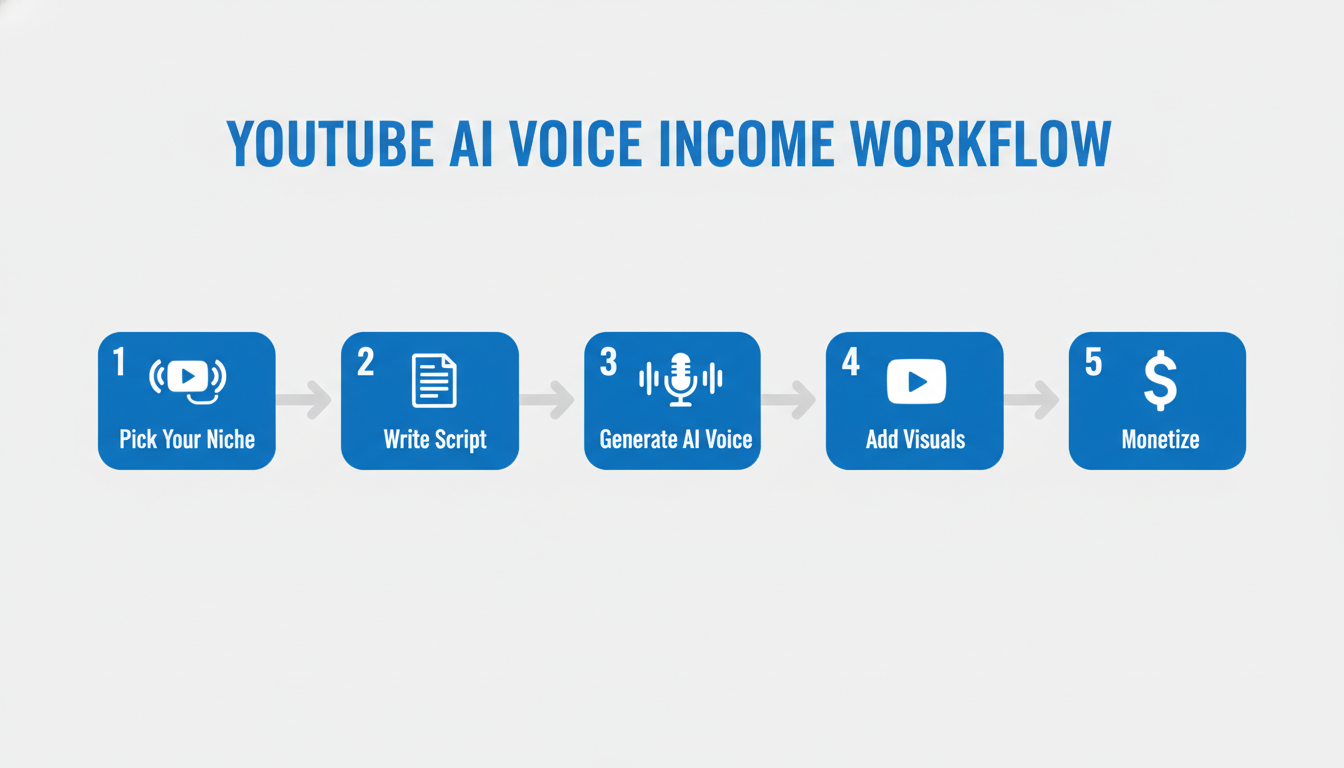
Both tools work in the same basic pipeline. Here's what a profitable YouTube automation setup looks like:
- Pick a niche with ad-friendly CPM — Finance, tech, or business topics pay $8–$25 CPM vs $2–$4 for entertainment.
- Write or generate scripts — Use ChatGPT for research and structure, then edit for your brand voice.
- Generate voiceover — Murf for polish, ElevenLabs if you need a cloned or ultra-natural voice.
- Add stock footage or AI visuals — Pexels, Storyblocks, or Runway for b-roll.
- Schedule and optimize — TubeBuddy for SEO, post 3–5 times/week for YouTube algorithm momentum.
A well-optimized AI voice channel in a finance niche can reach $1,000–$3,000/month AdSense at 100k monthly views — entirely achievable within 6–9 months with consistent posting. See our full guide on AI YouTube automation for channel setup details.
For more voice tool options, check the complete AI voice generator ranking we published this week.
Key Takeaways
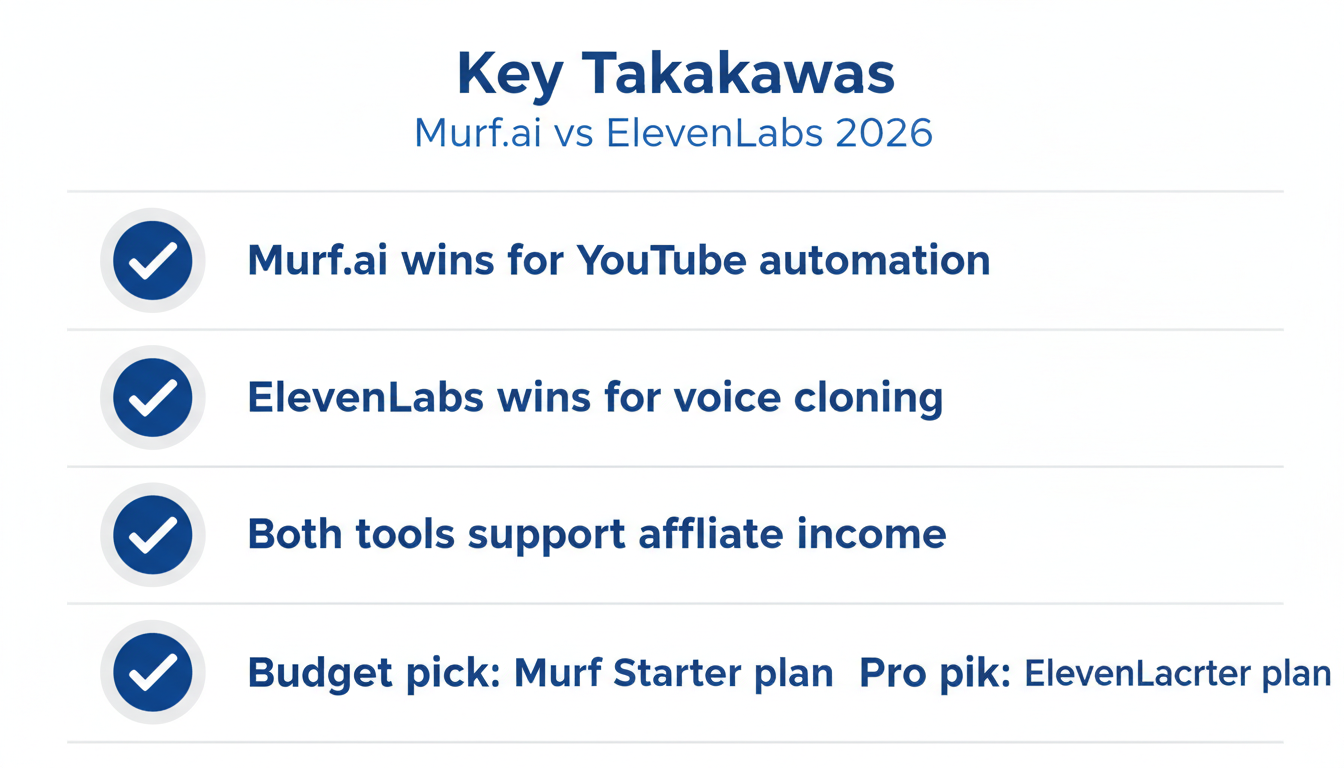
- Murf.ai is the better starting point for YouTube automation under 15 videos/month — studio controls, bulk export, predictable pricing.
- ElevenLabs wins on realism — voice cloning and natural conversation tone beat Murf for podcast-style content.
- Pricing parity kicks in at ~12 videos/month, after which ElevenLabs Pro gives more headroom per dollar.
- Both tools earn money — the niche and consistency of posting matter more than which voice tool you use.
- For affiliate monetization, Murf has a direct affiliate program; ElevenLabs does not.
FAQ
Can I use Murf.ai or ElevenLabs for commercial YouTube channels? Yes. Both platforms include commercial licensing on all paid plans. You own the audio output and can monetize it through AdSense, sponsorships, or affiliate marketing without restrictions.
Which AI voice generator is better for beginners? Murf.ai has a gentler learning curve. The studio interface is drag-and-drop, and you don't need API knowledge to get started. ElevenLabs is more powerful but requires more setup for voice cloning.
Can ElevenLabs clone my own voice? Yes — ElevenLabs offers Instant Voice Cloning from as little as 1 minute of audio. This is one of its strongest differentiators. Murf does not offer voice cloning.
What's the cheapest way to start a YouTube automation channel with AI voice? Start with ElevenLabs' free tier (10,000 characters/month) to test your niche, then upgrade to Creator ($22) once you're posting consistently. Alternatively, Murf's 7-day free trial includes commercial use — good for launching your first 3–4 videos.
Is it against YouTube's rules to use AI-generated voiceovers? No. YouTube allows AI-generated voiceovers. You must disclose AI-generated content in certain categories (news, health) under YouTube's updated policy, but standard niche content — finance tips, tech reviews, productivity — doesn't require disclosure.

Alex the Engineer
•Founder & AI ArchitectSenior software engineer turned AI Agency owner. I build massive, scalable AI workflows and share the exact blueprints, financial models, and code I use to generate automated revenue in 2026.
Related Articles

How to Start an AI-Assisted Resume Writing Side Hustle in 2026 (Beginner's Guide)
A step-by-step guide to using AI resume tools to offer a paid resume and cover letter writing service — what to charge, which tools to use, and how to find your first clients.

How to Build and Sell AI Voice Receptionists to Local Businesses in 2026
A beginner's guide to building AI voice agents that answer business phone calls — the tools to use, what to charge, and how to find your first client.

How to Make Money on Fiverr with AI Tools in 2026: 7 Gigs You Can Start This Week
Discover 7 real Fiverr gigs you can launch using free and low-cost AI tools in 2026 — no experience required. Real pricing data, step-by-step setup, and tools that actually work.