
10 Best AI Productivity Tools to Save 10+ Hours in 2026
Reclaim your workweek with the best AI productivity tools. Learn how to automate workflows, transcribe meetings, and scale content creation for maximum ROI.
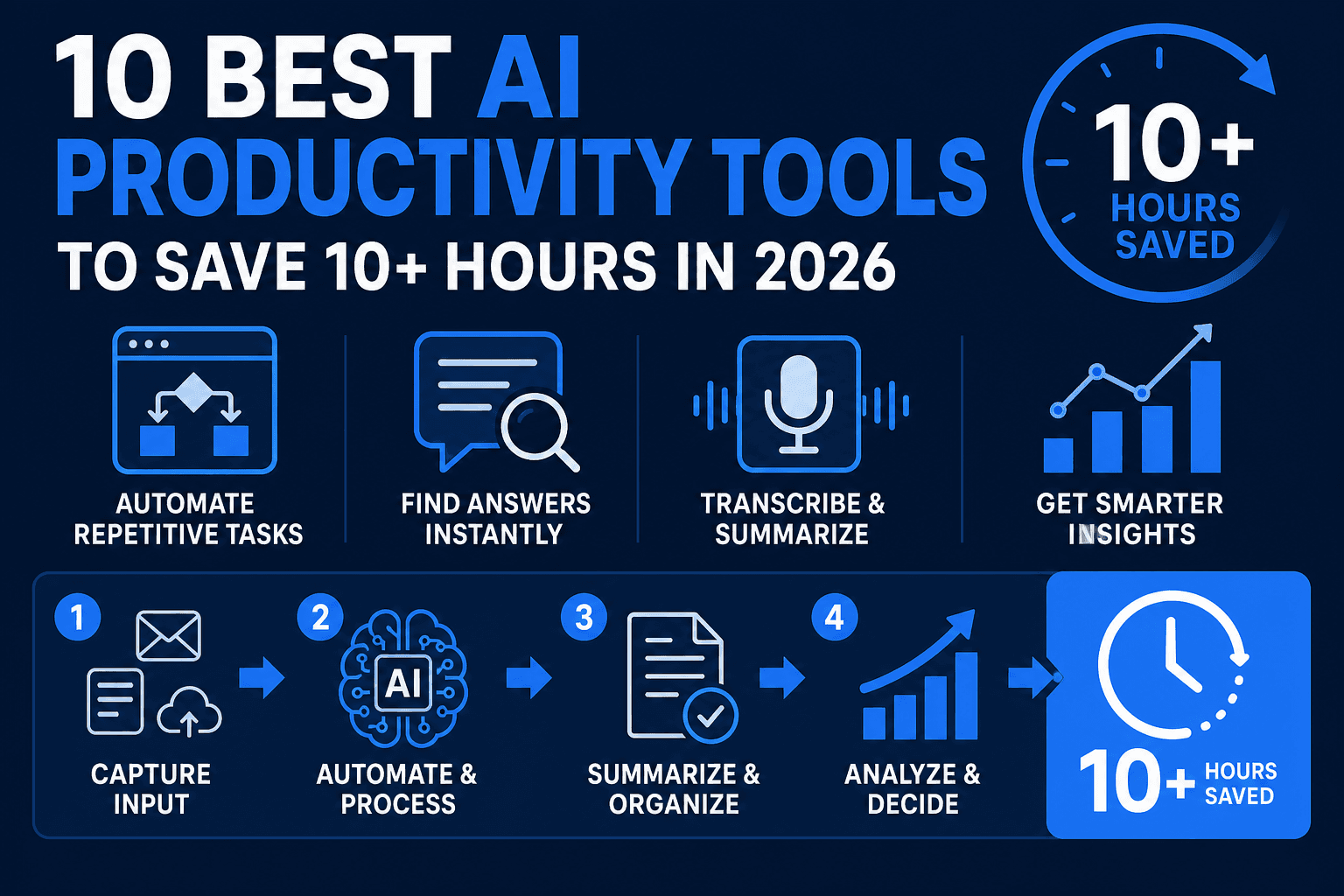
AI productivity tools allow you to automate repetitive tasks and reclaim roughly 10 to 15 hours of your workweek. By integrating these solutions into your daily routine, you can shift your focus from manual data entry to high-value creative work. This guide breaks down the top software stacks to help you work smarter and increase your hourly output.
The Shift Toward AI-Driven Workflow Automation
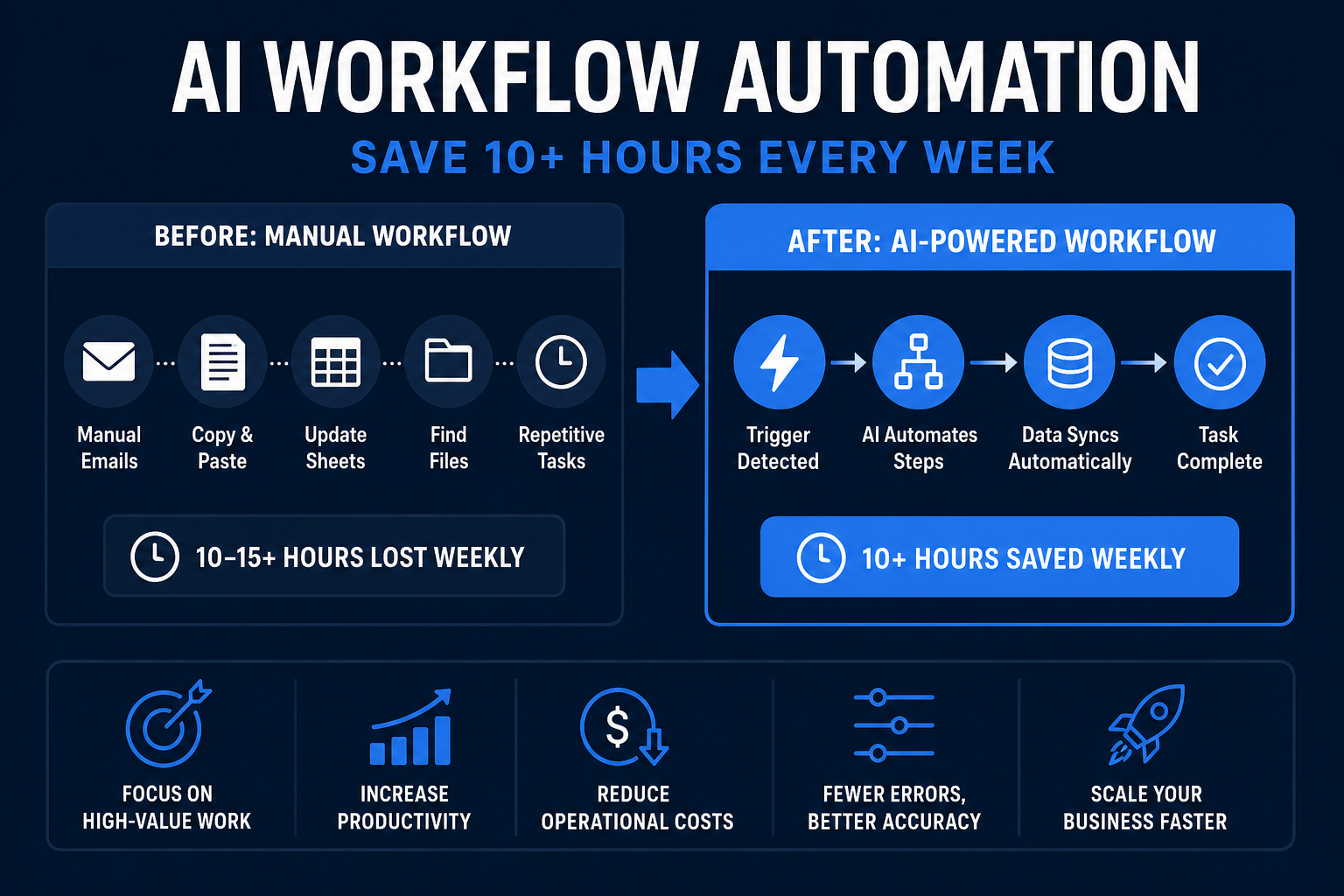
Modern efficiency is no longer about working harder; it is about delegating routine administration to intelligent algorithms. Software like Zapier now connects over 6,000 different applications, allowing users to build complex "if-this-then-that" sequences without writing a single line of code. This type of automation handles lead capture, CRM updates, and email sorting, which typically consumes 20% of a freelancer's day.
Beyond simple triggers, autonomous agents are beginning to handle multi-step reasoning. For example, CustomGPT.ai indexes your specific business documents in under 60 seconds, creating a private knowledge base that answers client queries or internal research questions instantly. This reduces the time spent searching through scattered PDFs and Slack threads.
Streamlining Team Communication and Meetings
Meeting fatigue is a primary drain on corporate output, but AI transcription services are changing how teams retain information. Instead of assigning a human note-taker, tools capture every word, identify speakers, and generate actionable summaries in real-time. This ensures that every stakeholder stays informed without needing to attend every sync.
Remote teams also use these tools to bridge language gaps through instant translation. By centralizing meeting data in a searchable archive, organizations prevent "information silos" where critical decisions are lost in unrecorded conversations. For a broader look at the ecosystem, see our guide on the best AI tools for modern professionals.
Data-Backed Decision Making and Analytics
Predictive analytics tools now allow small business owners to access insights previously reserved for enterprise corporations. By processing large datasets, AI identifies patterns in customer behavior or seasonal trends that a human analyst might miss. This leads to faster decision-making cycles and more efficient resource allocation.
Marketing teams specifically use these insights to determine the exact time to launch campaigns or the specific phrasing that triggers high conversion rates. When you remove the guesswork from your strategy, you reduce the risk of wasted spend and increase the overall ROI of your projects.
Overcoming Technical and Creative Friction
The most significant barrier to output is often "context switching"—the act of jumping between different apps and losing focus. Integrated AI assistants reside within your existing workspace, providing help where you already work. Whether it is generating a formula in a spreadsheet or drafting a project brief, these assistants keep you in a state of flow.
Furthermore, creative blocks are mitigated by generative drafting. Starting from a blank page is the slowest part of any project. By using AI to create a "Version 0.1," you move directly to the editing phase, which is significantly faster and less mentally taxing.
10 Top AI Productivity Tools for 2026
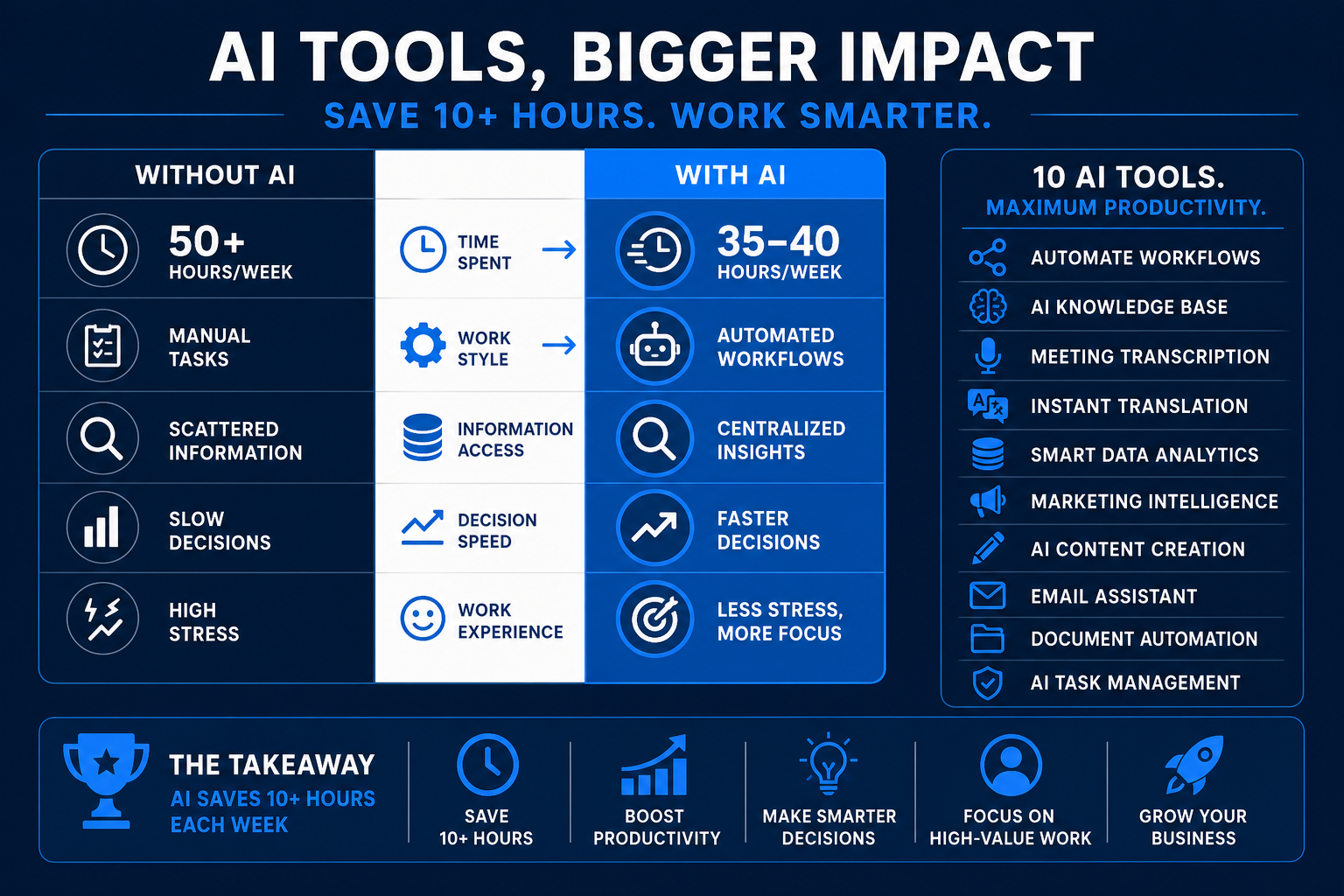
Choosing the right software depends on your specific bottlenecks. Here are the leading solutions categorized by their primary utility and ROI potential.
1. Notion AI
Notion AI functions as a collaborative partner within your existing workspace. It can transform messy meeting notes into structured project plans, generate brainstorm ideas, and summarize long-form documents instantly. It is particularly effective for students and project managers who need to organize vast amounts of unstructured text.
- Best For: Knowledge management and document organization.
- Pricing: Approximately $8/month as an add-on.
2. Otter.ai
Otter provides high-accuracy transcriptions for Zoom, Google Meet, and physical meetings. Its "OtterPilot" feature joins meetings on your behalf to record and summarize, even if you are double-booked. Users frequently report cutting post-meeting administrative work by 50% using the automated highlight feature.
- Best For: Transcription and meeting summaries.
- Pricing: Free basic plan; Pro starts at $16.99/month.
3. Zapier
Zapier is the glue that holds a productivity stack together. It creates "Zaps" that move information between apps automatically. For instance, you can set a trigger to save every Gmail attachment to Dropbox and then alert a specific Slack channel. According to Zapier's internal data, users save an average of 10 hours per week through automation.
- Best For: App integration and task automation.
- Pricing: Free plan available; Starter from $19.99/month.
4. CustomGPT.ai
CustomGPT.ai allows you to build a custom chatbot trained exclusively on your data. Unlike general AI, it won't "hallucinate" facts because it only draws from the documents you provide (SOPs, product manuals, or past emails). This is a massive time-saver for customer support and internal research.
- Best For: Custom business chatbots and private research.
- Pricing: Plans from $49/month.
5. Murf.ai
Murf.ai is a high-fidelity voice generator that replaces the need for expensive voiceover talent and studio equipment. You can convert a text script into a professional narration in minutes. It features over 120 voices across 20+ languages, making it ideal for training videos and podcasts.
- Best For: Voiceovers and audio content.
- Pricing: Free trial available; Basic from $19/month.
6. TryHolo.ai
TryHolo.ai specializes in social video repurposing. It takes long-form recordings (like webinars or YouTube videos) and automatically identifies the most "viral" moments to create short, captioned clips for TikTok and Instagram. This allows creators to multiply their social presence without extra filming.
- Best For: Video repurposing and social media growth.
- Pricing: From $29/month.
7. Jasper AI
Jasper is a sophisticated writing assistant built for marketing teams. It maintains your specific brand voice across blog posts, ad copy, and email campaigns. It also includes SEO tools to ensure the content you produce is actually discoverable by search engines like Google.
- Best For: High-volume marketing copy.
- Pricing: Pro plans from $49/month.
8. MidJourney
MidJourney generates high-resolution, artistic images from text descriptions. For bloggers and designers, this eliminates the need for generic stock photos. You can create custom branding elements or article illustrations in seconds, significantly lowering your creative production costs.
- Best For: Custom visual content and branding.
- Pricing: Starts at $10/month.
9. Asana
Asana has integrated AI to help with "work about work." It can predict project risks, suggest task priorities based on deadlines, and automate the assignment of recurring sub-tasks. This keeps large teams aligned without requiring constant manual check-ins.
- Best For: Complex project management.
- Pricing: Basic free plan; Premium starts at $10.99/user/month.
10. Gumroad
Gumroad is the premier platform for selling digital products created with the tools above. It automates the checkout process, VAT collection, and file delivery. If you are using AI to create templates or e-books, Gumroad is the fastest way to start earning.
- Best For: Selling digital products and side hustles.
- Pricing: 10% flat fee on sales.
Building Your First AI Productivity Workflow
Starting with these tools is most effective when you focus on one friction point at a time. Here is a practical four-week roadmap to implementation.
Step 1: Identify Your "Time Sinks"
Audit your last five workdays. Which tasks felt like "busywork"? Usually, these fall into three categories: data entry, scheduling, or drafting repetitive emails. Pick the one that takes at least 3 hours a week.
Step 2: Select a Single Solution
If your problem is meetings, start with Otter.ai. If it is moving data between platforms, start with Zapier. Do not try to learn five tools at once; you will likely abandon them all. Integrate your chosen tool into your current daily software.
Step 3: Measure the ROI
After two weeks, calculate how much time you've actually reclaimed. If a $20/month subscription saves you 10 hours, and your time is worth $50/hour, you’ve generated $480 in "found" value. This justifies moving to the next tool in your stack. For more ideas on cost-effective setups, read about free AI money tools available now.
Step 4: Refine and Scale
Once your first workflow is automated, look for ways to monetize your extra time. You might use the saved hours to build a side hustle, such as building multiple income streams through digital product sales or consulting.
Frequently Asked Questions
Which AI productivity tool is best for beginners?
Notion AI is the most accessible starting point. Since many people already use Notion for notes, the AI features feel natural and don't require complex setup or "prompt engineering" to provide immediate value.
Can AI productivity tools replace human employees?
No, they function as "force multipliers." AI handles the high-volume, repetitive parts of a job, allowing human employees to focus on strategy, empathy, and complex problem-solving that software cannot yet replicate.
How much do AI productivity tools cost on average?
Most professional-grade AI tools cost between $10 and $50 per month. However, many offer free tiers for individuals. For a solo freelancer, a robust "stack" usually costs around $100/month but can save $1,000+ in labor time.
Are AI productivity tools secure for business data?
Most reputable tools like CustomGPT and Asana use enterprise-grade encryption and allow you to opt out of having your data used for model training. Always check the "Data Privacy" section of a tool's settings before uploading sensitive documents.
How do I save 10 hours a week with AI?
The most common way is by automating three areas: meeting transcription (3 hours), email drafting/sorting (3 hours), and social media content creation/scheduling (4 hours). Using tools like Otter, Jasper, and Zapier makes this achievable.

Alex the Engineer
•Founder & AI ArchitectSenior software engineer turned AI Agency owner. I build massive, scalable AI workflows and share the exact blueprints, financial models, and code I use to generate automated revenue in 2026.
Related Articles

How to Start an AI-Assisted Resume Writing Side Hustle in 2026 (Beginner's Guide)
A step-by-step guide to using AI resume tools to offer a paid resume and cover letter writing service — what to charge, which tools to use, and how to find your first clients.

How to Build and Sell AI Voice Receptionists to Local Businesses in 2026
A beginner's guide to building AI voice agents that answer business phone calls — the tools to use, what to charge, and how to find your first client.

How to Make Money on Fiverr with AI Tools in 2026: 7 Gigs You Can Start This Week
Discover 7 real Fiverr gigs you can launch using free and low-cost AI tools in 2026 — no experience required. Real pricing data, step-by-step setup, and tools that actually work.