
AI Email Marketing Guide: How to Use AI to Write Better Emails and Grow Your List (2026)
A practical beginner's guide to using AI for email marketing — how to write subject lines, automate sequences, grow your list faster, and which tools actually save time.
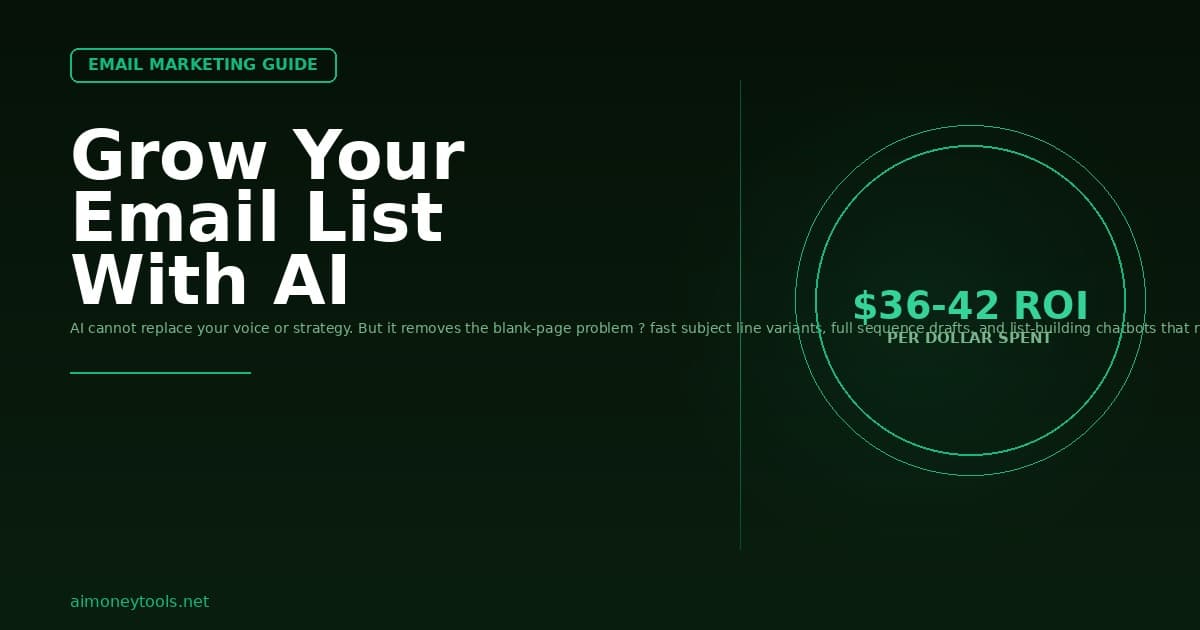
Email marketing still generates the highest ROI of any digital channel — studies consistently put it at $36 to $42 for every dollar spent. But most people quit because writing enough emails to stay consistent is a grind.
AI does not replace a good email strategy. What it does is remove the blank-page problem. This guide covers how to use AI tools to write stronger subject lines, draft full sequences, clean your list, and grow your subscriber count without burning hours per week.
Why Email Marketing Still Works in 2026
Social platforms change their algorithms constantly. Your follower count on any platform can be cut in half overnight because of a policy change, a platform shift, or a banned account.
Your email list belongs to you.
When someone gives you their email address, you have a direct line to them that no algorithm controls. This is why professional bloggers, online course sellers, freelancers, and content creators treat list growth as their top metric — not social followers.
The problem: staying consistent with email takes time. Writing subject lines, bodies, call-to-action copy, and plain-text alternatives for 12 to 26 emails per year (bi-weekly cadence) is a real workload. AI cuts that workload significantly.
What AI Can (and Cannot) Do for Email Marketing
AI is useful for:
- Drafting subject line variations and testing multiple angles
- Writing first drafts of newsletter bodies and drip sequences
- Repurposing blog posts into email-ready summaries
- Rewriting weak intros and calls-to-action
- Suggesting segmentation ideas based on audience behavior
- Answering subscriber questions via an AI chatbot (list growth + engagement)
AI cannot replace:
- Knowing your audience and what they actually care about
- Your personal stories, case studies, and original insights
- List hygiene decisions (which subscribers to cut and when)
- Offer strategy (what to sell, at what price, in which sequence)
If your emails have no personality or original perspective, AI will amplify that — it will write a technically competent blank. You still need to bring the substance.
Step 1: Write Subject Lines That Get Opens
The subject line determines whether anyone reads your email. AI is especially good here because it is fast at generating variations.
How to use it:
- Write one honest subject line that describes what the email is about
- Ask your AI tool to generate 10 variations — include one urgent, one curiosity-driven, one benefit-focused, one question
- Pick the two best and A/B test them in your email platform
Example prompt:
"My email is about how I saved 3 hours per week using AI to batch-write my newsletter. Write 10 subject line variations: include emotional, practical, curiosity, and question styles. Keep all under 50 characters."
What to avoid:
- Subject lines that promise more than the email delivers (high open rate, high unsubscribes)
- Clickbait phrases that spam filters flag ("FREE", "LIMITED TIME", all caps)
- The same subject line structure every week (your open rates will flatten)
Step 2: Draft Email Sequences with AI
A welcome sequence (3 to 5 emails sent over the first two weeks) is the highest-leverage email asset you can build. New subscribers are most engaged immediately after signing up. A good welcome sequence can generate more revenue than your entire archive.
Structure for a beginner AI-assisted sequence:
Email 1 (Day 0) — Deliver the lead magnet and introduce yourself
- One paragraph about who you are and what this list is for
- Deliver the promised resource or content
- Tell them what to expect next
Email 2 (Day 2) — Your best piece of content
- The single most useful thing you have written or recorded
- No pitch, no ask — pure value
Email 3 (Day 5) — Your story and the problem you solve
- Why you built this, what it cost you to figure out
- Transition into what you can help them achieve
Email 4 (Day 8) — Social proof and soft offer
- A testimonial, result, or case study
- Mention your product, course, or service naturally — not aggressively
Email 5 (Day 12) — Hard value + clear CTA
- A quick-win tip they can implement today
- One clear call-to-action: link to your main offer or resource page
For each email, use AI to write the first draft based on your outline. Edit to add your own voice, remove anything that sounds generic, and make sure the transitions between emails feel like one continuous conversation.
Step 3: Use a Custom AI Chatbot to Grow Your List
One of the most underused list-building tactics right now is adding an AI assistant to your website that helps visitors find exactly what they need — and captures their email address to follow up with personalized resources.
CustomGPT lets you build a chatbot trained on your own content — your blog posts, guides, lead magnets, product pages. When someone visits your site and asks a question, the chatbot gives them a real answer from your content instead of a generic AI response.
Why this builds your list:
- Visitors who get genuinely useful answers are far more likely to opt in for more
- You can gate certain answers behind an email opt-in
- The chatbot can recommend specific resources based on what each visitor is asking about
- It runs 24/7 with no additional effort after setup
For a blog in the AI tools or side hustle space, a custom chatbot that answers questions like "What AI tool is best for beginners?" or "How do I start making money with AI with no experience?" can convert passive readers into subscribers at a meaningfully higher rate than a static lead magnet.
Step 4: Repurpose Blog Content into Newsletter Emails
If you are already publishing blog content, you are sitting on a backlog of email material. Every 1,500-word article can become 2 to 3 newsletters. AI makes this fast.
The repurposing workflow:
- Paste your article into your AI tool
- Ask it to write a 300-word email version: one key insight, one practical takeaway, one CTA
- Add your personal intro (what prompted you to write this, a quick story)
- Review and edit for your voice
- Schedule — done
This works especially well for how-to guides, tool reviews, and case studies. The email version teases the article, adds your personal commentary, and drives clicks back to your site — which is good for both your engagement metrics and your GSC click-through rate.
Step 5: Maintain List Hygiene
A large list of disengaged subscribers hurts your deliverability. Most email platforms factor your open and click rates into your sender reputation. If your opens drop below 15 to 20%, your emails start landing in spam folders.
When to clean your list:
- Every 90 days, identify subscribers who have not opened in 90+ days
- Send a re-engagement sequence (2 to 3 emails asking if they want to stay)
- Remove anyone who does not respond or click
AI can help with re-engagement copy. A subject line like "Should I remove you from this list?" consistently outperforms standard re-engagement messaging because it is honest and it respects the subscriber's time.
Best AI Tools for Email Marketing in 2026
| Tool | Best For | Pricing |
|---|---|---|
| ChatGPT (GPT-5.4) | Subject lines, drafts, rewrites | Free tier; Plus $20/mo |
| Claude (Anthropic) | Long-form sequences, nuanced tone | Free tier; Pro $20/mo |
| CustomGPT | AI chatbot on your site for list capture | From $49/mo |
| Mailchimp AI | Subject line suggestions within Mailchimp | Built into paid plans |
| Beehiiv | Newsletter platform with AI writing assist | Free to $99/mo |
For most beginners, ChatGPT or Claude for drafting plus your existing email platform (Mailchimp, ConvertKit, Beehiiv, or Kit) is enough. The CustomGPT addition makes sense once you have existing content and want to accelerate list growth from organic search traffic.
Frequently Asked Questions
Can AI write all my emails for me?
AI can write first drafts quickly, but the most effective emails contain personal stories, original opinions, and your specific experience — none of which AI has access to. Use AI to remove the blank page, then layer in your voice, examples, and perspective. Emails that read like pure AI output tend to have high unsubscribe rates because they feel impersonal.
What is the best AI tool for email marketing beginners?
For writing and editing, ChatGPT (free tier) or Claude (free tier) covers most needs. Both can write subject lines, draft sequences, and rewrite weak copy. For list-building automation via an AI chatbot on your website, CustomGPT is worth exploring once you have at least 10 to 15 articles of content to train it on.
How do I use AI to improve my open rates?
Use AI to generate 8 to 10 subject line variations for each email. Look for the angle that is specific (mentions a number or outcome), curious (implies information the reader does not know), or personally relevant (speaks directly to a pain the audience has). A/B test the top two in your email platform and let the data guide you.
How often should I send emails to my list?
For a content-driven list (blog, newsletter, side hustle audience), bi-weekly is the baseline — enough to stay present without overwhelming subscribers. Once per week is better if your content is consistently high quality. Under once per month, subscribers forget who you are and unsubscribe rates spike.
Is email marketing worth starting in 2026?
Yes. Email remains the highest-ROI digital marketing channel available to independent creators and small businesses. AI has lowered the production cost of consistent email marketing dramatically. The combination of your own list (not platform-dependent) plus AI-assisted writing is one of the better investments of time for anyone building an online audience or business.
How do I grow my email list fast with AI?
The highest-leverage combination right now is: (1) a specific lead magnet that solves one narrow problem, (2) an AI chatbot on your site that helps visitors find answers and suggests the lead magnet contextually, and (3) repurposed blog content as the traffic driver. CustomGPT handles the chatbot layer and can be trained on your existing content to answer questions and capture emails from organic traffic.
What is a drip sequence?
A drip sequence is a pre-written series of emails sent automatically at set intervals after someone subscribes. A welcome drip delivers your best content in the first 1 to 2 weeks while subscribers are most engaged. AI helps you write the whole sequence in one session rather than one email at a time.

Alex the Engineer
•Founder & AI ArchitectSenior software engineer turned AI Agency owner. I build massive, scalable AI workflows and share the exact blueprints, financial models, and code I use to generate automated revenue in 2026.
Related Articles

How to Start an AI-Assisted Resume Writing Side Hustle in 2026 (Beginner's Guide)
A step-by-step guide to using AI resume tools to offer a paid resume and cover letter writing service — what to charge, which tools to use, and how to find your first clients.

How to Build and Sell AI Voice Receptionists to Local Businesses in 2026
A beginner's guide to building AI voice agents that answer business phone calls — the tools to use, what to charge, and how to find your first client.

How to Make Money on Fiverr with AI Tools in 2026: 7 Gigs You Can Start This Week
Discover 7 real Fiverr gigs you can launch using free and low-cost AI tools in 2026 — no experience required. Real pricing data, step-by-step setup, and tools that actually work.