
9 Essential Blog Templates to Grow Your Audience in 2026
Streamline your content creation with these 9 essential blog templates. Learn how to structure posts for better SEO, engagement, and affiliate revenue.
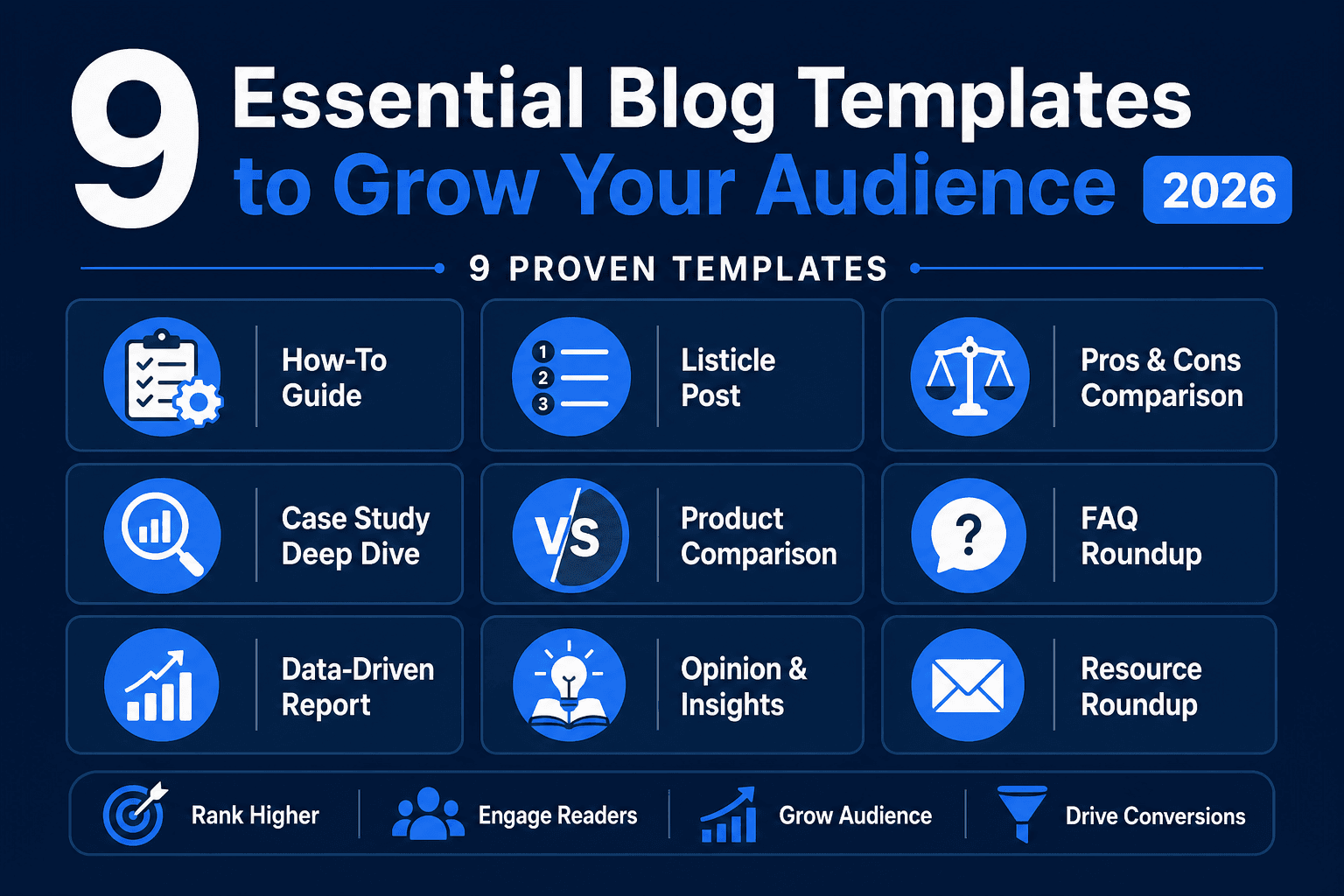
Using a structured blog post layout allows you to produce high-quality content faster while maintaining consistent SEO standards. Instead of staring at a blank cursor, these frameworks provide a roadmap for every article you write. This guide—last updated in April 2026 to reflect the latest generative engine optimization (GEO) trends—breaks down nine essential formats that help you rank higher and convert more readers into customers.
Why Consistent Frameworks Improve Content ROI
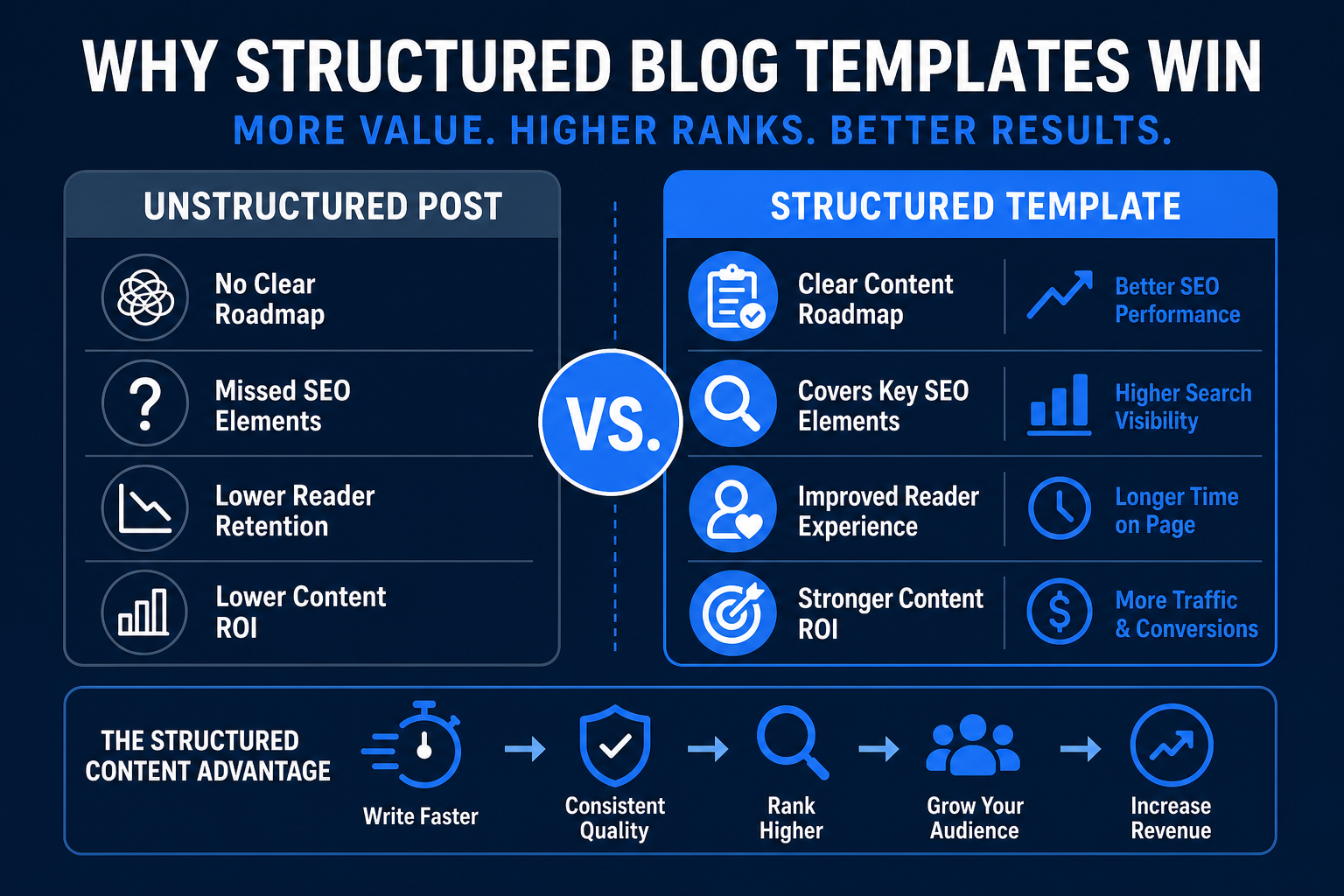
Standardized content structures reduce the mental fatigue of writing while ensuring you never miss critical SEO elements. By following a proven format, you can focus entirely on the value of your information. Recent industry benchmarks show that top-performing blogs now prioritize "Information Gain"—the inclusion of unique data or personal insights not found in AI training sets.
When you use a repeatable blog post layout, you create a familiar experience for your readers. They know exactly where to look for the "pros and cons" or the "final verdict." This predictability builds trust and keeps visitors on your page longer. Furthermore, these structures make it easier to earn money with ChatGPT by providing the AI with a strict structural prompt to follow.
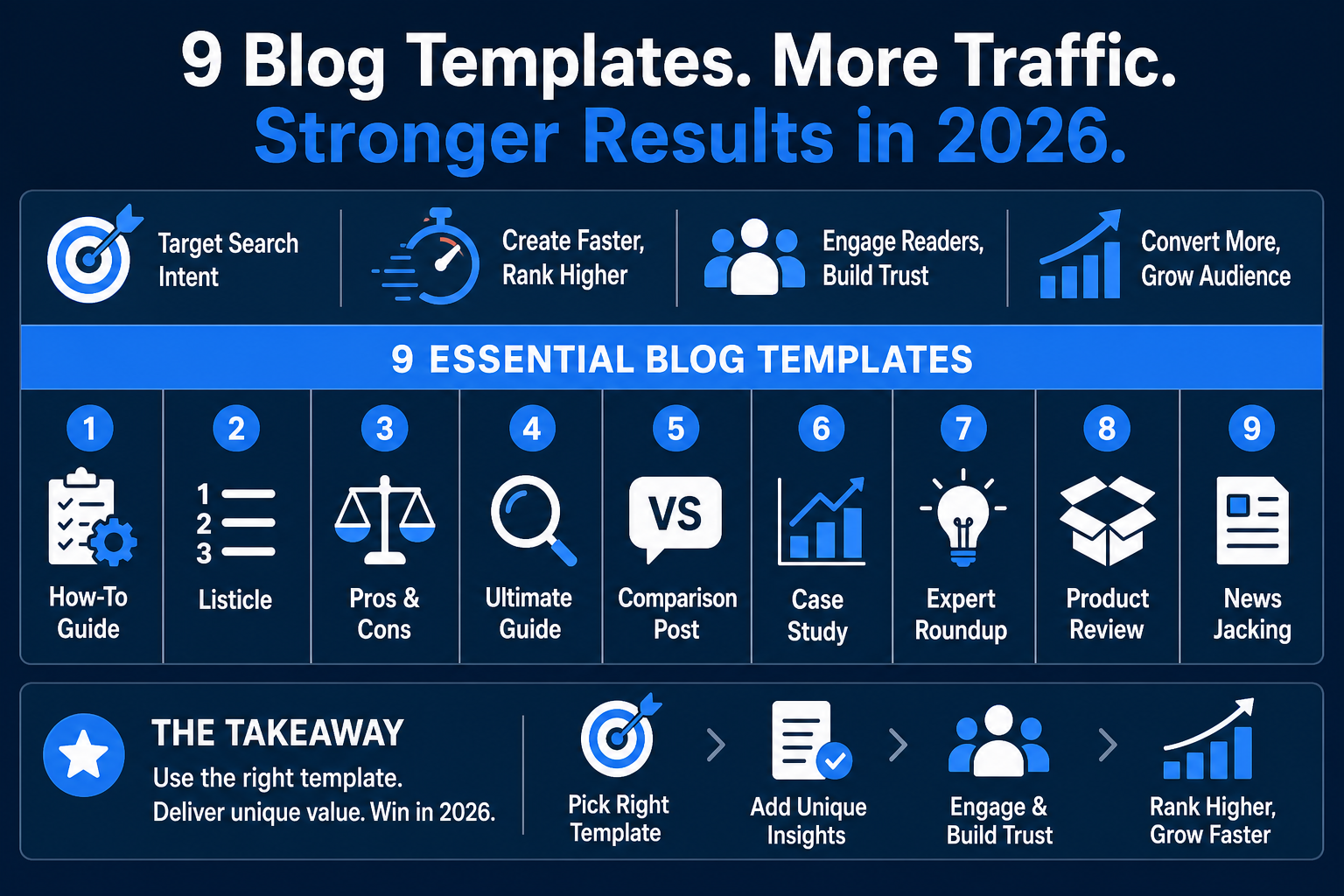
1. The Ultimate How-To Guide Template
The "How-To" guide is a cornerstone of search traffic. In 2026, the key is specificity. Don't just write "How to Bake a Cake"; write "How to Bake a Keto-Friendly Sponge Cake for Under $15."
Actionable Steps:
- Search Intent Audit: Check the "People Also Ask" section for your keyword.
- Prerequisites: List software, hardware, or budget requirements.
- The Step-By-Step: Use H3 tags for each step.
- Troubleshooting: Add a "What to do if [Step 3] fails" section.
For technical tutorials, utilizing CustomGPT.ai can help you index your own documentation to generate these guides in under 60 seconds with 100% factual accuracy.
2. The High-Converting Listicle Format
Listicles remain the most shared content type on X and LinkedIn. However, "thin" lists no longer rank. To add real value, every item in your list needs a proprietary data point or a specific use case.
For example, a list of AI side hustle ideas should include estimated startup costs (e.g., $0–$50/mo for basic API subscriptions) and potential earnings based on current platform rates (e.g., $25–$150 per prompt engineering gig).
3. Data-Driven Case Study Template
Case studies move prospects through the middle of the funnel by proving your methods work.
- The Challenge: State the initial problem with hard numbers (e.g., "Client was spending $4,000/mo on manual data entry").
- The Solution: Describe the implementation of AI productivity tools.
- The Results: Show the 12-month ROI (e.g., "Reduced overhead by 72% within 90 days").
4. The Deep-Dive Product Review
Review articles are the primary driver for AI affiliate programs revenue. To rank well today, your reviews must show "originality and hands-on experience."
Essential Review Elements:
- The Verdict Box: A summary at the top with a score and a "Buy" button.
- The "Who is this for?" Section: Identify the user (e.g., "Solopreneurs" vs. "DevOps Teams").
- Feature Deep Dive: For instance, when reviewing Murf.ai, don't just say it has voices; explain that it offers over 120+ voices in 20+ languages, which is essential for global YouTube automation with AI.
5. The Expert Roundup Framework
Instead of generic advice, ask 5 experts one specific question: "What is the #1 mistake you see in [Topic] this year?" This creates a high-authority page that experts will likely share with their own followers, driving high-quality backlinks to your site.
6. Head-to-Head Comparison Template
When a customer is stuck between two choices, they are at the highest point of purchase intent.
- The Comparison Table: Create a 3-column table (Feature | Tool A | Tool B).
- The Tie-Breaker: Pick one specific feature that makes one tool better for a specific niche.
- Pricing Reality: Mention hidden costs like "API usage fees" or "seat minimums" which usually start at $15-$30 per user for premium AI SaaS.
7. The Narrative Personal Story
Personal stories are the ultimate defense against AI-generated noise. Use the "Problem-Agitation-Solution" framework. Talk about your journey selling digital products online and be honest about the $0 months. This builds a "parasocial" connection with your audience that keeps them coming back to your specific URL.
8. The Q&A Interview Format
Interviews provide exclusive content that competitors can't replicate. Actionable Tip: Don't just transcribe. Use a tool like Ampere.sh to analyze the audio and pull out the most "sharable" quotes for X/Twitter. Focus on the "why" behind the expert's decisions rather than just the "what."
9. Breaking News and Trends Template
News-style posts capitalize on "Query Deserves Freshness" (QDF).
- The Summary: 3 sentences explaining the news.
- The Impact: How this affects the reader's wallet or workflow.
- The Call to Action: "Join my newsletter to get these updates before they hit the mainstream."
Frequently Asked Questions
What is the most profitable blog template for AI-focused sites?
The Product Review and Head-to-Head Comparison templates are the most profitable. This is because they target "commercial intent" keywords. For example, a user searching "Murf.ai vs. ElevenLabs" is much closer to a purchase than someone searching "what is AI voice?"
How long should a blog post be to rank on Google in 2026?
Word count matters less than "search task accomplishment." However, for competitive niches like how to make money with AI, aim for 1,500 to 2,500 words to ensure you cover all LSI (Latent Semantic Indexing) keywords and provide enough depth to satisfy Google's E-E-A-T requirements.
How often should I update these templates?
You should audit your top 10 highest-traffic posts every 6 months. In the fast-paced AI world, pricing for tools often changes monthly (e.g., a tool might shift from a $20 flat fee to a credit-based system), and failing to update this data can lead to a "low quality" signal from Google.
Can I use AI to fill out these templates?
Yes, but use the "Human-in-the-Loop" method. Use AI for the prompt engineering of the outline and first draft, then manually inject real-world screenshots, current pricing data, and personal anecdotes. Google’s algorithms are increasingly adept at filtering out "pure AI" content that lacks human oversight.
How do I optimize these templates for mobile readers?
Use the "1-2-3 Rule": No more than 1 idea per paragraph, no more than 2-3 sentences per paragraph, and use a list or image every 3 paragraphs. This keeps the "wall of text" effect at bay and reduces your bounce rate, which is a critical ranking factor.
Get the Blueprint: Want to launch a profitable AI business from scratch? Grab The Ultimate AI Toolkit ($19) — a 200+ page framework featuring exact implementation steps for content automation, consulting, and AI agency building.

Alex the Engineer
•Founder & AI ArchitectSenior software engineer turned AI Agency owner. I build massive, scalable AI workflows and share the exact blueprints, financial models, and code I use to generate automated revenue in 2026.
Related Articles

How to Start an AI-Assisted Resume Writing Side Hustle in 2026 (Beginner's Guide)
A step-by-step guide to using AI resume tools to offer a paid resume and cover letter writing service — what to charge, which tools to use, and how to find your first clients.

How to Build and Sell AI Voice Receptionists to Local Businesses in 2026
A beginner's guide to building AI voice agents that answer business phone calls — the tools to use, what to charge, and how to find your first client.

How to Make Money on Fiverr with AI Tools in 2026: 7 Gigs You Can Start This Week
Discover 7 real Fiverr gigs you can launch using free and low-cost AI tools in 2026 — no experience required. Real pricing data, step-by-step setup, and tools that actually work.